What extending a video with AI actually does
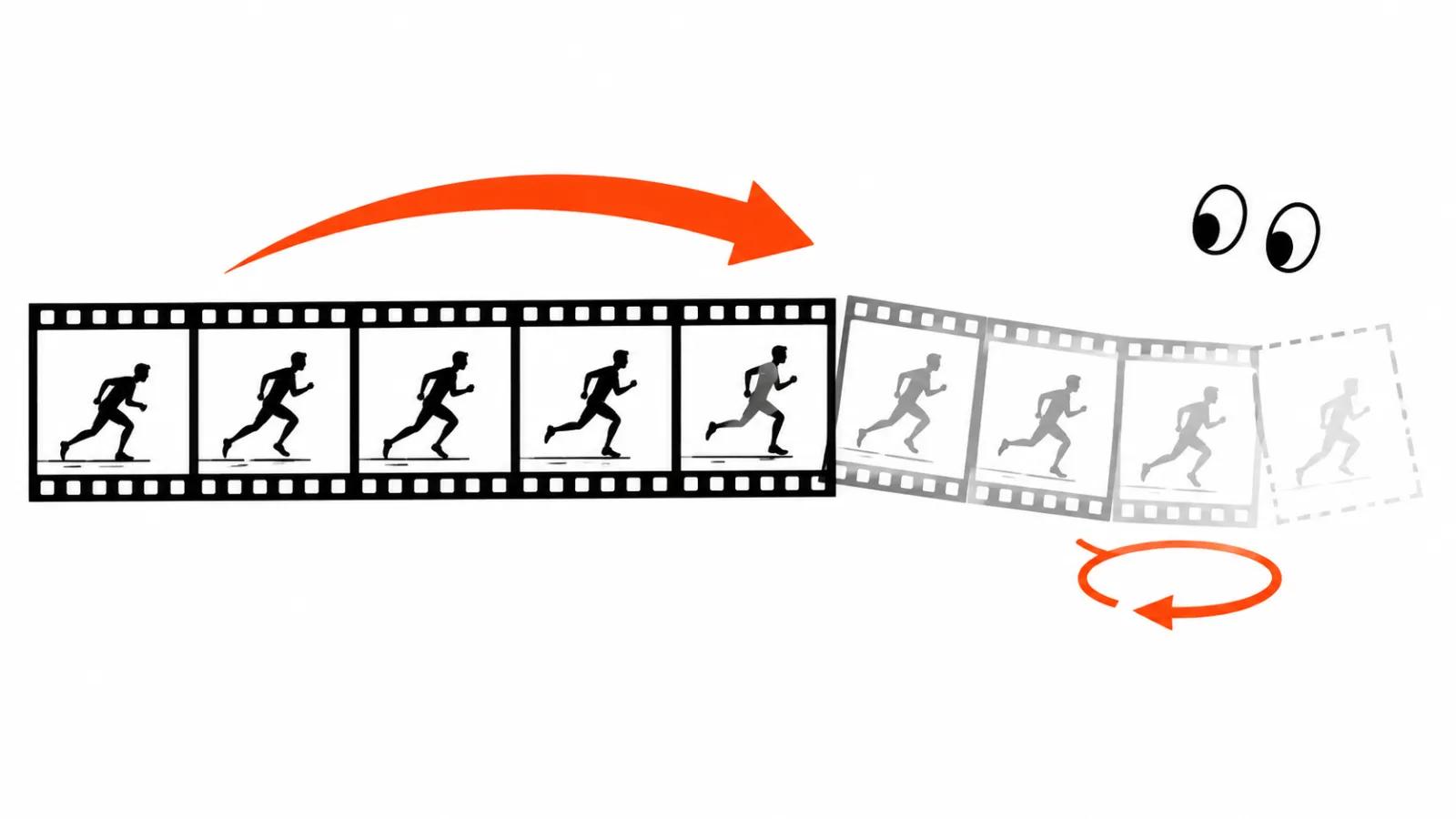
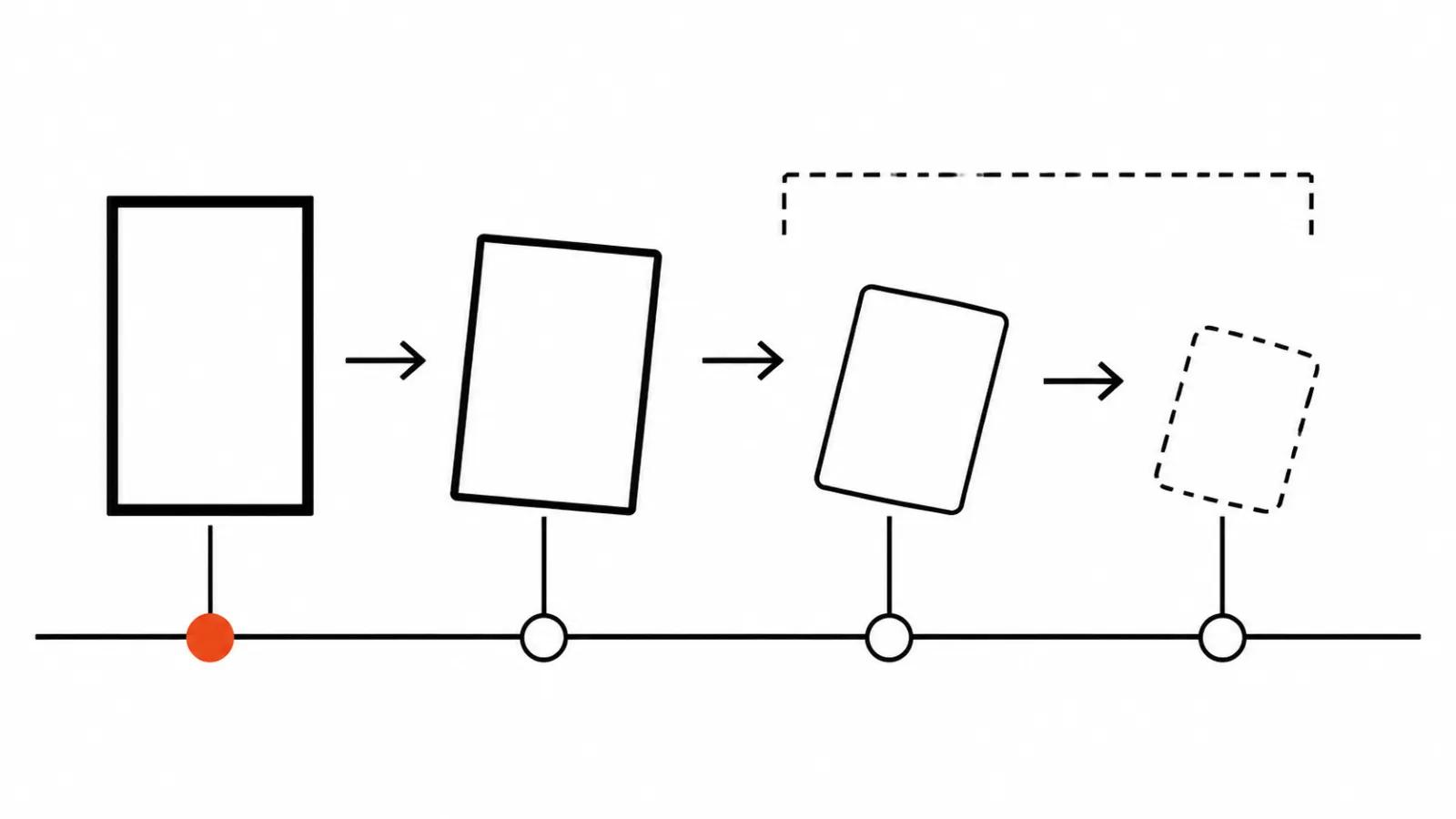
Extending means the model takes a finished clip and draws more frames after the last one, before the first one or on both sides. You do not generate from text again: the model reads the source and keeps the light, the motion and the framing. For a writer it is a way to stretch a shot to the length the edit needs without building a new scene. For an editor it repairs a jump cut.
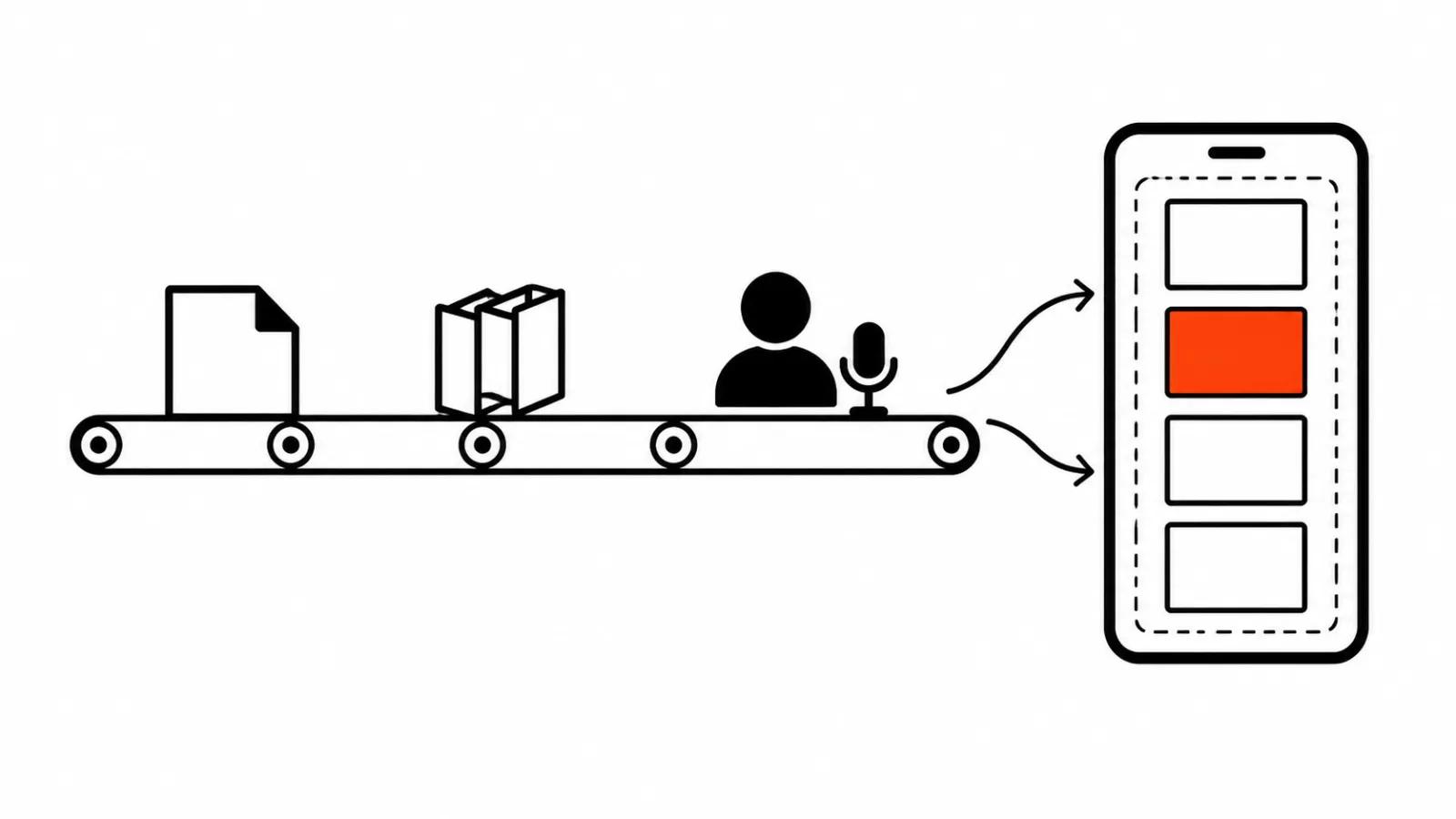
All three services follow the same shape. You hand over a clip, a prompt and a length, you get a new file back. What differs is the ceiling and how long the picture stays recognizable.
Wan 3.0: extend a video backwards, forwards or both ways
Alibaba Cloud updated the documentation on October 27, 2026. The call takes reference_video plus a prompt containing extend or continue, and a mode sets the direction: continue after the last frame, fill in the opening before the first frame, or both ends at once.
Length goes in the duration parameter. You can pass -1 and let the model choose, or give the total including the source: five seconds of source plus two seconds of extension makes seven. The hard cap is 30 seconds for source and result combined. Up to five reference videos are allowed, 15 seconds in total.
Output comes in 480P, 720P or 1080P at 30 frames per second, with audio on by default. The result link lives for 24 hours, so download it right away. There is a workaround for longer scenes: take the final frame as first_frame and run a normal generation in first-frame-to-video mode.
Veo in Flow: the Extend button and a 148 second ceiling
In Google Flow the Extend button works on clips made with Veo. Pick the clip, hit Extend, describe the continuation in words, and you get another segment. A file uploaded from your drive will not work.
The Gemini API documentation spells the same feature out: extending Veo 3.1 adds 7 seconds per pass, up to 20 passes, 148 seconds in total. The constraints are tight. Only 720p, only 16:9 or 9:16, only video generated by Veo, and only within two days of storage. Audio does not carry over when the last second of the clip has no voice.
One separate note about the API. Google shut the Veo 3.1 preview in the Gemini API on October 22, 2026 and points developers to Gemini Omni Flash, model id gemini-omni-1.1-flash, or to the generally available models. For integrations the Veo 3.1 route is closed for now, while extending inside Flow keeps working.
Kling: up to three minutes
The Kling help pages promise extension up to three minutes and two modes. Auto-Extend continues on its own, following the logic of the source. Customized Extend takes a prompt per pass, so each new segment can head somewhere else.
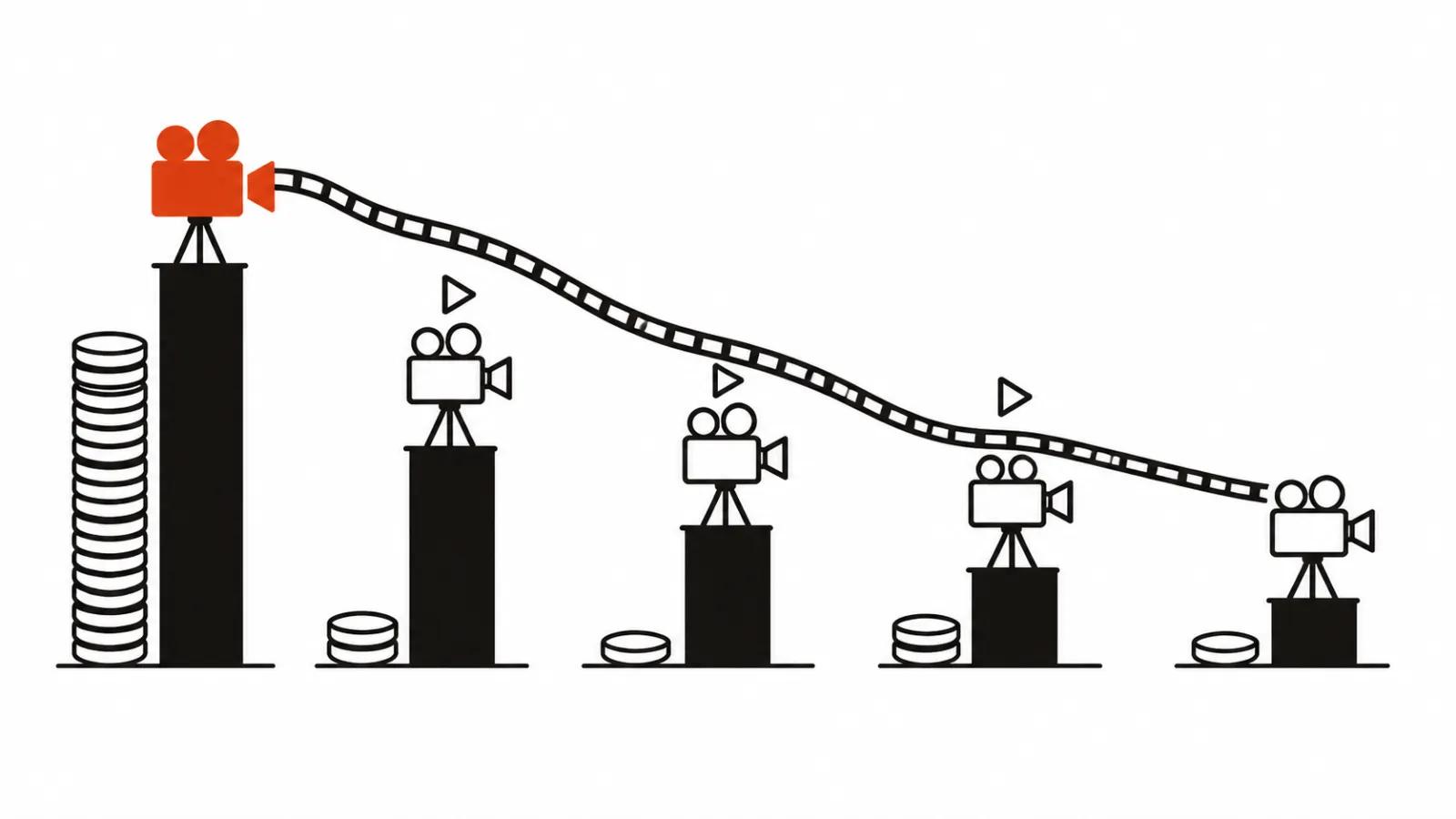
Three minutes arrive as a chain of passes. Every link depends on the one before it, and a mistake in the middle follows you to the end. By the fourth pass it is usually cheaper to regenerate that segment than to keep dragging a broken scene.
Why every pass adds drift
My position: extension works as a patch and fails as a method. Each pass starts from the last frame and builds outward, so the face, the lighting and small details slide a little every time. On the first pass you cannot see it. By the fifth you can read it in the eyes and in the texture of a jacket.
The practical rule is boring. Plan a scene in short pieces of 5 to 10 seconds and cut them together, then use extension to stretch the one shot that came out a second or two short. If a shot will not stretch even that way, a fresh generation with a different prompt is simpler.
The table answers the question about length and says nothing about quality. Three minutes on Kling looks better than 30 seconds on Wan until you watch the faces at the end of the chain.
| Service | How much it adds | Constraints |
|---|---|---|
| Wan 3.0 | up to 30 seconds including the source | 480P, 720P, 1080P, 30 frames per second, link lives one day |
| Veo 3.1 in the Gemini API | 7 seconds per pass, up to 20 passes, 148 seconds total | 720p, 16:9 or 9:16, Veo output only, two days of storage, preview closed October 22 |
| Veo in Google Flow | one more segment via the Extend button | clips generated with Veo only |
| Kling | up to three minutes | Auto-Extend or Customized Extend with a prompt per pass |
How I would extend a video on a real project
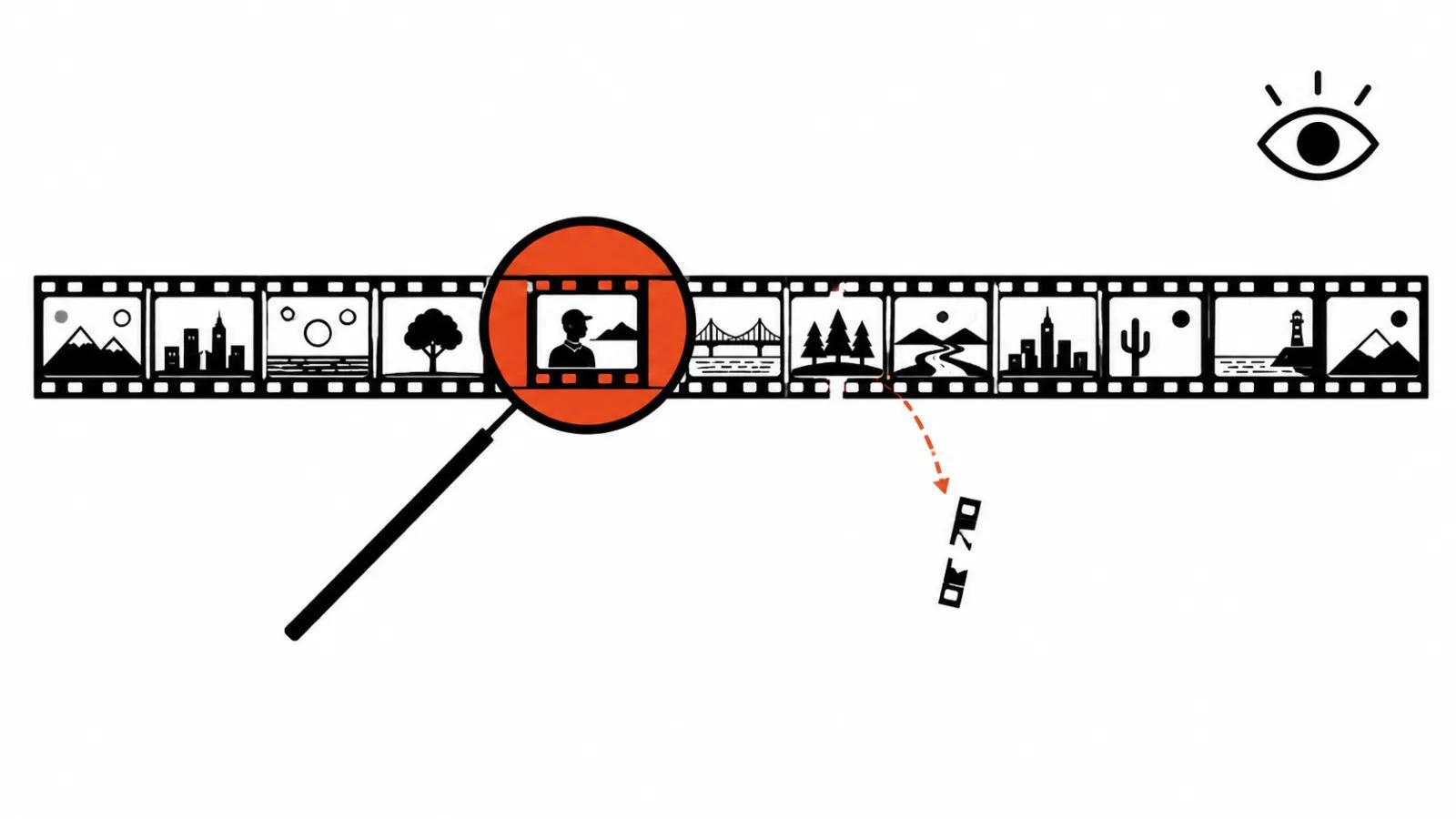
First I measure the scene and cut it into pieces of 5 to 10 seconds. Extension stays for two cases: a shot that runs a second or two short, and a transition that does not match on motion.
Then the order of checks. Generate the first piece, inspect the face, the light and the props, and only then extend. If you review at the end of the chain, the whole tail goes in the bin with the bad pass.
Third, downloads. A Wan 3.0 link lives 24 hours and Veo keeps results for two days, so a habit of saving work for later turns into a second generation.
Fourth, rights. Extending someone else's footage without permission is off limits: you are adding to another person's work and publishing it as your own. Your own sources are fair game, phone footage included.
Volume decides the rest. One video a month runs fine on a subscription and a couple of passes. Short-form video at scale and paid social need a template, since extending every version by hand does not scale. When the video has to arrive turnkey, handcrafted AI videos from $190 come at a fixed price. When a scene grows out of a frame you already own, our guide on turning a photo into video covers the entry point, and the cutting side is covered in the piece on AI video editing. Our own AI video production follows the same routine: short pieces, a selection pass, then the edit.