What AI actually does for video audio
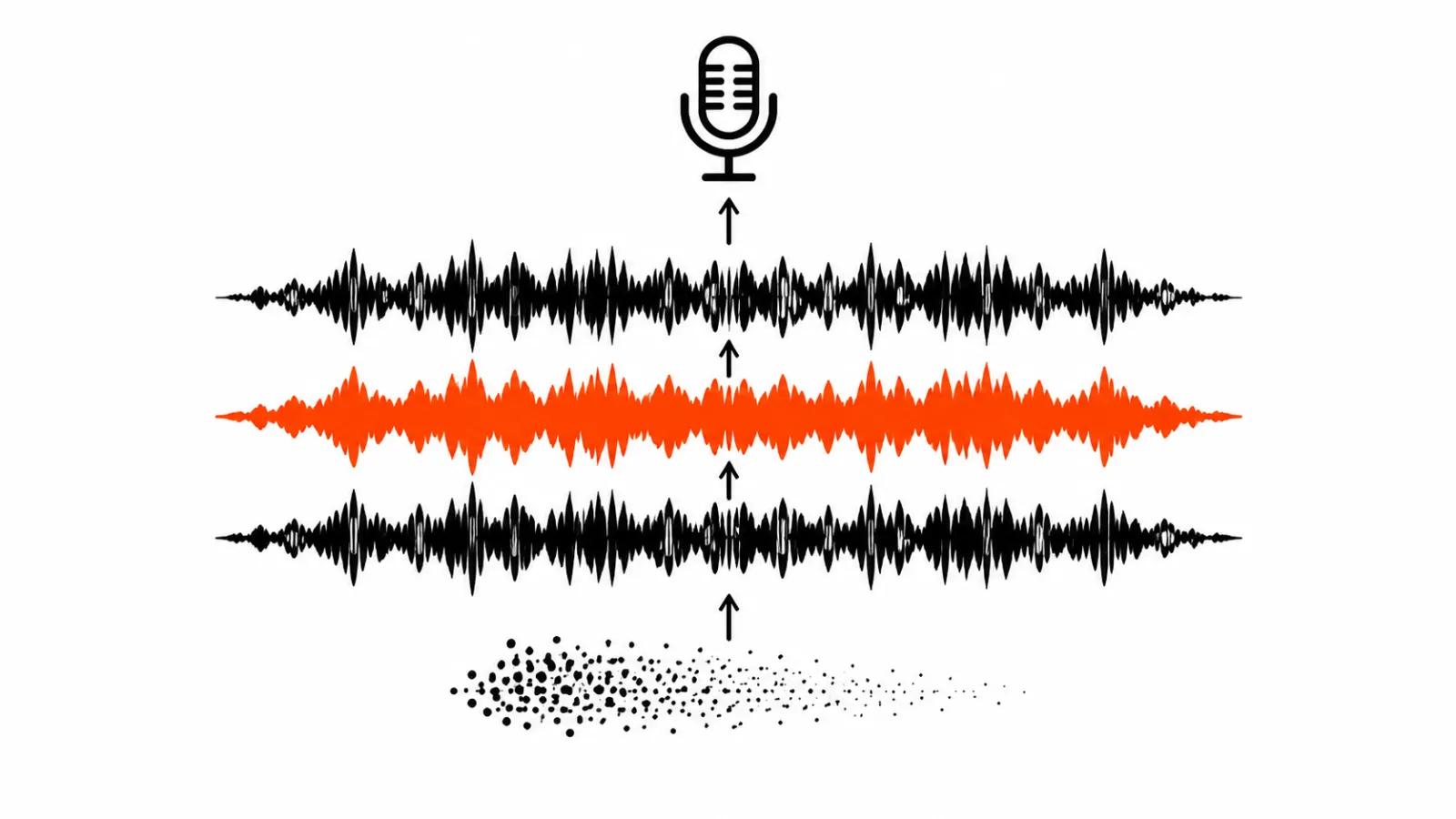
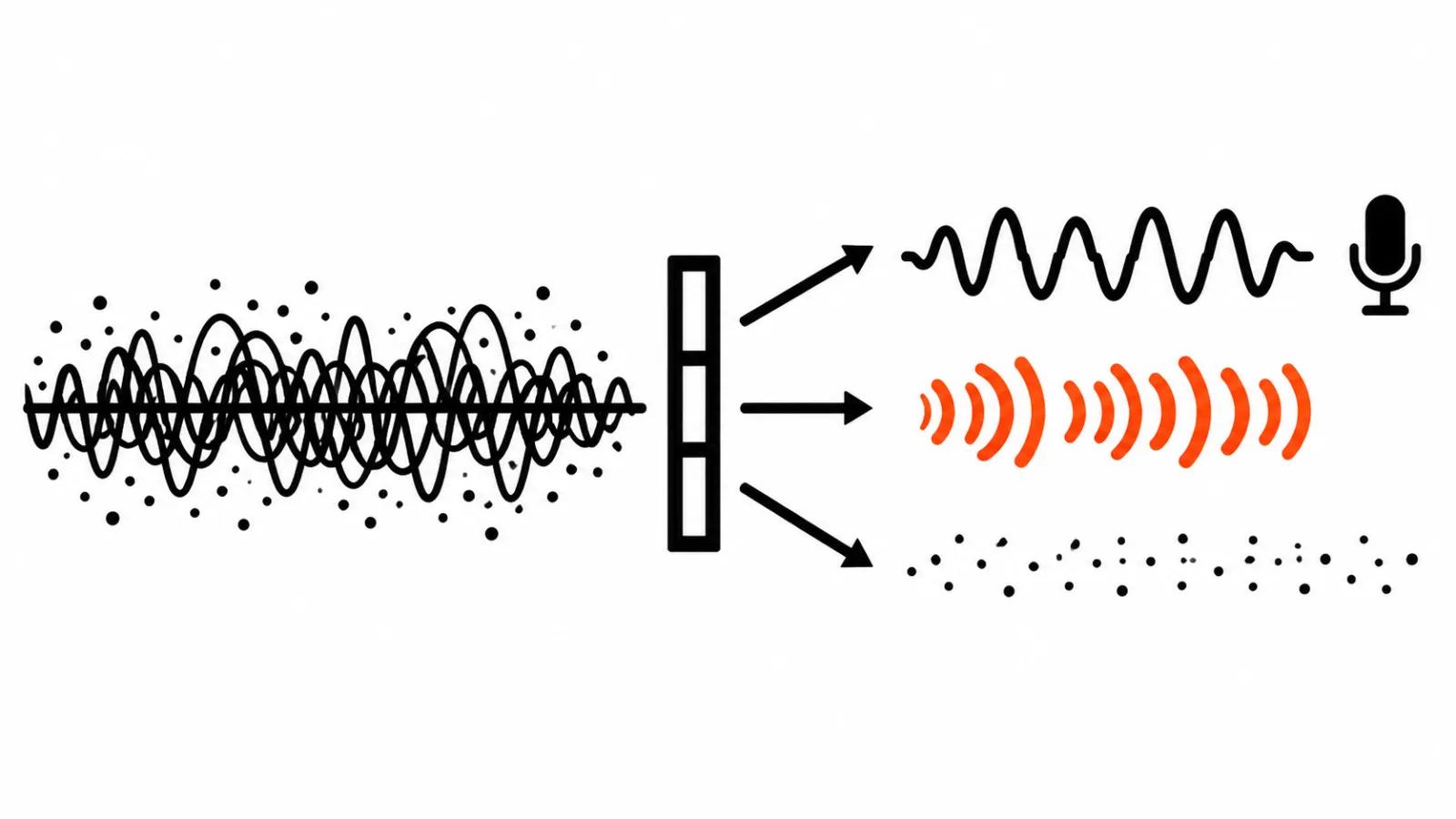
A model listening to a voice recording does the slow part for you: it separates the track into layers. Speech, music, sound effects and background sit apart, and each layer can be cut or lifted. In Adobe Firefly that is a set of sliders in the Timeline: Speech, Speech enhancement, Reverb, Music, Sound effects, Ambience. The help page was updated on October 28, 2026, and Enhance audio is still in beta.
Broken audio in a finished video is usually a balance problem between layers. Music sits louder than the voice, street noise covers an interview, room echo smears everything. Separation gives you access to each of those problems on its own.
The limits show up right away. A layer can be lowered or raised, while swallowed word endings and clipping from a hot input cannot be recovered, since that information never reached the file. When there is no voice at all, the job changes: that is AI voiceover for video, and it runs on different tools.
Adobe Firefly: Enhance audio sliders in the Timeline
In the Firefly web editor the mode handles clips up to 30 minutes. Processing can take several minutes, so plan the wait on a long piece instead of assuming it is instant.
Six sliders split the recording by meaning. Speech sets how loud the dialogue sits, Speech enhancement handles clarity and cleanliness, Reverb handles the room tail, Music handles music, Sound effects handles one-off noises like a door or a chair, Ambience handles the general background of a room or a street.
The advice in Adobe's help is short and inconvenient for anyone used to pushing everything to maximum: moderate speech enhancement sounds more natural. Audible filtering gives away the processing, listeners hear metal in the voice and leave.
Three common problems and the recipes from Adobe
Adobe publishes recipes, and they are the quickest way to learn how the sliders think.
An interview with street noise: raise Speech enhancement, drop Ambience. The voice stays, the street goes. Echo in a room: lower Reverb and raise Speech enhancement, because the room tail eats clarity harder than you hear on earbuds. Music drowning the speaker: lower Music, nudge Speech up.
Four rows cover most cases. The last one is mine: background that does not fight the story is better left quiet than scrubbed to silence. A video with absolutely no room tone sounds fake.
| Problem | What to move |
|---|---|
| Street noise under an interview | Speech enhancement up, Ambience down |
| Echo and hum in a room | Reverb down, Speech enhancement up |
| Music louder than the voice | Music down, Speech slightly up |
| General room tone | Ambience down, the rest to taste |
Adobe Enhance Speech and the air conditioner test
Adobe Enhance Speech, the tool behind Adobe Podcast, works as a separate app. Sliders for speech, music and background are independent, and the result can be downloaded as stems, speech and music as separate files. That matters more than it looks. A clean voice and a clean music bed on separate tracks let an editor rebuild the mix without dragging filter artifacts into the final cut.
An independent test published on March 27, 2026 by fstoppers, written by Mike Russell, found something worth noting. On a recording made with an air conditioner running, Riverside Magic Audio sounded more natural than Adobe. Riverside offers a single strength slider, and in that test 30 to 60 percent often beat 100 percent.
The lesson travels to any service: strength is its own parameter and it deserves a manual sweep. The same filter at 40 percent and at maximum produces two different recordings.
ElevenLabs Voice Isolator: what it costs
Voice Isolator from ElevenLabs targets one voice in a messy scene. It strips background noise, music, overlapping conversations and reverb. Files go up to 500 MB and up to one hour, which covers a webinar or a long interview.
Pricing runs on credits: 1,000 credits per minute of audio. The free tier gives 10 minutes a month, personal use only. Commercial work needs Starter at $6 a month. There is an API, so cleanup can sit inside a pipeline instead of being a manual chore.
One limit is worth knowing before you pay: the model is not optimised for vocals inside music. There is a separate use case that pays for itself, though. A video with someone else's song playing underneath can have that track muted entirely, so a copyright claim never lands.
My order of work for online AI audio cleanup
I listen first, on headphones, and name the problem precisely: street, echo, music over the voice. Then I pick a tool per problem, since no single service covers all three equally well.
If the edit already lives in Adobe, I stay in the Timeline: six sliders cover most cases and the 30 minute limit fits a normal video. When I need stems for a remix, I go to Enhance Speech. When the voice is buried under other conversations or the file is long, Voice Isolator is the better fit.
Sliders sit near the middle, and I lift one only where something is audibly missing. Heavy cleanup produces an even but dead voice, and over ten minutes a listener notices it. I compare before and after on headphones; a laptop speaker hides exactly the artifacts I am checking for.
What AI cannot pull out of a recording
My position: these tools rescue speech. What was never captured, they cannot invent. Clipping, a hot input and a voice buried under noise come back only partly. Words become audible again, delivery does not.
The opposite risk is just as real. Aggressive cleanup flattens a voice into sterility, and the listener hears a synthesis where a person should be.
That is the budget argument. A lavalier mic, a quiet room and a level check before the take cost less than hours of cleanup and re-renders. Cleanup pays off on archive material: interviews shot outside, webinars recorded in a meeting room, clips from a phone. The speech is already there, and the model has something to separate.
My take
For new shoots the order is fixed: record first, process second. I made the same argument about the picture in the piece on AI video upscaling, where restoration also hits the ceiling of whatever the source file contains.
On volume, one video a month survives on a free tier and a few minutes of manual work. A channel with a weekly release needs a setup where cleanup costs the same for every episode and does not depend on who is editing.
That is what our AI video production service covers, sound included in one quote: batches at up to $2.40 per 1000 views, or handcrafted videos from $190. For a channel on a fixed rhythm there is an AI YouTube channel from $200 per month. In both cases the tool choice stops being your problem, because cleanup is part of the job.