The Kandinsky video model shipped on October 6
Sber released Kandinsky 6.0 Video on October 6, 2026. Code, weights and diffusers support sit under the MIT license. Two builds exist: Lite with 3 billion parameters and Pro with 29 billion. The model generates five second clips with 44 kHz audio and lip sync for the character who speaks.
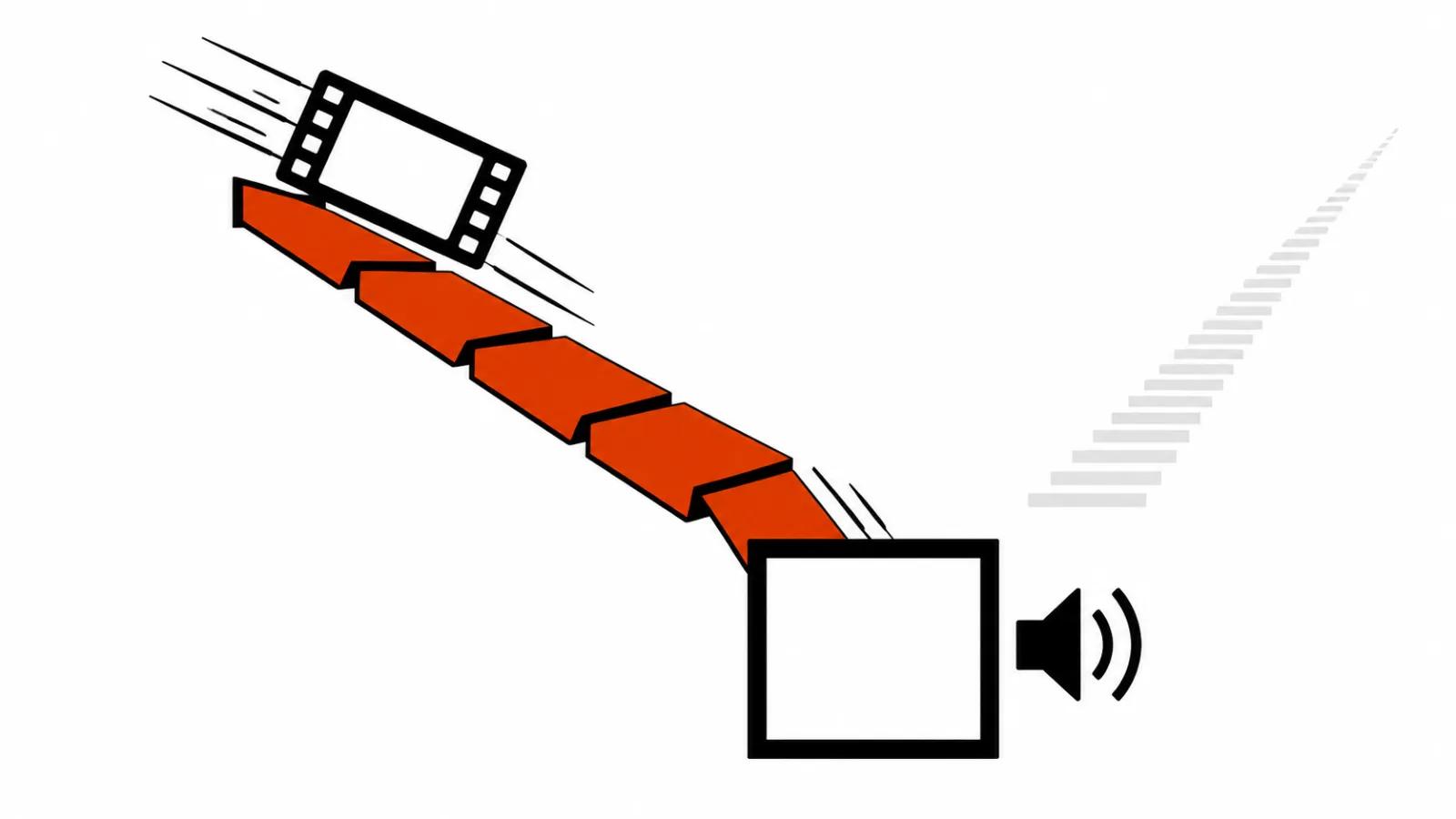
For me the headline is simple: picture and voice come out of one pass. Matching a mouth to its own speech used to be a separate job, solved with a second tool and stitched back in the edit. Here it belongs to generation.
The paper trail is short. The technical report is on arXiv, the release notes and model card live on kandinskylab.ai, and Vedomosti covered the launch on October 6.
44 kHz audio and two modes: T2AV and I2AV
There are two modes. T2AV takes text and returns video with sound. I2AV takes an image and animates it with sound. Both return five seconds, a 44 kHz track and lip sync tied to the speech.
That reorders the work on a commercial. Voiceover used to be recorded first and the lip movement fitted afterwards. Now the line sits inside the prompt and the model builds the mouth around it. Mistakes are audible on the first pass, which is cheaper than finding them in the edit suite.
Resolution: SD on the way in, upscaling to 2K
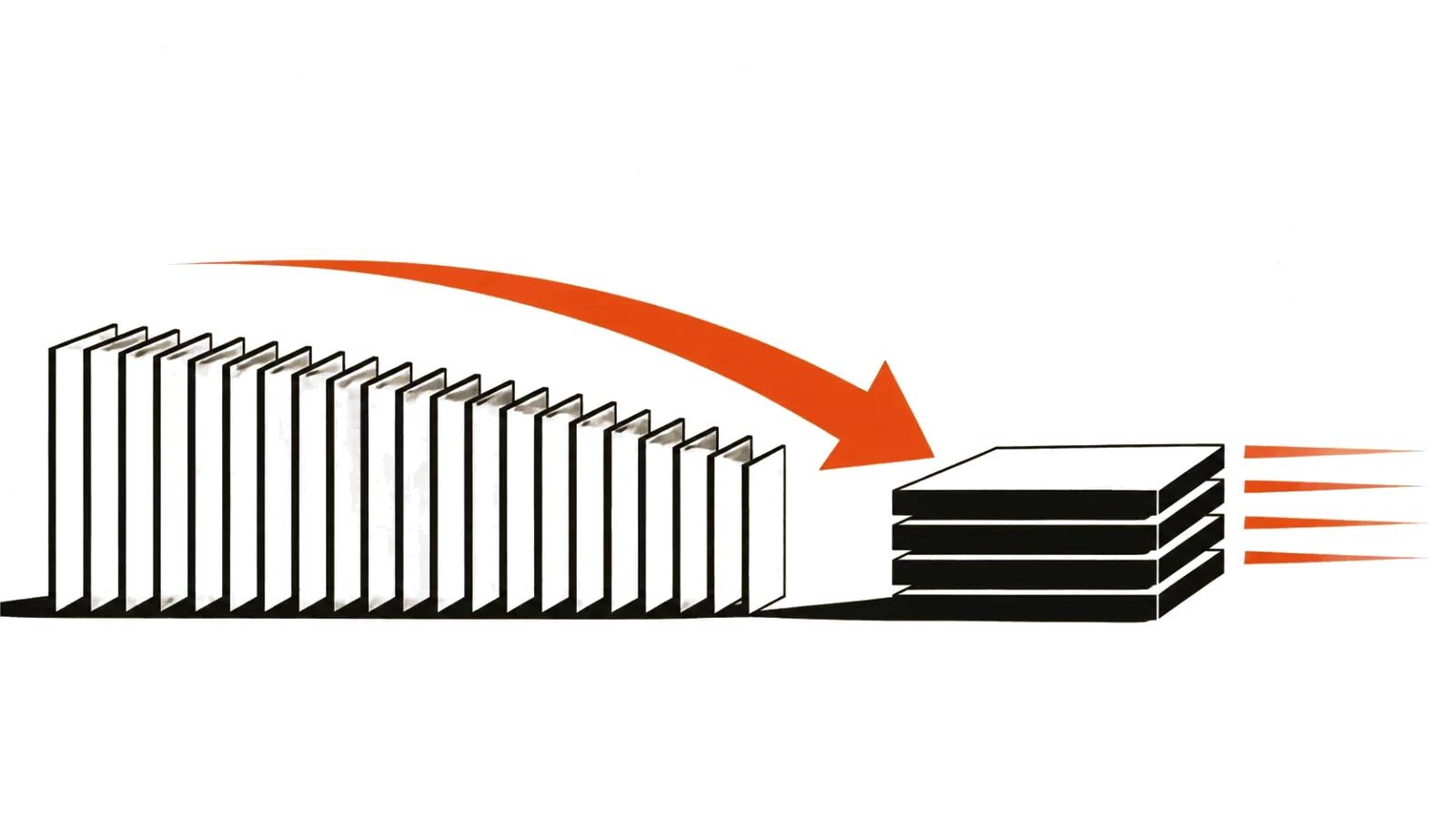
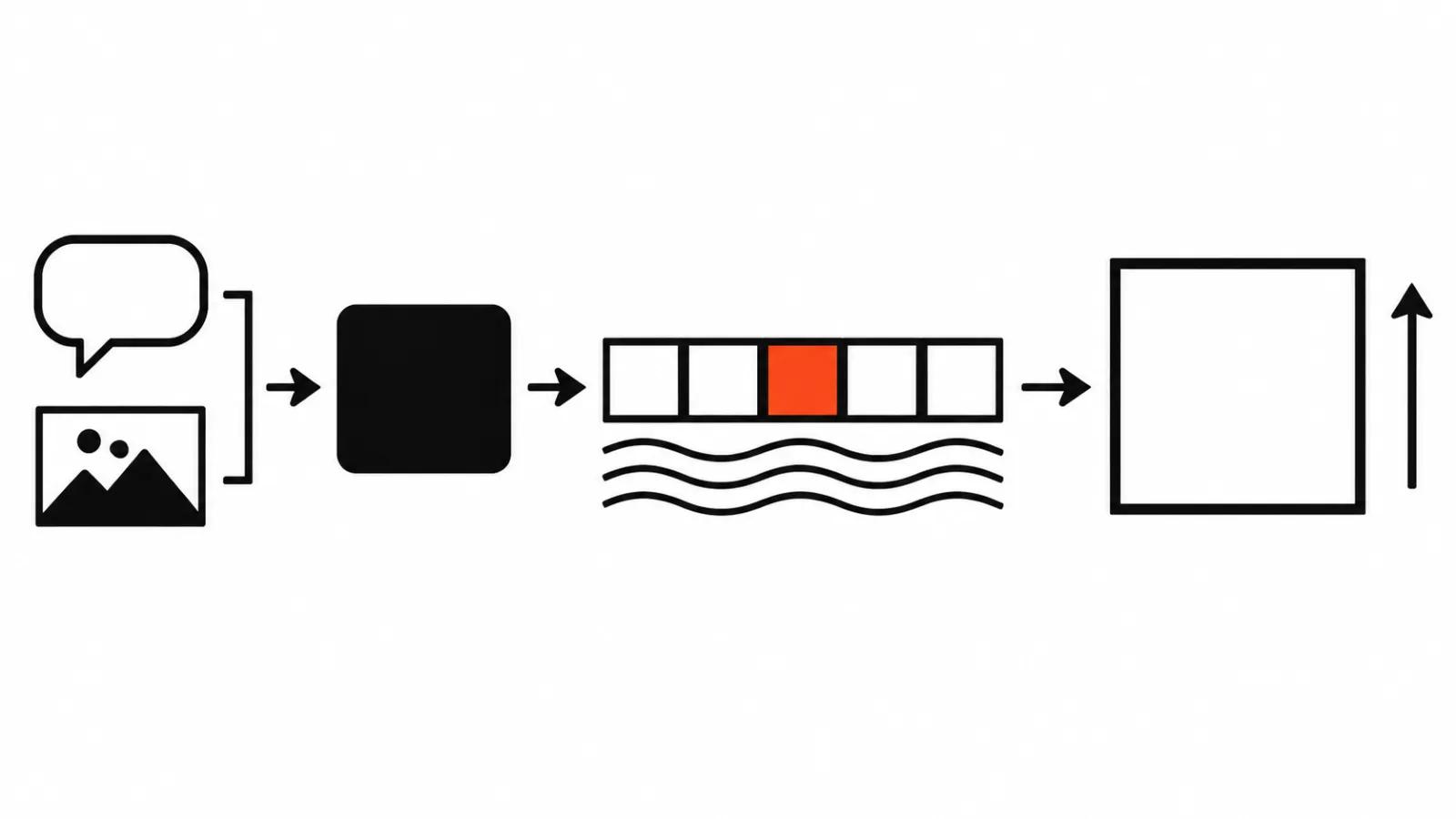
Base resolution is modest: 864×480, 480×864 and 512×512. From there the built-in upscaler goes to HD, Full HD and 2K. The model renders in SD and the larger frame is rebuilt from that image, so keep small text and fine patterns out of the shot. The upscaler invents those details and gets them wrong most often.
An open video model under MIT
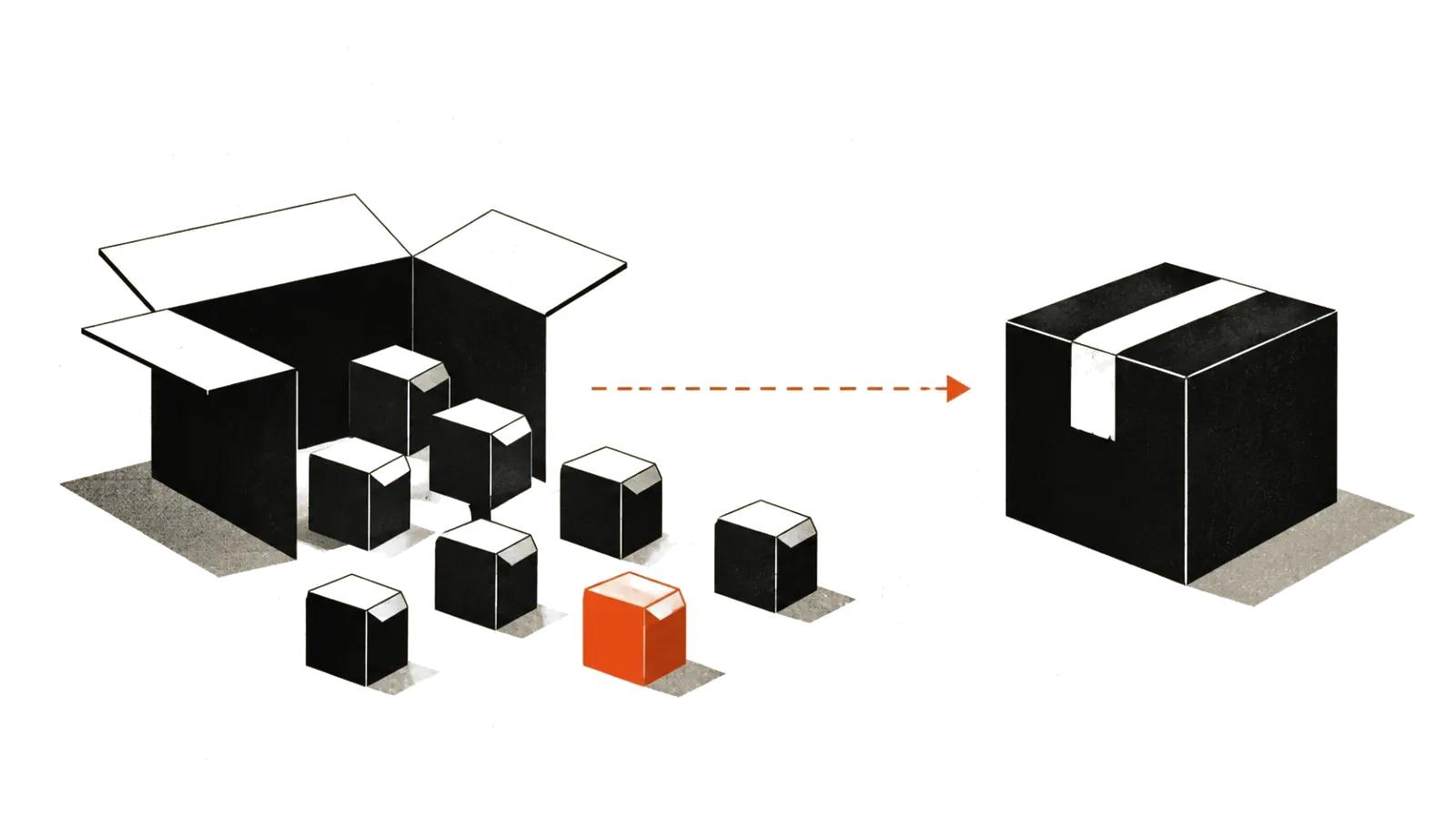
MIT allows commercial use, modification and redistribution of the code and weights, provided the license text ships with the project. For a studio that settles the license question for the model itself. Responsibility for what a given clip shows, faces and third-party brands included, still sits with you.
One thing is worth checking, namely what actually landed in the release. Code, weights and diffusers support are on the list. There is no online service in any of the sources I could reach, and no hosted demo either. You run it on your own card or rent one.
If you are searching for a kandinsky video model that opens its weights, the practical part matters more: download once and generate without a subscription. That changes the maths when a storyboard needs a hundred takes.
The numbers: WER, blind tests and VABench
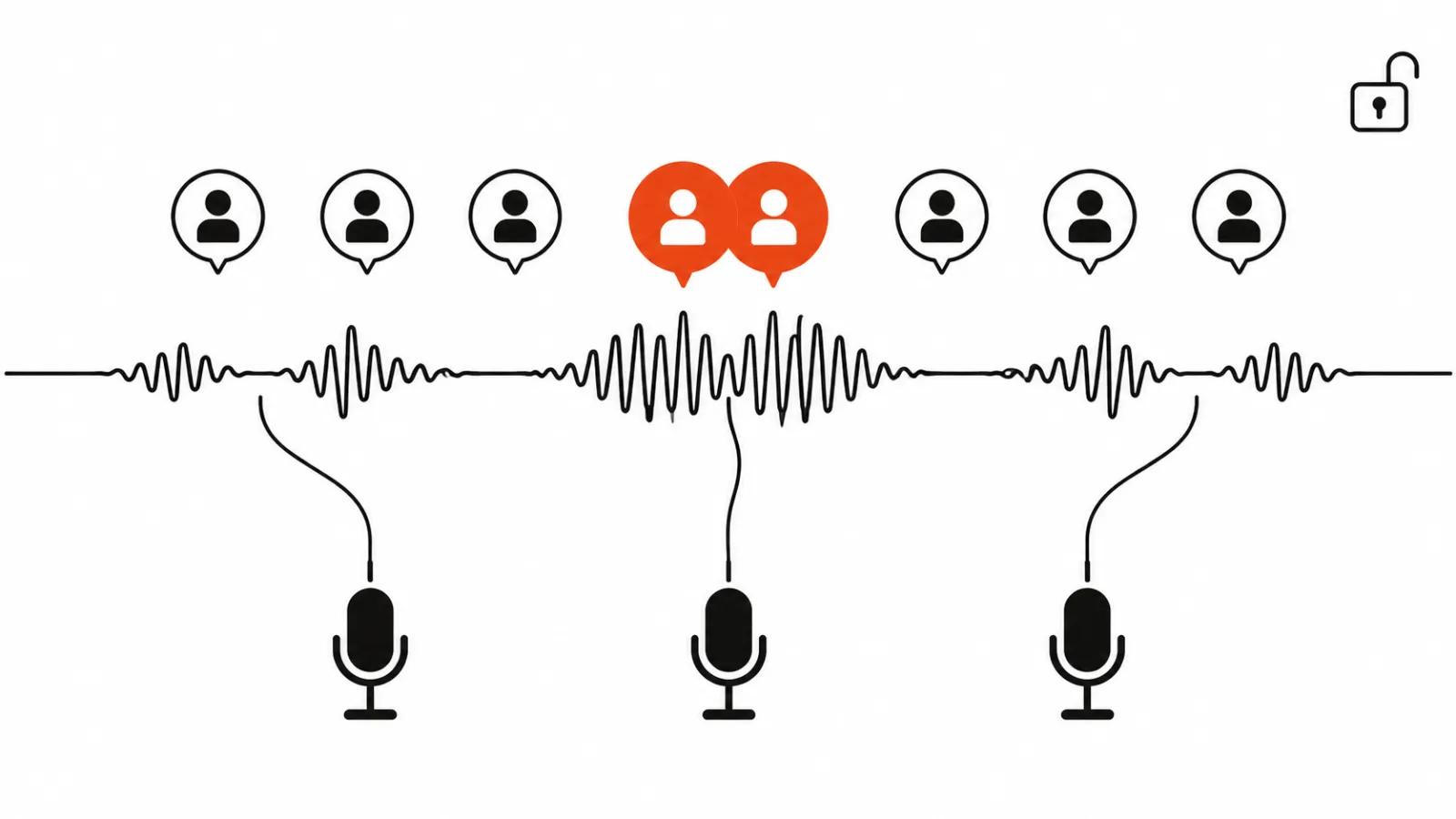
Reinforcement learning cut the word error rate in speech from 0.235 to 0.124. By the authors' own measurements Pro beats Kandinsky 5.0 Video Pro in blind comparisons and beats LTX 2.5 on most VABench metrics. Speech is where Pro looks strongest, which is what a heavy bet on audio would suggest. The usual caveat applies: the numbers come from the developer and independent runs are not out yet.
The cultural-code dataset behind it holds 1.2 million images and 530 thousand videos, with prompts written in two languages. It is aimed at local detail: a shop sign, a courtyard, a piece of equipment, a jacket. For local advertising that may cut the number of prompt attempts, and it is worth testing on your own scenes.
I covered the desktop side of running weights like these in an earlier piece on the local video model with audio on a desktop. The routine is the same, only the memory bill changes.
What Pro costs in RAM
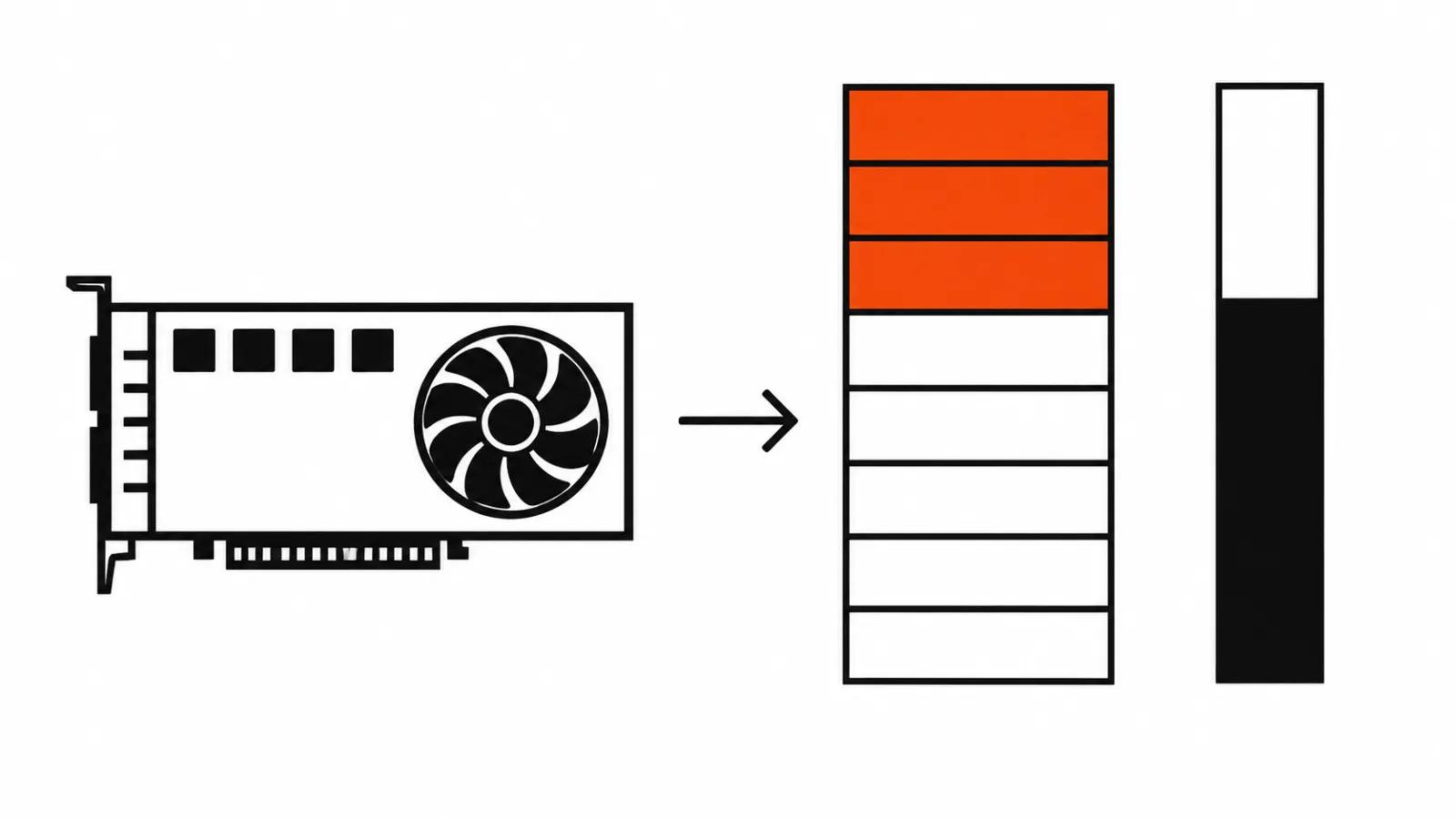
The model runs on 16, 24 and 32 GB cards with block offload. The Pro build on the 16 GB preset needs around 58 GiB of system memory, and the full model without offload peaks near 72.8 GiB. System memory is the real hurdle: a 16 GB card is a mainstream tier, while 64 GB of RAM in a home desktop is rare.
My own arithmetic is blunt. A card and enough memory get you experiments, at the price of slow offload passes. Production is cheaper rented by the hour: one scene, one run, no drivers and no offload puzzles.
Five seconds is a shot, and a film is built from shots
Vedomosti reported on October 6 that the length was capped at five seconds because of compute, with a longer version promised. The same piece says motion physics improved.
Five seconds stops being a problem once you look at the timeline. A one minute video assembles from ten to fifteen such shots, each generated on its own prompt. A long single pass is needed less often than people assume, and a short shot is cheap to redo when the rest of the scene already works.
The limit I do see is dialogue. A five second line is one sentence, and cutting two of them together shows in the light and in how the head sits. For a longer monologue I would build the scene from several angles at different frame sizes, or hand it to handcrafted AI videos from $190, where a person runs assembly and editing.
Volume decides the rest. A test video happens in an evening on a local card. Short-form feeds and paid social need a template: dozens of short shots, a selection pass, then the edit. That is how our AI video production runs, and an open model fits there as a source of shots, with the finishing left to the edit.