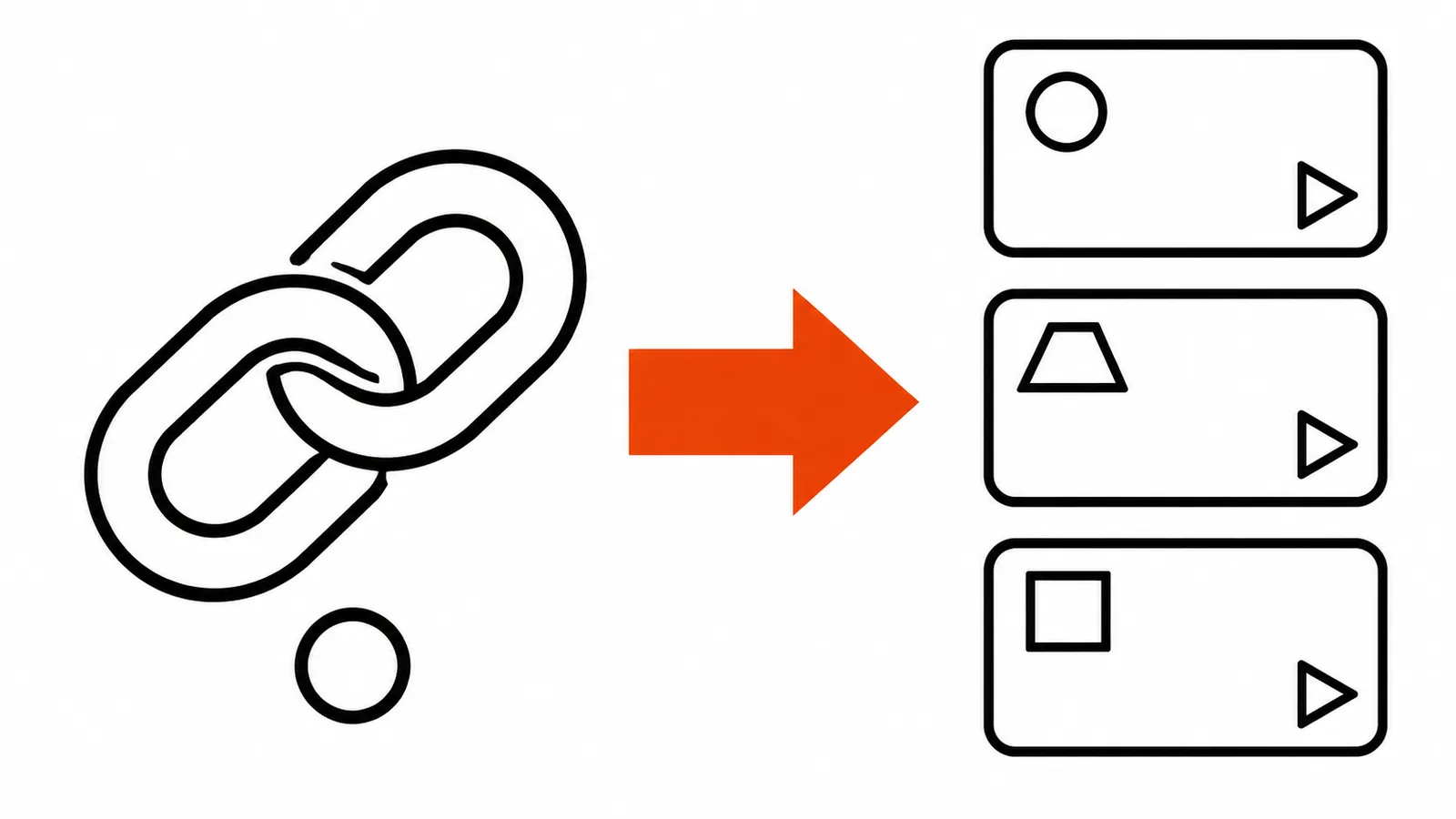
What OpenClips promises and what goes in
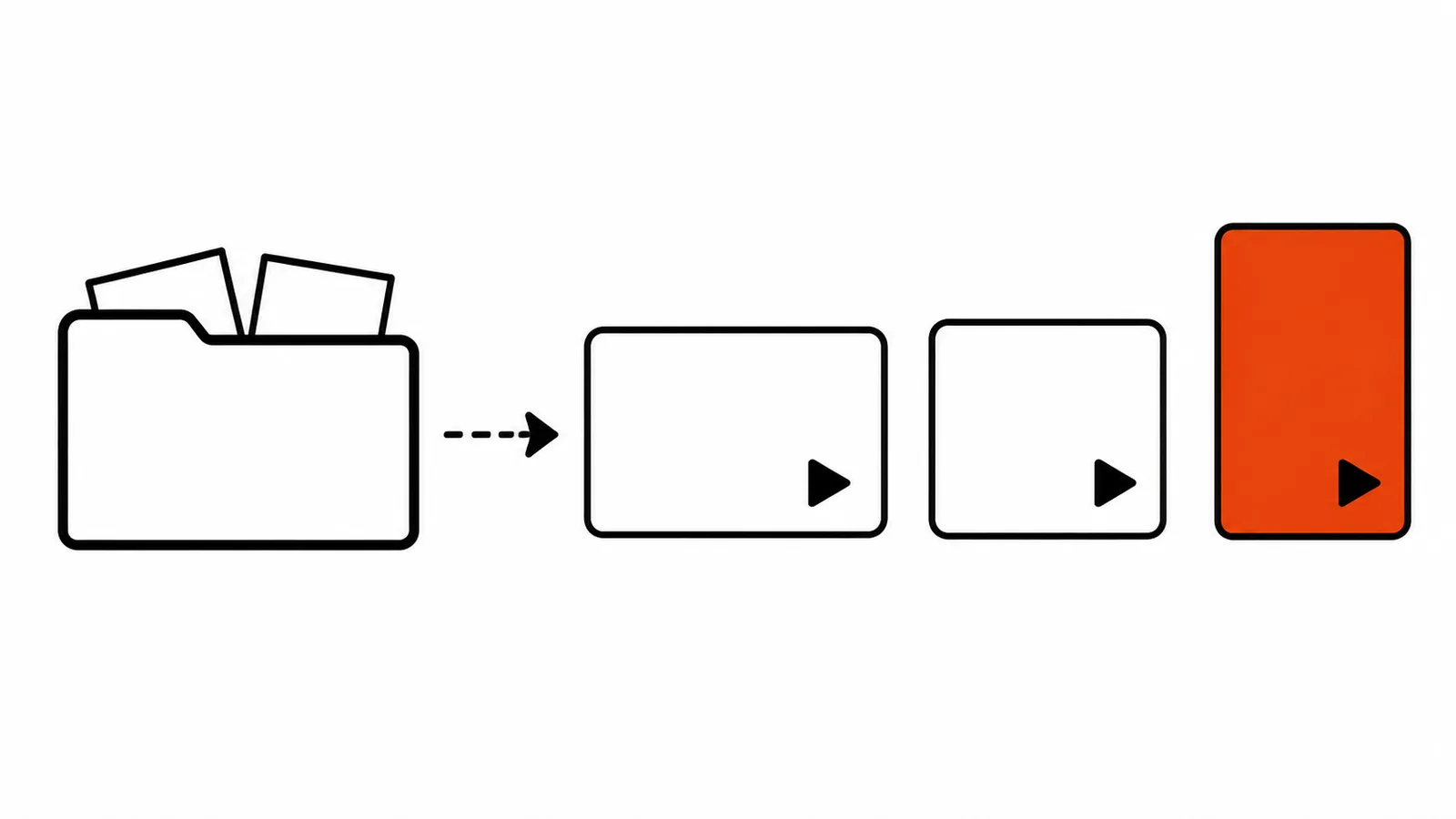
The pitch on the site is short: Paste a link. Get the ads. The mechanics behind it are simple enough. You supply a product page URL, a product photo, or a few words of description. The platform then picks templates that, in the company's wording, sell that particular product. Nobody writes a prompt, nobody builds a shot list.
The three input types carry very different amounts of information. A link brings the most: name, description and photos get read off the page. A single photo shows appearance and little else. A short description works as a brief, and whatever it leaves out, the system fills in on its own terms. The thinner the input, the more reason to look at the finished clip before it goes anywhere near a campaign.
Working from a URL sits in its own mode, called Marketing Studio inside the product. The rest of the templates are organised as a library by category.
What a clip is built from: template, product, model
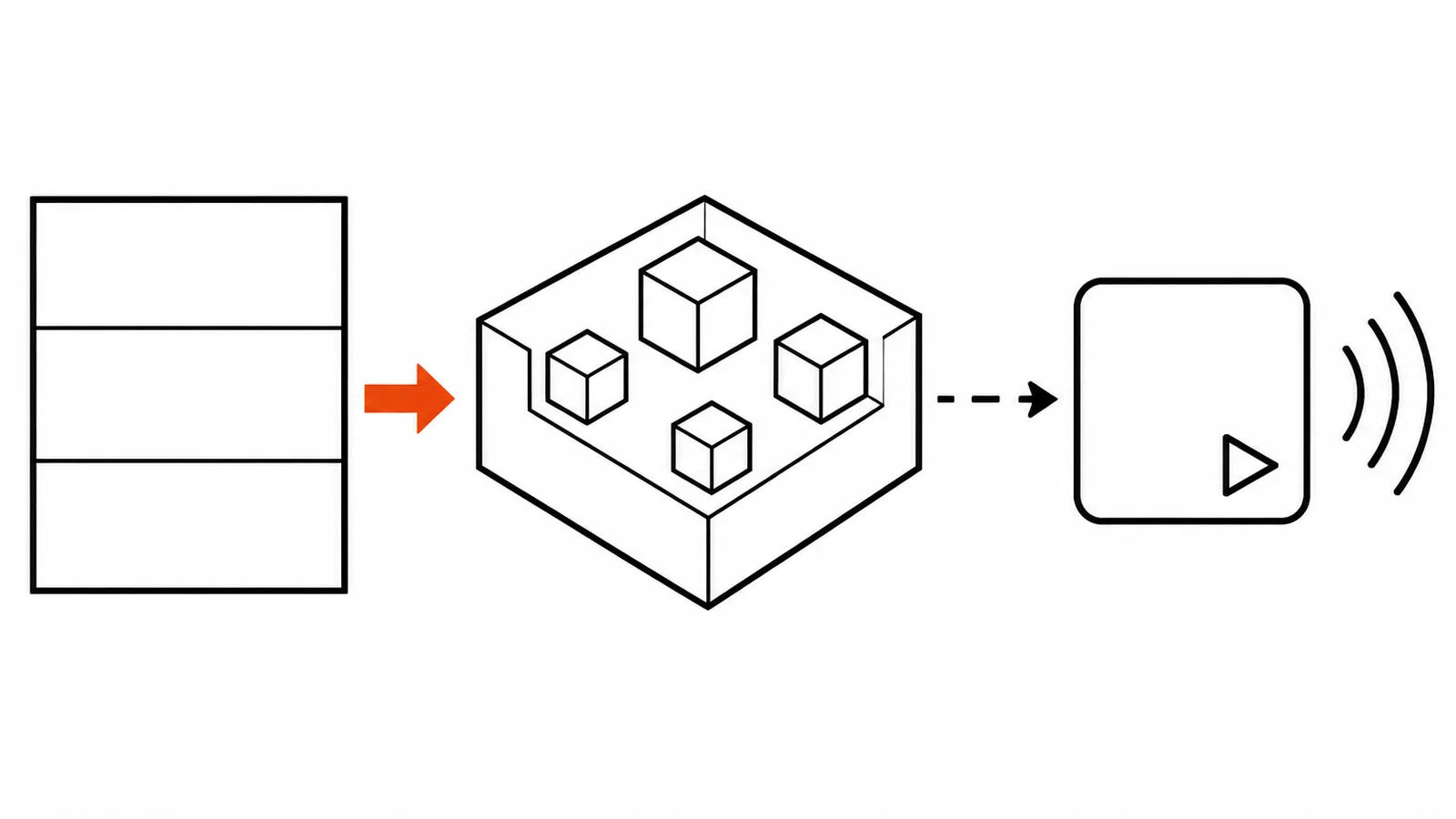
Every finished clip comes out of three parts, and understanding that assembly explains almost every limitation further down.
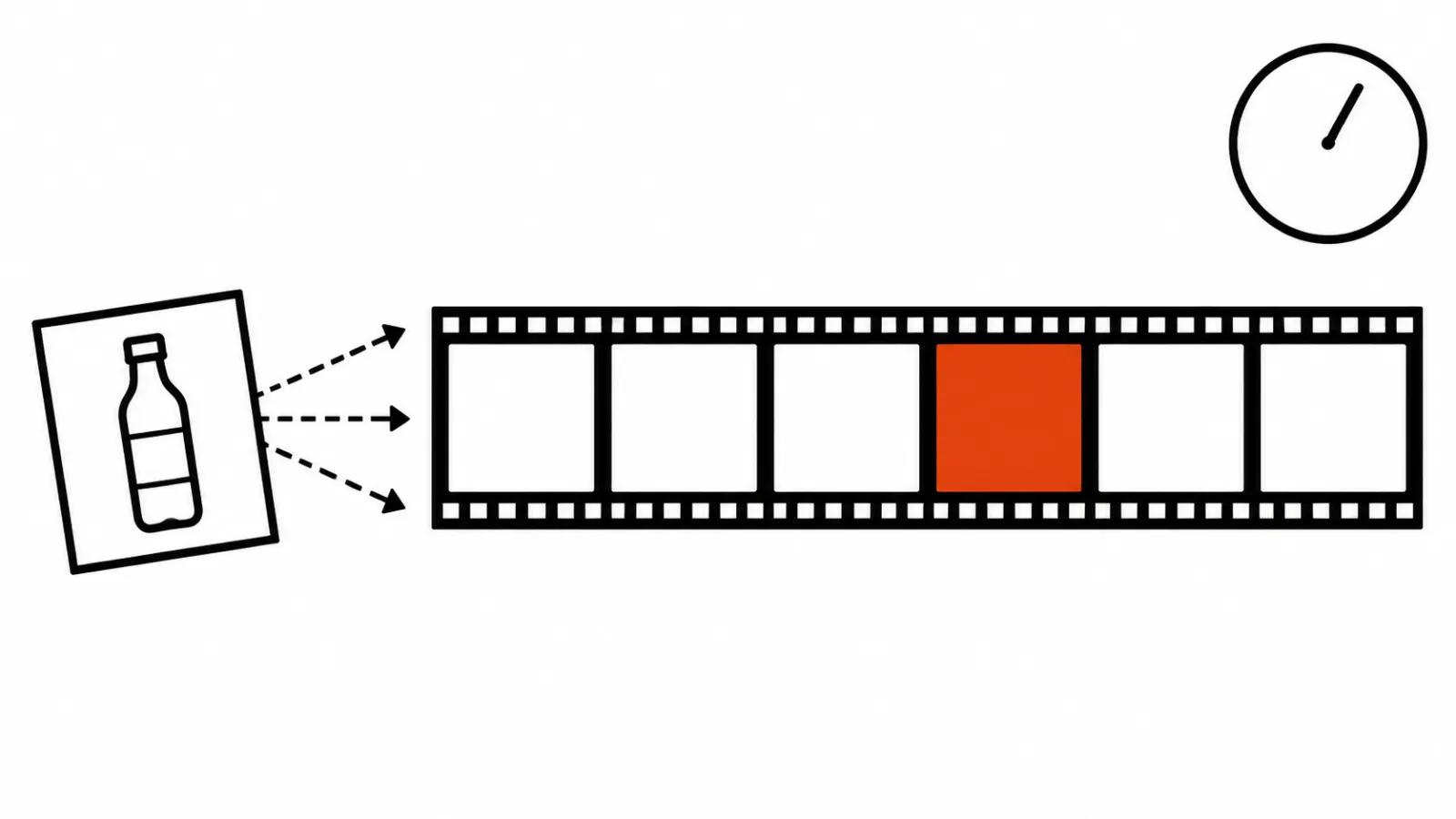
Clips on the showcase are listed at 30 seconds. That is a tight frame: one product, one idea, one call to action.
For a marketplace listing, the honest comparison is a hand-built AI video for product pages: the viewer is already in a buying mood, so the only question is what the clip actually shows and whether the item matches what arrives in the box.
- The template. A ready-made clip form: the staging is already built and the product takes a place inside it. Templates are grouped by category: fashion and beauty, real estate, ASMR and satisfying content, fan cams, story to video, Mini Me and mini worlds, Furry Friends, dance trends.
- The product. A photo or a link becomes the object the scene is built around.
- The generation model. Seedance 2.5 is named among the models the platform runs on.
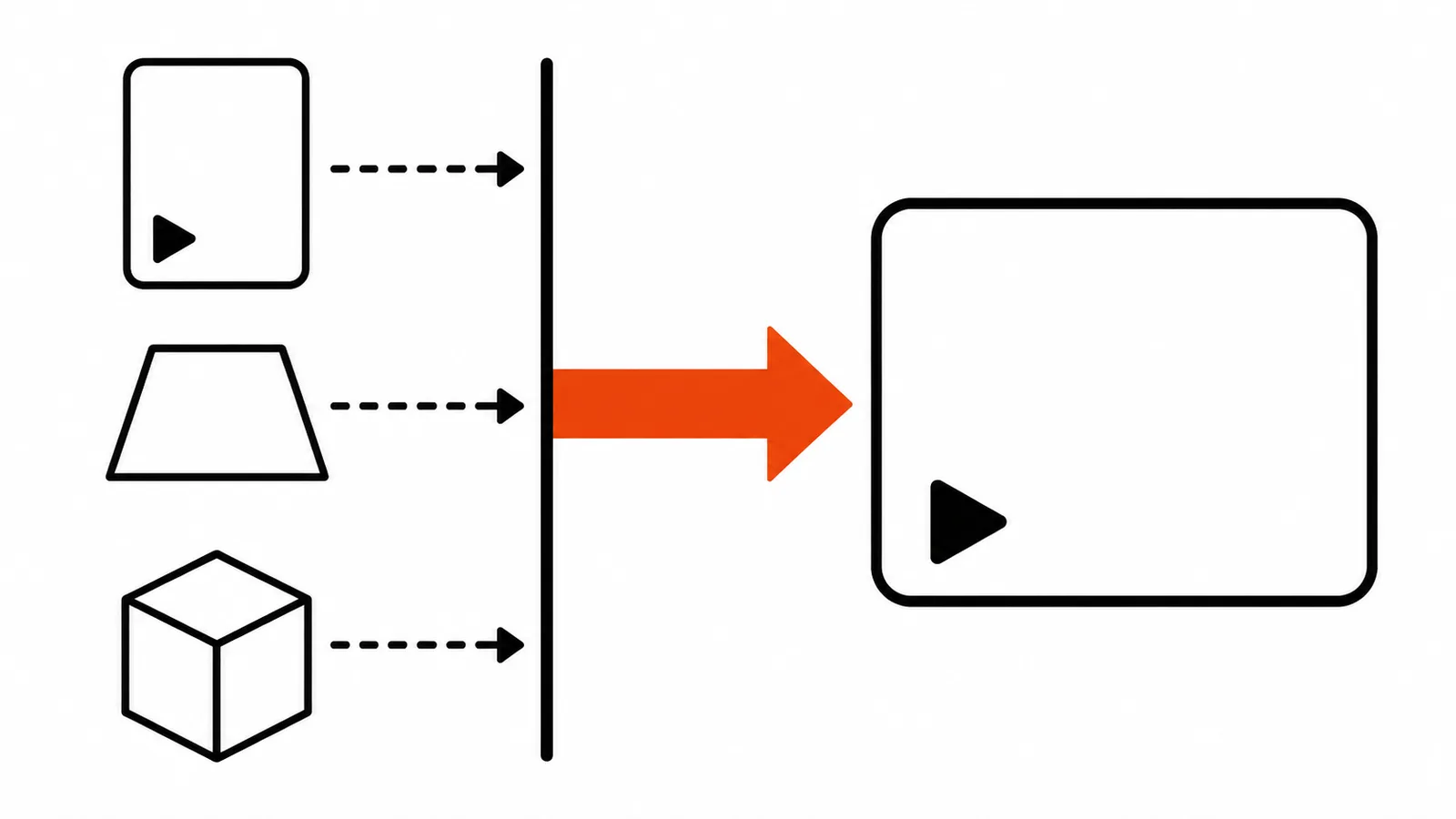
A template buys speed and sets a ceiling
The speed is real. Decisions that normally eat a day are already made: what is in frame, where the light comes from, how the camera moves, where the caption lands. You bring a product and get a clip back. For a catalogue that needs dozens of variations against different audiences, this is a strong argument, since ad creative versions come out of a single library.
The ceiling starts at the same place the speed does. A template fixes the staging, so two clips in one category from two different sellers will look closer to each other than two hand-built spots would. What varies is the product, the opening frame and the caption. If the whole point of the ad is an unusual treatment, a template will not deliver it.
The second limit is length. Thirty seconds leaves no room for a second idea, so one benefit goes in. A product with several benefits ends up as a series of clips, and that raises the next question: what makes them different from one another.
The third limit is less obvious. A template saves time and decisions together, because once the form exists nobody asks why the scene is built that way. Ten clips in, the whole account looks the same.
Which products do not fit these templates
The category list does the filtering itself, and it is worth reading first.
A product that needs instructions. Flat-pack furniture, device setup, equipment wiring: all of it needs a sequence, and thirty seconds holds one step.
A product whose value sits in detail. Fabric weight, a seam, stone texture, the thickness of a profile. In a template the close-up is busy with composition, and texture drops to second place.
A product you have to see working. A tool, a machine, a mechanism: the template shows the object, which is enough for a shelf but not enough to explain how it behaves in a hand.
A product with advertising restrictions. If a platform limits a category, the template knows nothing about it, and the check stays on your side of the table.
When a product fits no category, the remaining option is an adjacent template with a foreign product dropped in. Sometimes it works. Sometimes the item looks like a random guest in someone else's staging.
What to check before the ad account
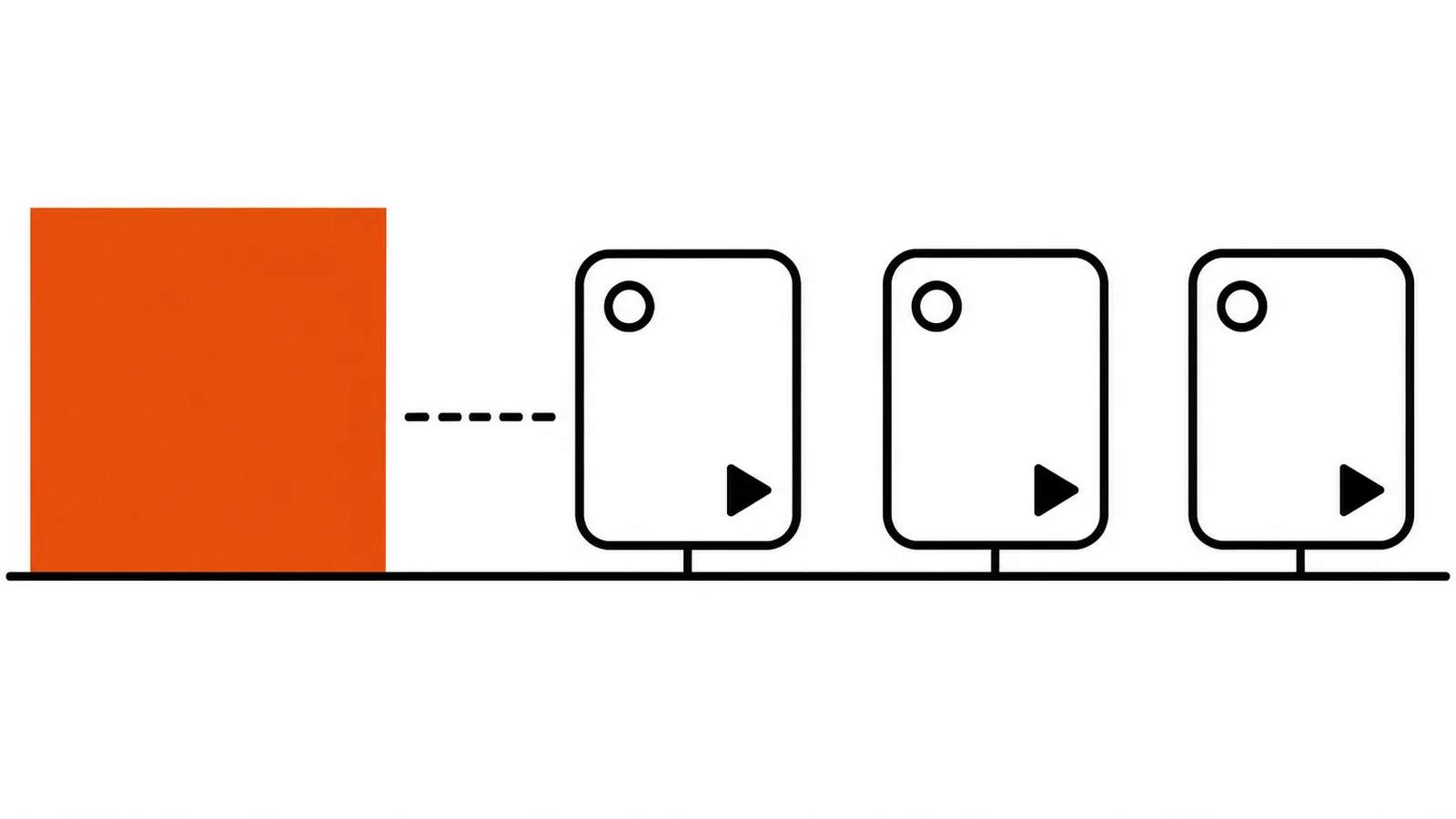
A clip out of a builder gets checked differently from a shot spot, because some decisions were made for you.
All five are checked on a single clip in a single viewing, and that is enough before committing to a series.
- Resemblance to the product. Colour, contents and size on screen have to match what sits in the warehouse. A clip where the shade has drifted gets caught at approval, because that mismatch comes back later as a complaint from a buyer.
- Music rights. A template may carry its own track, and before a paid push you need to know whether that track is licensed for advertising.
- Faces on screen. Mini Me, Furry Friends and fan cams are built around people and characters. Establish whose face is in the frame and whether there is permission for it.
- AI labelling. If a platform asks for a disclosure that the clip is generated, the label goes on before publication, before the first complaint and the first moderation question.
- Claims in the copy. If the caption promises a discount or a gift, the product page has to say the same. A gap between the clip and the page gets closed at approval, before the campaign starts.
Template clip versus hand-built spot: how to compare the budget
Comparing the two paths on price is not possible right now, and that is the main takeaway from the release. OpenClips prices in credits, the exact figure appears on the Generate button after you sign in, and there is no public rate card on the page. Any number presented as the cost of one clip as of 25 November 2026 is an outside estimate.
What is known: the clip runs 30 seconds and comes out of a template. That is enough to see how a budget should be counted. The cost of an accepted clip equals credits for every render up to a usable result, plus the time spent selecting and fixing, plus placement. Renders belong in that formula because the first result rarely turns out to be the one, and credits are charged per run.
So the only useful unit of comparison is the price of an accepted clip. In a builder it comes out of credits for every attempt. In hand assembly it is known up front from a rate card. Until OpenClips shows the figure before sign-in, the first half of that formula is only reachable from inside an account.
Hand assembly is counted differently. Custom AI video production in this format starts at $190 per video, volume runs of vertical cuts go up to $2.40 per 1000 views, and a managed channel runs from $200 per month. The unit of billing is the finished result, with renders included in it. When a spot has to land on a specific date with a fixed budget, it is scoped as an AI video ad: platform, deadline, budget for edit and sound.
Search demand around AI-made ad spots describes exactly that case: a finished file for a specific placement, where the tool it was assembled in matters less than the deadline. If the requirement instead is footage of a real person, the closer format is UGC content, and the logic shifts to faces and scripts.
The practical conclusion is short. Try the builder on products inside its ready categories, where volume and speed are the point, and try it on one clip before ordering a series. Where detail or process does the selling, a template loses.