What changed in OpusClip 4.0
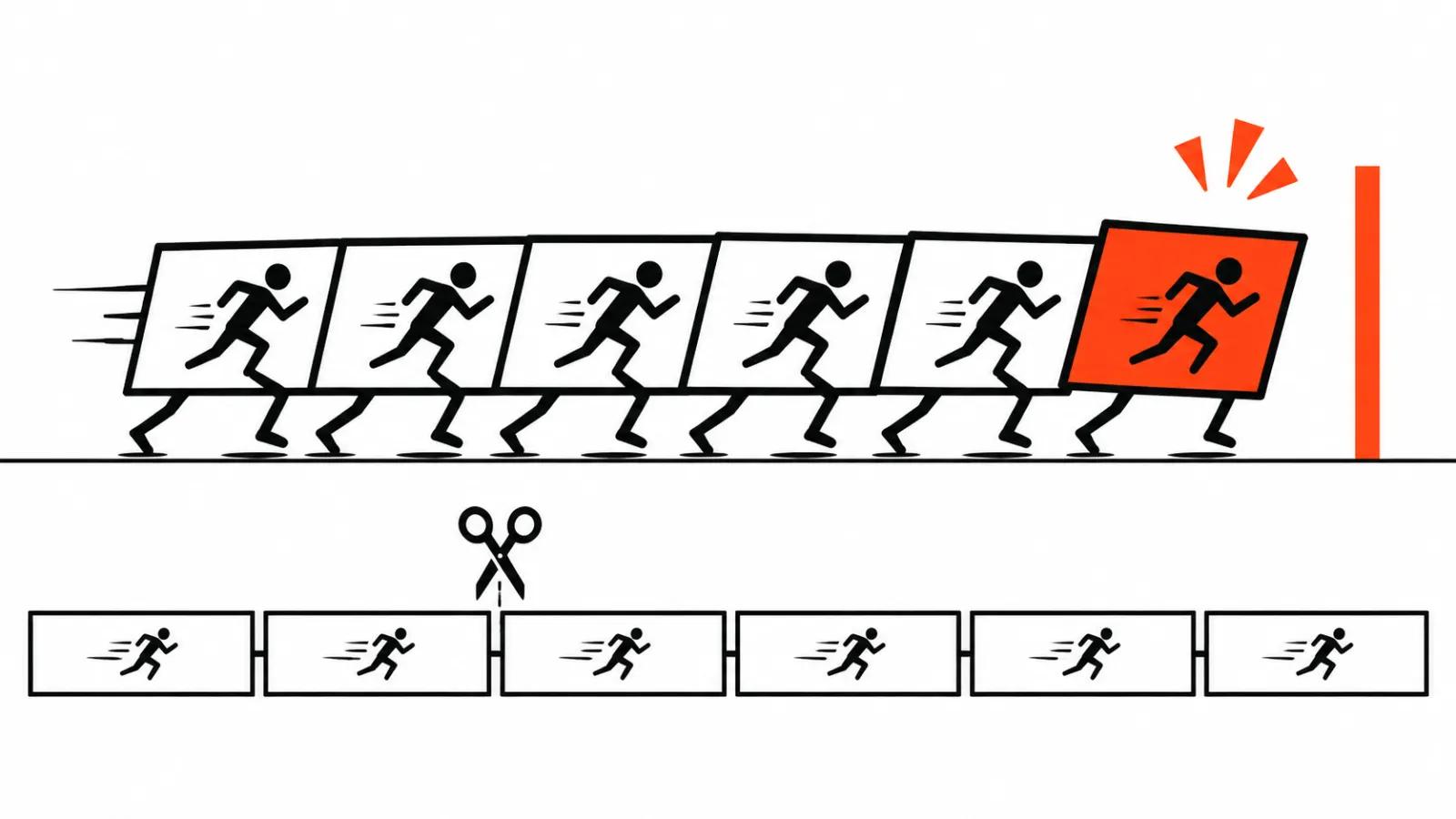
The old product took a recorded long video and chopped it into clips. The fourth version assumes something rougher: people show up with raw takes. You record twenty minutes on your phone, hand over a file or a link, and collect a finished video. The edit now lives inside the service, and that is the whole announcement.
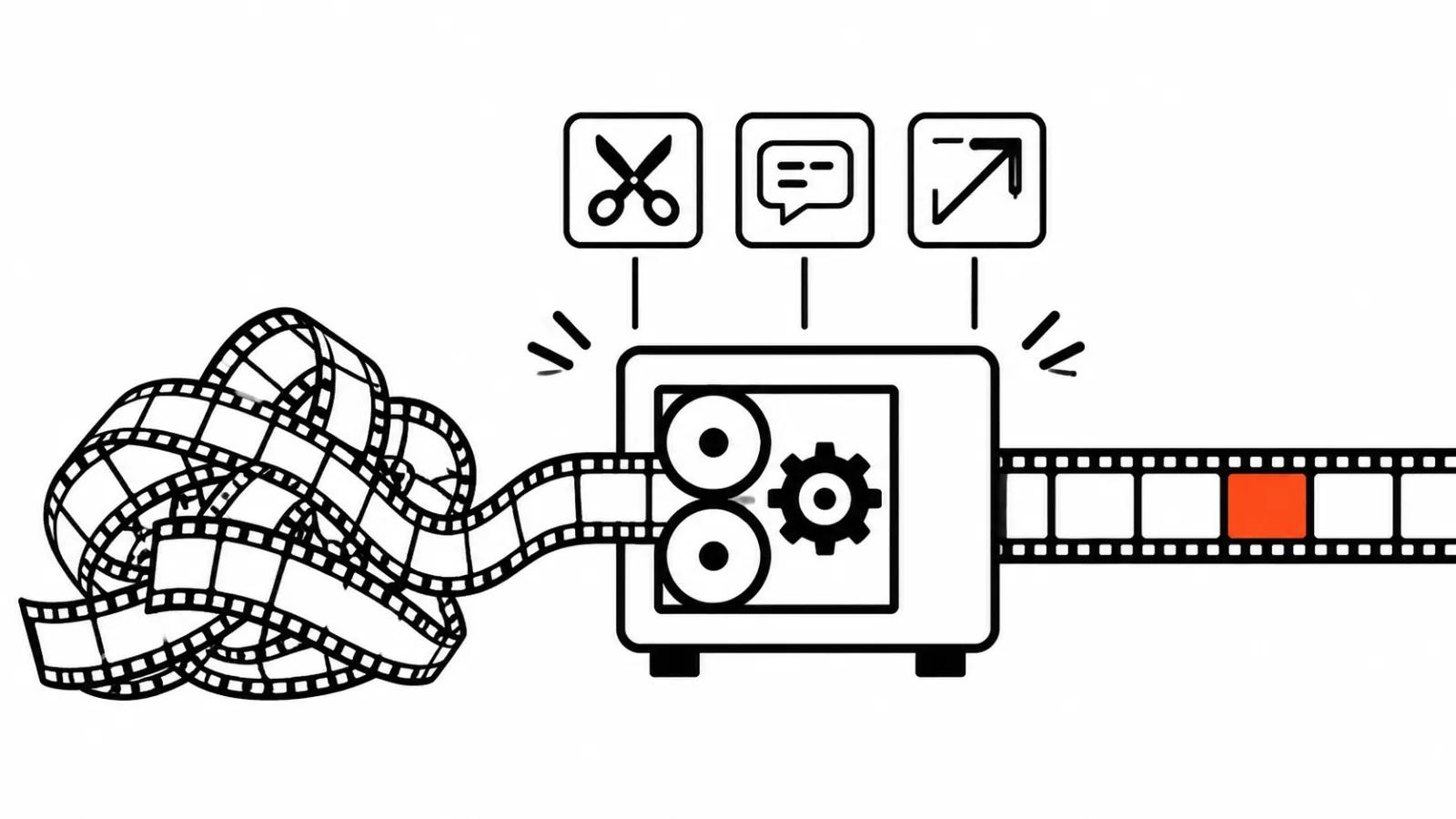
For anyone who cuts their own video, this matters. Half the evening used to stay with the human: clean the speech, cut the pauses, place the captions, find a shot for the line. Those steps now run in one pass.
How the auto-edit handles raw footage
The flow is short: upload the footage or paste a link, switch on the options you want, download the result. The release lists speech cleanup, captions, B-roll and other steps without describing the interface order.
Speech cleanup usually means taking pauses and verbal stumbles out of the audio, then captions and cutaways go in. Those are the jobs that eat an evening.
Three formats from one edit
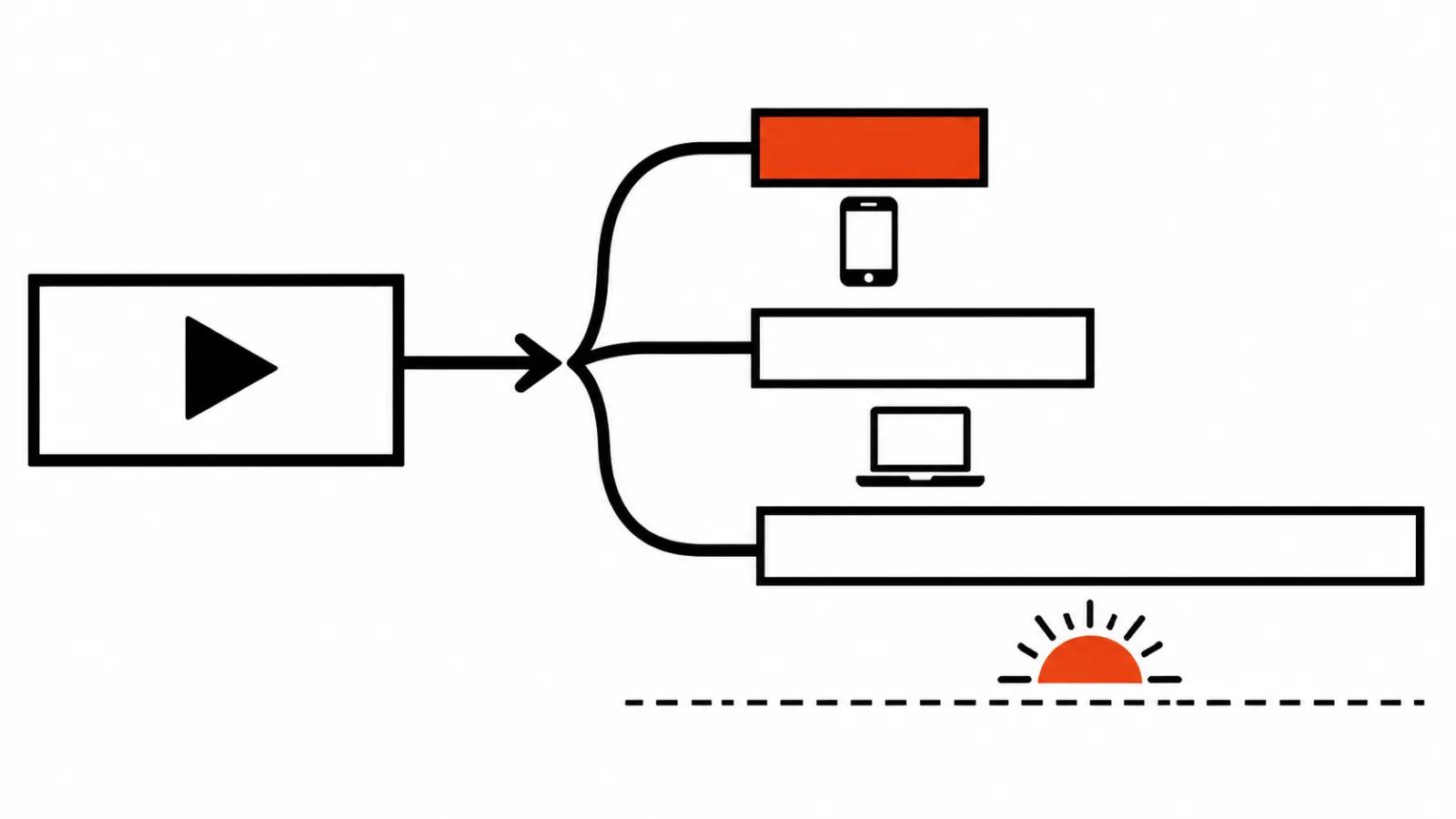
A single edit produces several versions. A 60 to 90 second highlight for short feeds, an extended 3 to 5 minute cut for the main channel, and a quick low-fi update when a draft is due by morning. You do not rebuild the project for each format.
The practical effect: one long recording pays for itself three times. A single conversation becomes a short, a full version and a fast turnaround post.
Recipes, hooks and motion graphics: a template replaces manual setup
Recipes store an edit setup. You can save your own build as a recipe or pick a ready one, and the next video gets assembled the same way. For a series with a fixed structure this is the most useful item on the list: set it once, repeat it forever.
Viral Hook supplies a library of styles for the opening seconds. Motion Graphics turns spoken lines into animated icons, numbers and charts, so figures from the audio reach the screen without manual animation.
The limit shows up here too. The hook library is shared by every subscriber, and dozens of channels in one niche end up with the same first three seconds. Viewers notice that fast.
AI Producer: an Opus Clip plugin for ChatGPT and Claude
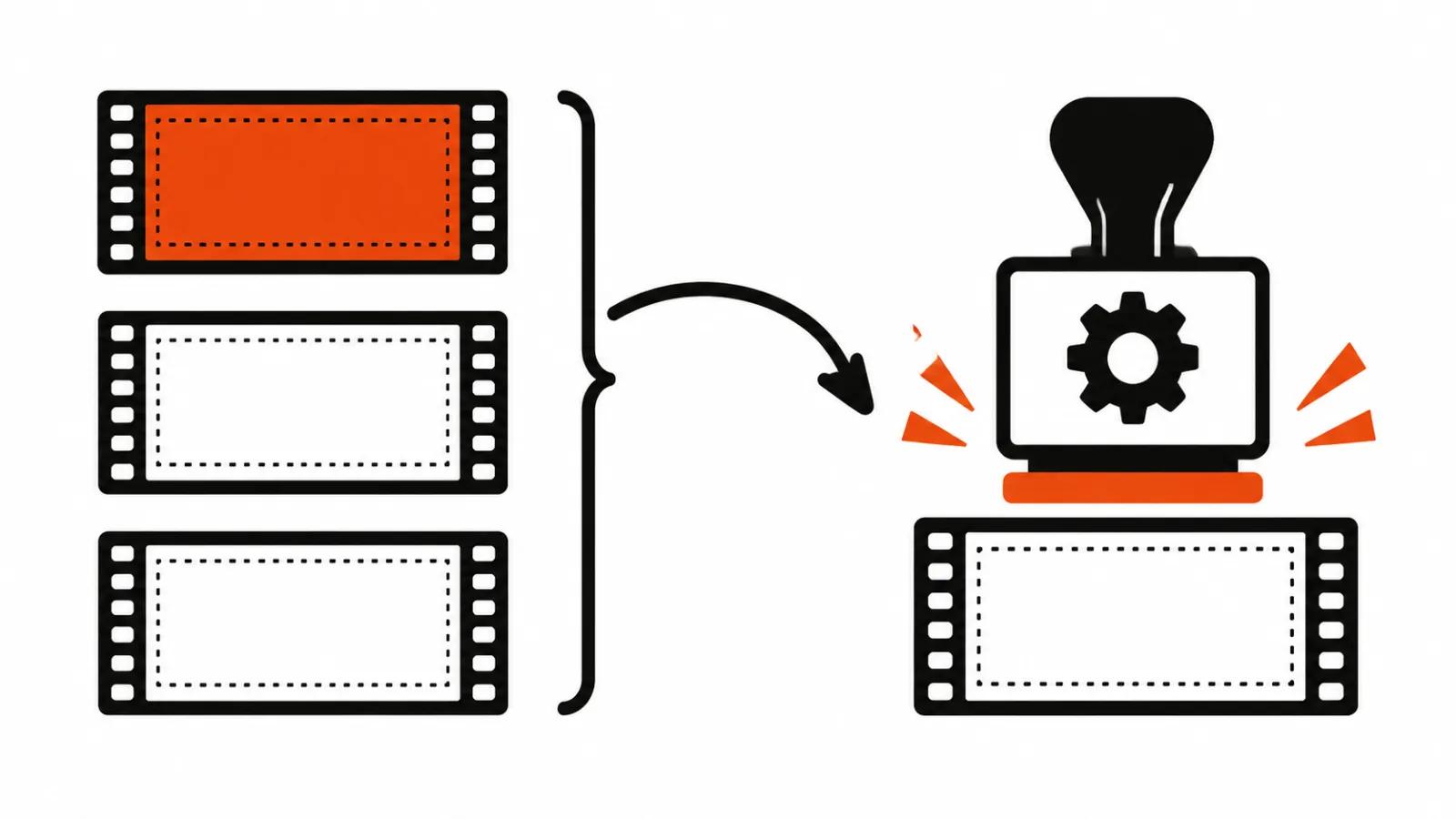
AI Producer runs as a plugin for ChatGPT and Claude. You show it a style you like and it edits your footage to match. That sounds like a quick way to pull a channel into one visual voice.
How closely it reads someone else's manner is impossible to judge from the post. The plugin gets one sentence and no example build.
Who it is for, according to the CEO
The post names three people. A founder who records a two-minute update on a phone. A dentist answering patient questions. A creator with three thousand subscribers. In each case the footage exists and the edit does not, and 4.0 aims at that gap.
The company claims more than 20 million creators and brands. New users are offered 40% off the first month of Pro on a monthly plan, and a free tier remains. No price for Pro appears in the announcement, so there is nothing to compare yet.
Two more products are announced. OpusSearch finds the moment you need inside hours of footage and sits on a waitlist for now, while Agent Opus promises the path from idea to finished video.
Cutting long video into clips still works
Clip extraction did not go away, which makes sense. If you already have a webinar or an interview on disk, the old function finishes faster than a full auto-edit. I covered cutting long video into shorts separately, including framing and captions. If you are weighing services against each other, start with the overview of AI video editing, since it saves a couple of days of trials.
My take: where 4.0 buys back hours
For talking heads and podcasts it buys back real hours, especially once a recipe is tuned to a series.
Then the edges appear. The tool produces a competent default edit: the script, decent lighting and taste stay with the person. A template hook cannot rescue a weak point, and automatic graphics will not replace a shot list.
One limit deserves saying out loud: there are no independent tests of 4.0 yet. Everything we know comes from the company's own description, including the quality of speech cleanup and the accuracy of captions. That is testable only on your own material, ideally a take with bad light and a noisy room.
The practical call is simple. If a lot of talking-head video goes out and you already have a house style, 4.0 is worth a month. Where vertical video ads and dozens of versions of one spot are the work, recipes carry the most weight. YouTube channel management with a weekly episode is another matter: there the script decides, and automation only lightens the edit.