Check the track first: there may be nothing to erase
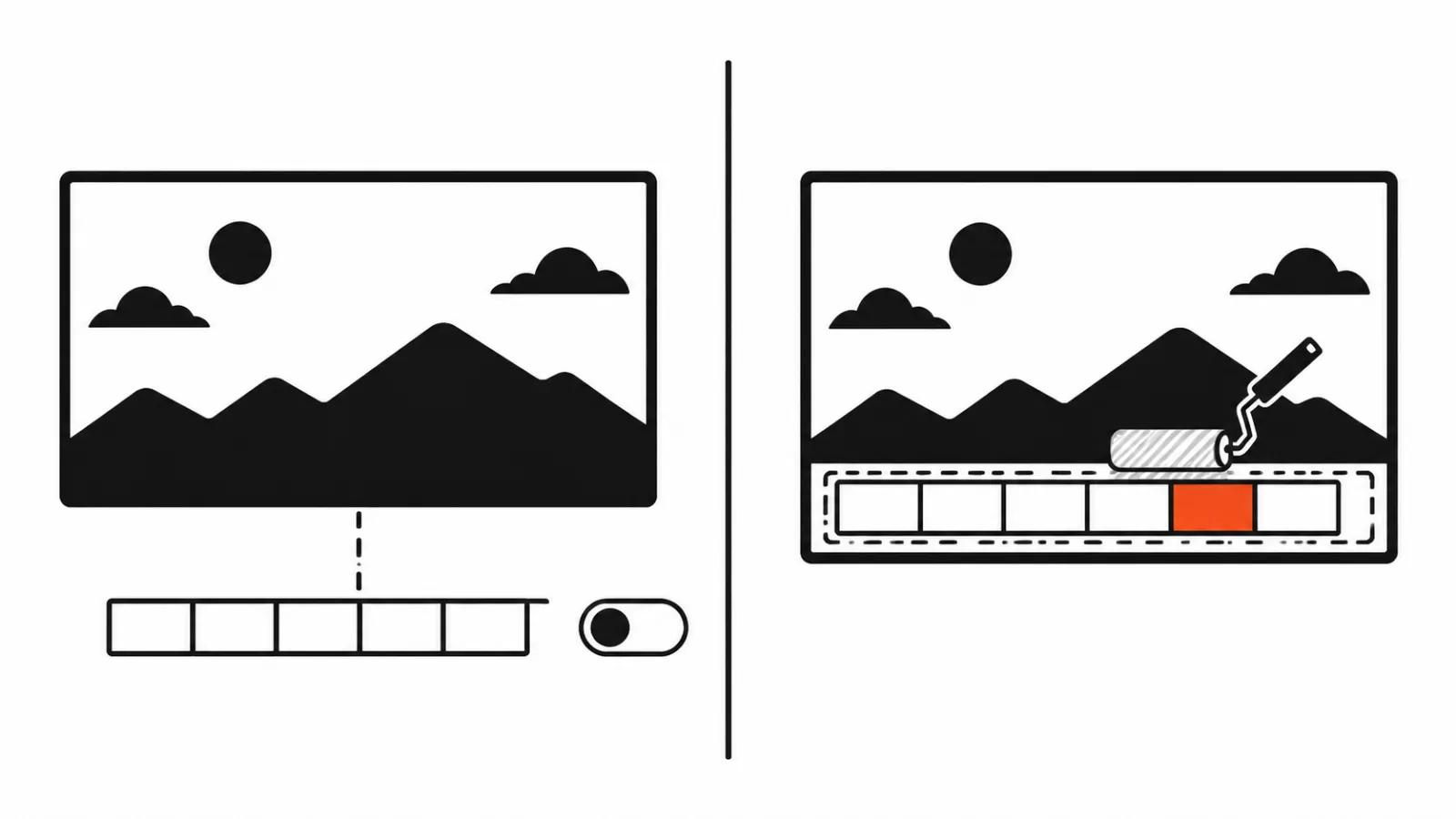
My position: often you do not need a model at all. Start with how the subtitles got into the file. When they sit on their own SRT track inside the container, the text lives beside the picture and never enters the frame. Switching that track off in a player or dropping it during export leaves the image untouched. A tool comparison on aiwebcool makes the same point: only burned-in text is worth erasing.
Burned-in subtitles, captions, price badges and watermarks have to be carved out of the pixels themselves, and that is where neural networks show up. Below are three routes and an honest look at the marks left behind.
Soft subtitles and burned-in text: one track apart
Soft subtitles are a separate track in the container: SRT, ASS, sometimes embedded into an MP4 or MKV. The player draws them over the picture, and the video itself holds no letters. The beginner's mistake is hunting for a model when one checkbox in the export dialog does the job.
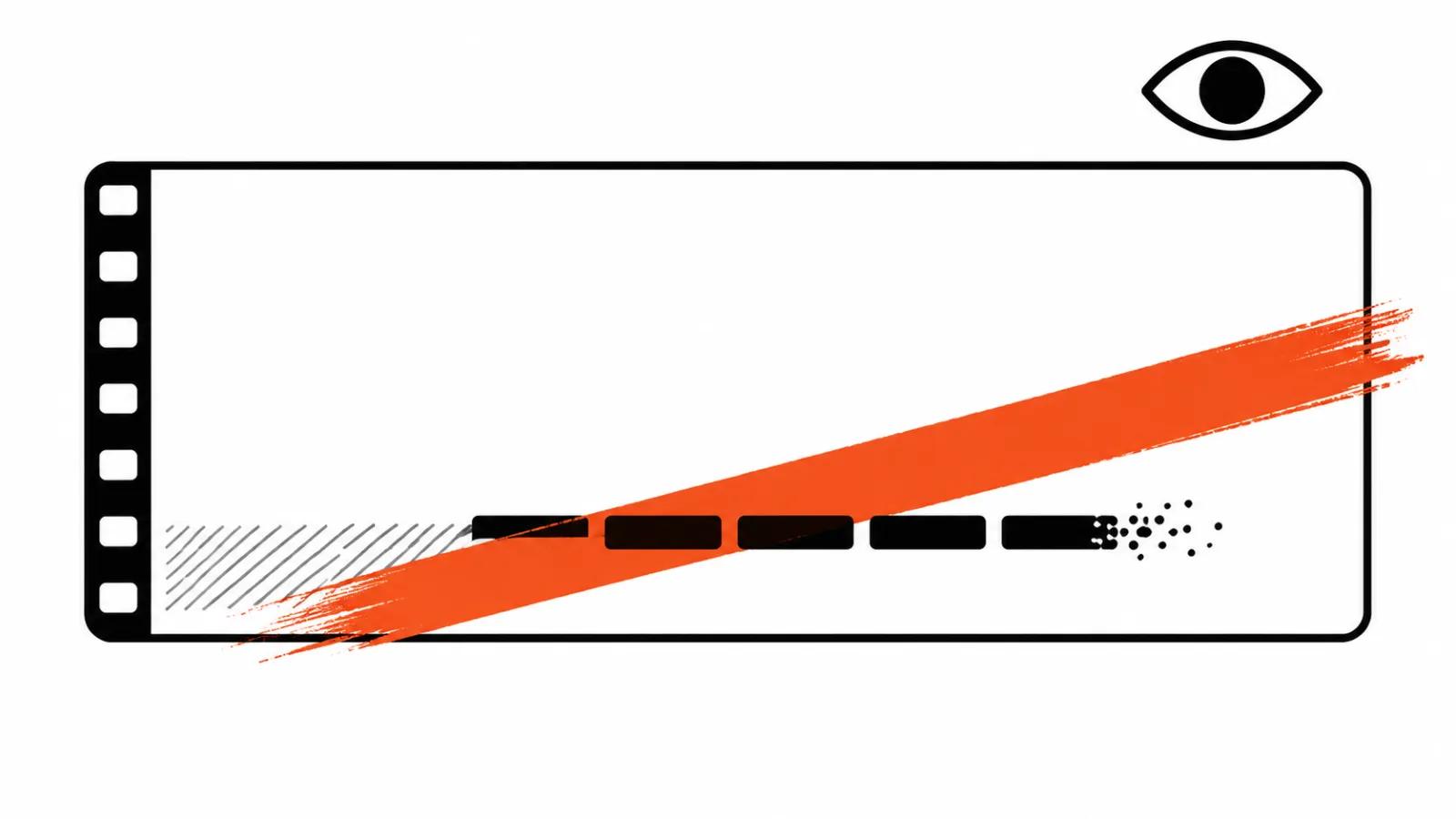
Burned-in text does not work that way. The letters share pixels with the face behind them, so removing a caption means painting over an area and inventing what the source no longer contains. The model guesses the background from neighbouring frames, and every limit below follows from that: the flatter and stiller the background, the less it has to invent.
video-subtitle-remover: erasing a caption on your own machine
The baseline option is the open project video-subtitle-remover on GitHub. It removes burned-in subtitles and text watermarks from video and from still images, runs locally, needs no third-party APIs, and returns the file at its source resolution.
The last two points matter for a studio. Client footage stays on the local machine and not a single frame goes out. The resolution is not recalculated a second time, so no extra upscale softens the picture. Speed depends on the hardware, yet a queue of jobs can run overnight.
The VideoSubtitleRemover fork: OCR, a mask and three models
The VideoSubtitleRemover fork adds what the base version lacks. OCR finds the text, the background is repainted by STTN, LaMa or ProPainter, the region can be set by hand, and batch processing with GPU acceleration is built in.
The deepforgehub model report for 2026 puts the choice this way: ProPainter restores a complex moving background over time better than the rest, and it eats a lot of video memory. STTN is faster on live footage. In practice a talking head against a flat wall runs fine on STTN, while text over foliage, water or a crowd deserves ProPainter and the wait.
Wan 3.0: removing text through an edit prompt
The generative route works differently. Wan 3.0 in video edit mode removes elements from the frame and fills the background on its own, driven by a prompt containing the word remove. The source clip can be up to 30 seconds long, and with duration = -1 the model keeps the length and aspect ratio.
This route helps where a plain mask smears: the background is busy, the camera moves, faces flicker behind the text. The model synthesizes a fresh background and sometimes beats a patched one. The catch is the repaint: texture, light or a small detail of clothing can change. Twenty seconds of test footage survives that pass, a commercial frame with a logo on a sweatshirt does not.
What it looks like in practice: smears where people move
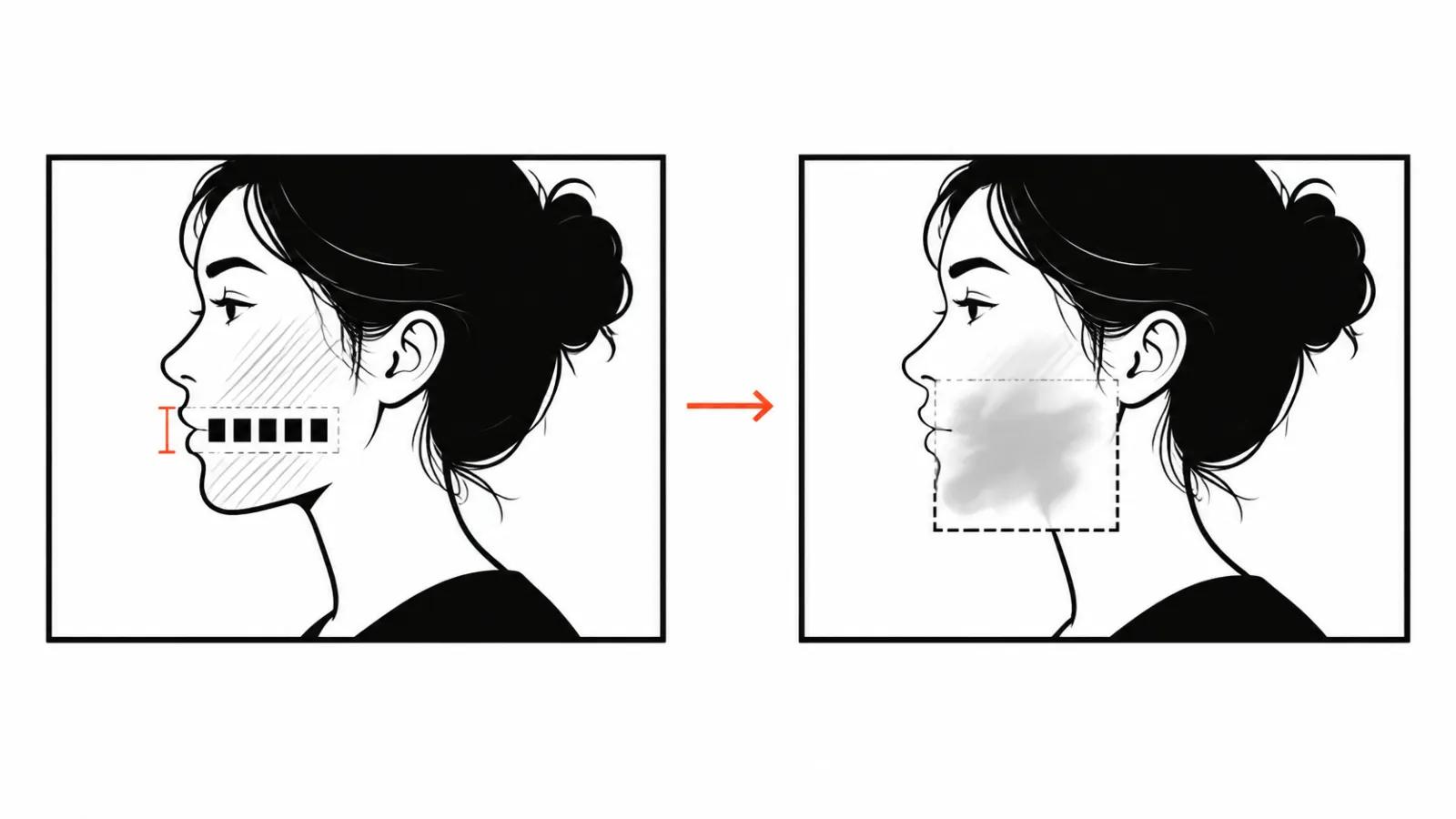
The general rule is simple. Text over a flat or static background comes out clean, with no seam visible even on a freeze frame. Faces, hands and fast motion keep spots and a jelly-like wobble: the area loses skin texture and expressions drift. The larger the region, the more obvious the trace.
The second habit is a small mask. Running a tool twice over a narrow strip of letters beats painting half the frame once and then hunting for the missing chin. Check the result on a freeze frame at 100 percent, otherwise the flaw ships.
When an AI is worth it, and when a rebuild is cheaper
My order of work. First check whether a subtitle track exists and switch it off. Then check whether the project files are alive: with the timeline intact, a clean export without captions takes a minute and leaves no trace. Only a flat single file calls for erasure.
Then the technique. Draw the mask around the letters, run two tools on a short segment and compare stills. Old subtitles before a translation often need nothing more than video-subtitle-remover, and an outdated price badge is easier to cover with fresh graphics.
Volume decides the setup. One video a month lives on handwork, while a series of vertical episodes needs a template: one font, one subtitle position, a predictable rebuild. Our AI video production follows the same logic, and an AI YouTube channel starts from a clean archive with nobody else's captions. The details of cuts and titles live in our guide on AI video editing.
Where the tool stops and rights begin
Erasing someone else's watermark and passing the clip off as your own is a rights violation. The tool is technically capable of it and legally the wrong use. Your own footage is another matter: old subtitles before a translation, a price badge that no longer holds, a caption left on a draft.
One last thing. If the source is yours and the project is alive, a rebuild without text costs less than any repair: a minute of work against an hour of mask hunting. A model earns its place when no other path exists, and that is its real job in editing.