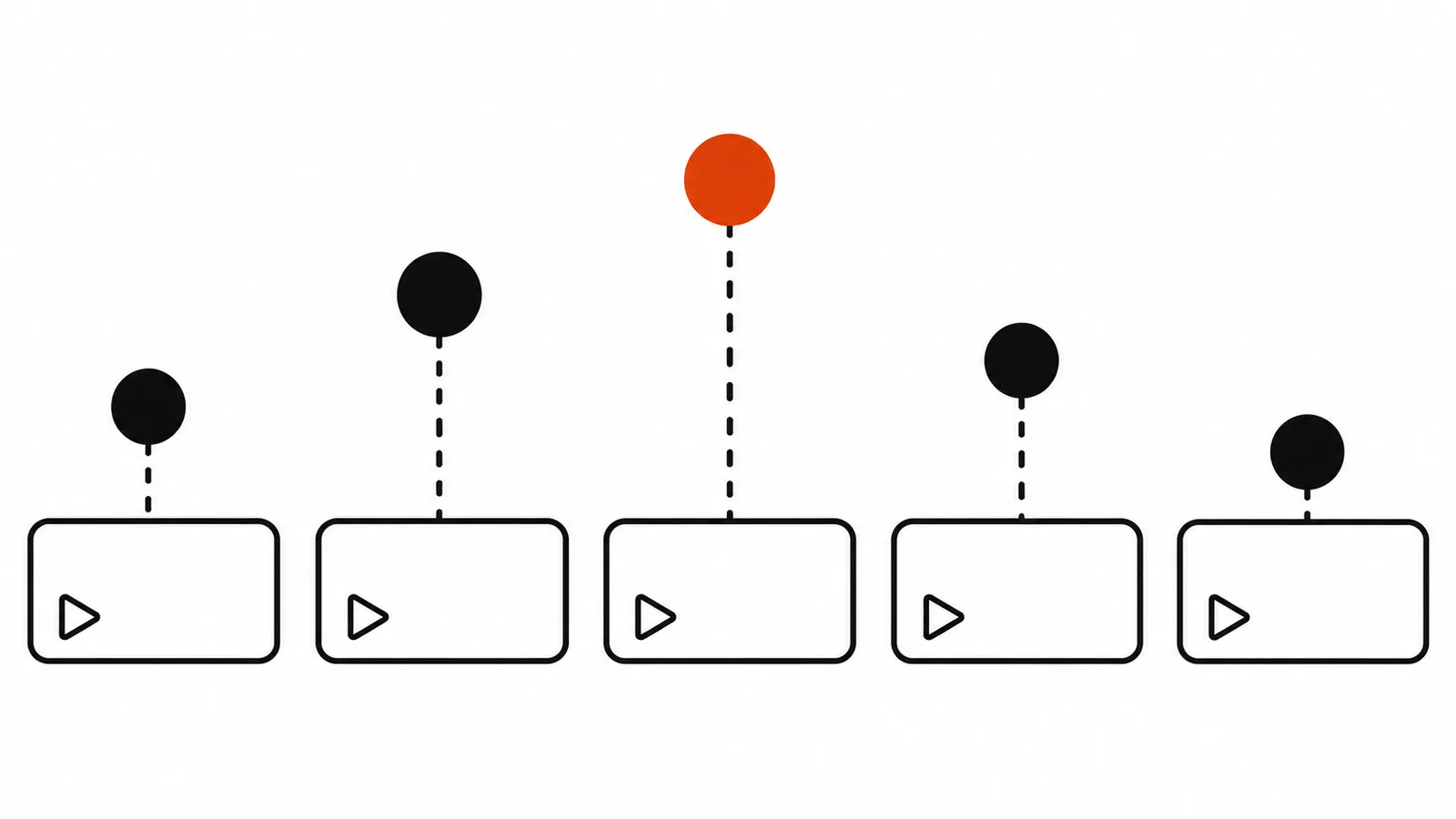
Why AI video stutters: frame rate in plain words
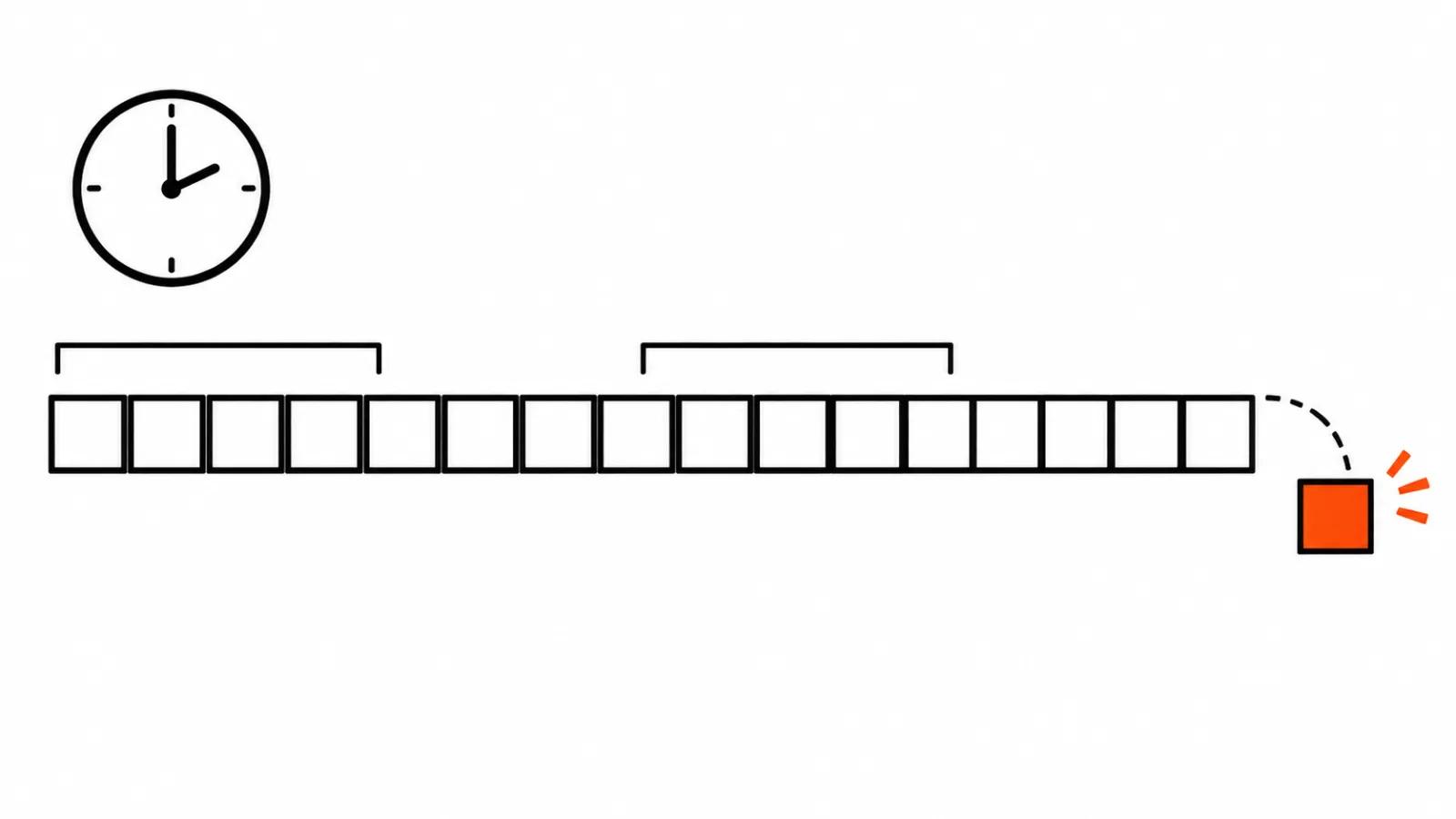
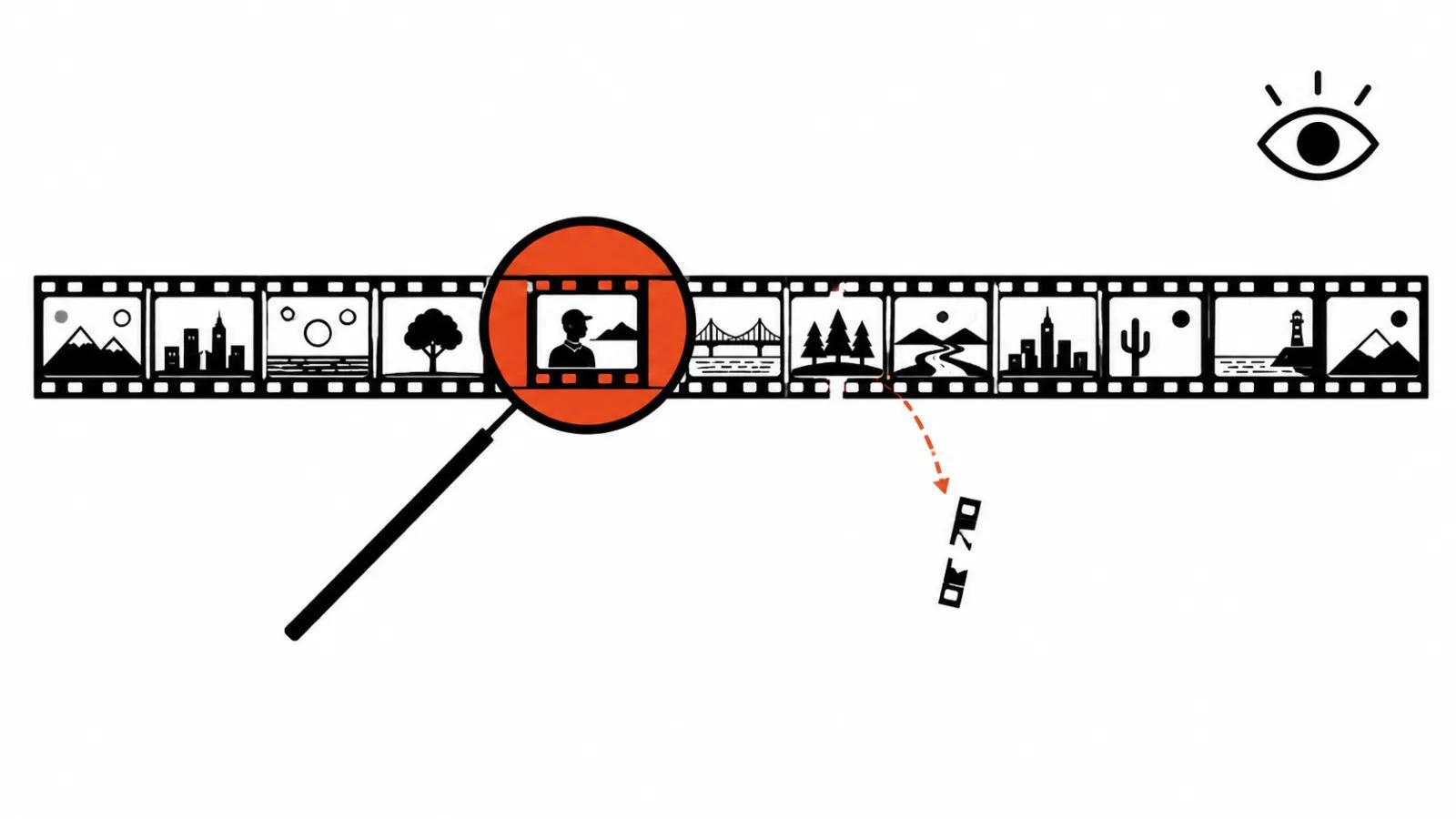
Video is a sequence of still pictures swapped faster than the eye can catch the change. Frame rate says how many of those pictures land in one second. Cinema has traditionally been shot at 24 frames per second, television standards know 25 and 30, screens and games commonly run 60 and up. Those numbers describe recording and playback formats, and they say nothing about what happens inside a particular model.
The eye builds motion out of the difference between neighbouring frames. A hand moved, the camera tilted, a shadow under the chair shifted. The gap between frames sets how large each of those changes turns out to be. The bigger the gap, the coarser the motion reads: a fast camera move at 24 frames breaks into separate positions, at 60 it flows.
That gives a first practical rule. A jolt on fast motion is a question about frames per second and about how fast the move itself is. A shiver on a wall that does not move comes from somewhere else entirely.
Why every second is a separate run of work
The model computes frames instead of filming a scene with a camera, and the amount of computation grows with the length of the clip. In Kling 4.0 duration is set in seconds in one-second increments, from 3 to 30 (Kling 4.0 Video User Manual, kling.ai, checked 20.11.2026). Those increments make a handy probe: lengthen the shot a second at a time and watch where the motion starts falling apart.
How quickly a model hands over a frame is easiest to see on open projects. Apple published FastFrames on Hugging Face, two autoregressive video diffusion models that generate 480p video at interactive latency, and the smaller FastFrames-S with 1.3B parameters produces a frame every 36 ms on a single B200 GPU (VP Land, 19.11.2026, https://www.vp-land.com/stories/apple-releases-fastframes-video-models-for-interactive-generation-with-frames-in-as-little). One second of video at 24 frames per second needs 24 of those computations.
Resolution joins the same bill. More pixels per frame means more work per frame, so a 4K shot takes longer to compute than the same shot at 1080p.
Consistency between frames and where shiver comes from
The model builds the next frame with the previous ones in view. It does not paint each frame from scratch, or the picture would boil even on a static shot. That reliance on the past is what holds a scene together: the room stays the same room, the character stays the same character.
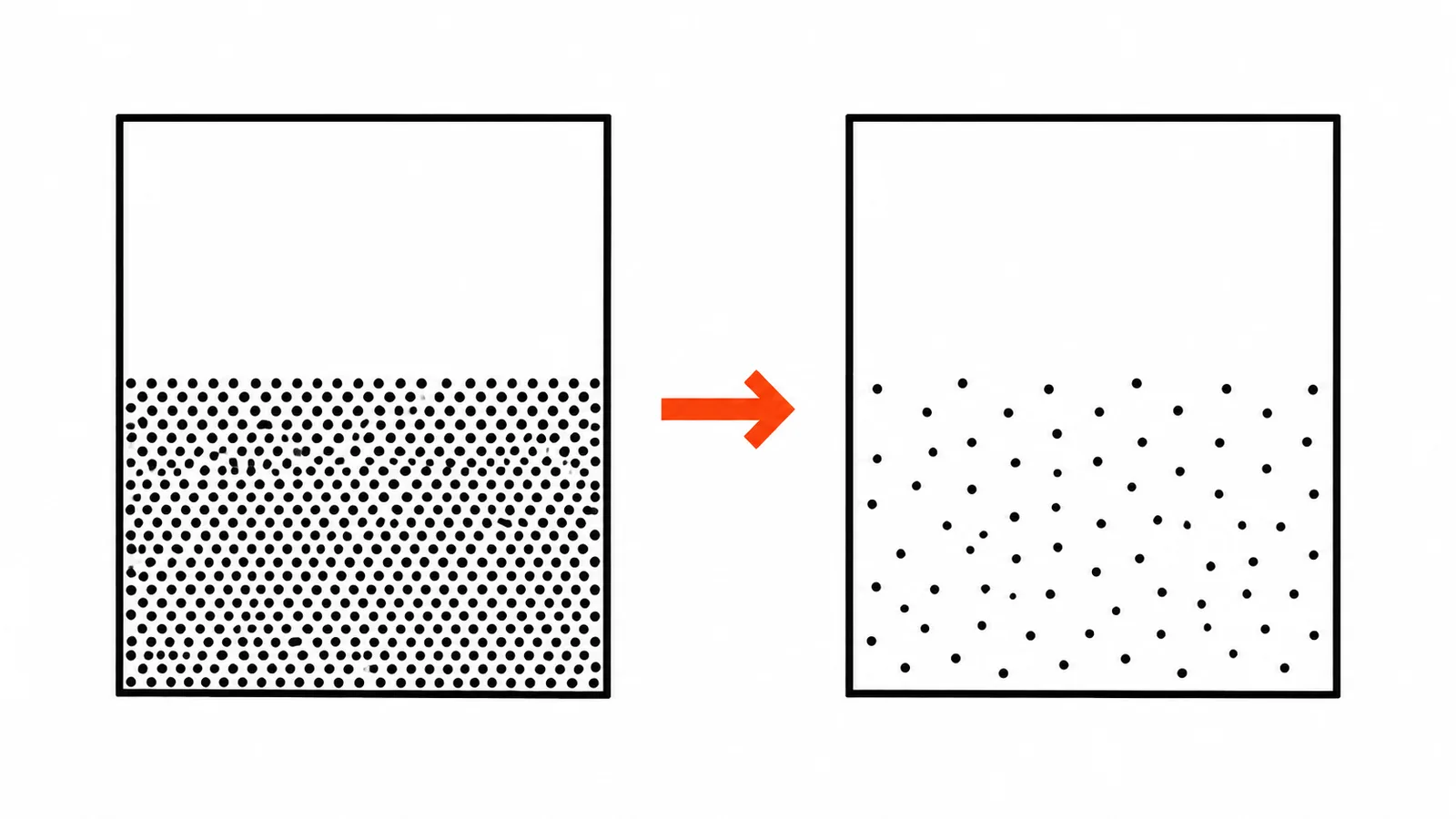
The weak spot sits in the same place. A fine detail occupying a few pixels can shift or dissolve on the next frame: a button, a glint on glasses, small type, a seam on a jacket. Textured surfaces with many similar small elements start to shiver: grass, leaves, brickwork, carpet pile, a gradient on a wall. The eye catches that movement before the viewer can name what feels wrong.
Faces, hands and text have a separate breakdown in the piece on why AI video faces, hands and text drift. That one covers what fails inside a single frame. Here the level that matters sits between frames: a detail present on one frame and gone on the next.
How the model decides what the next frame looks like is covered in how an AI video model picks the next frame. The step-by-step generation scheme is laid out in how an AI video generator works.
What interpolation does, and what it cannot
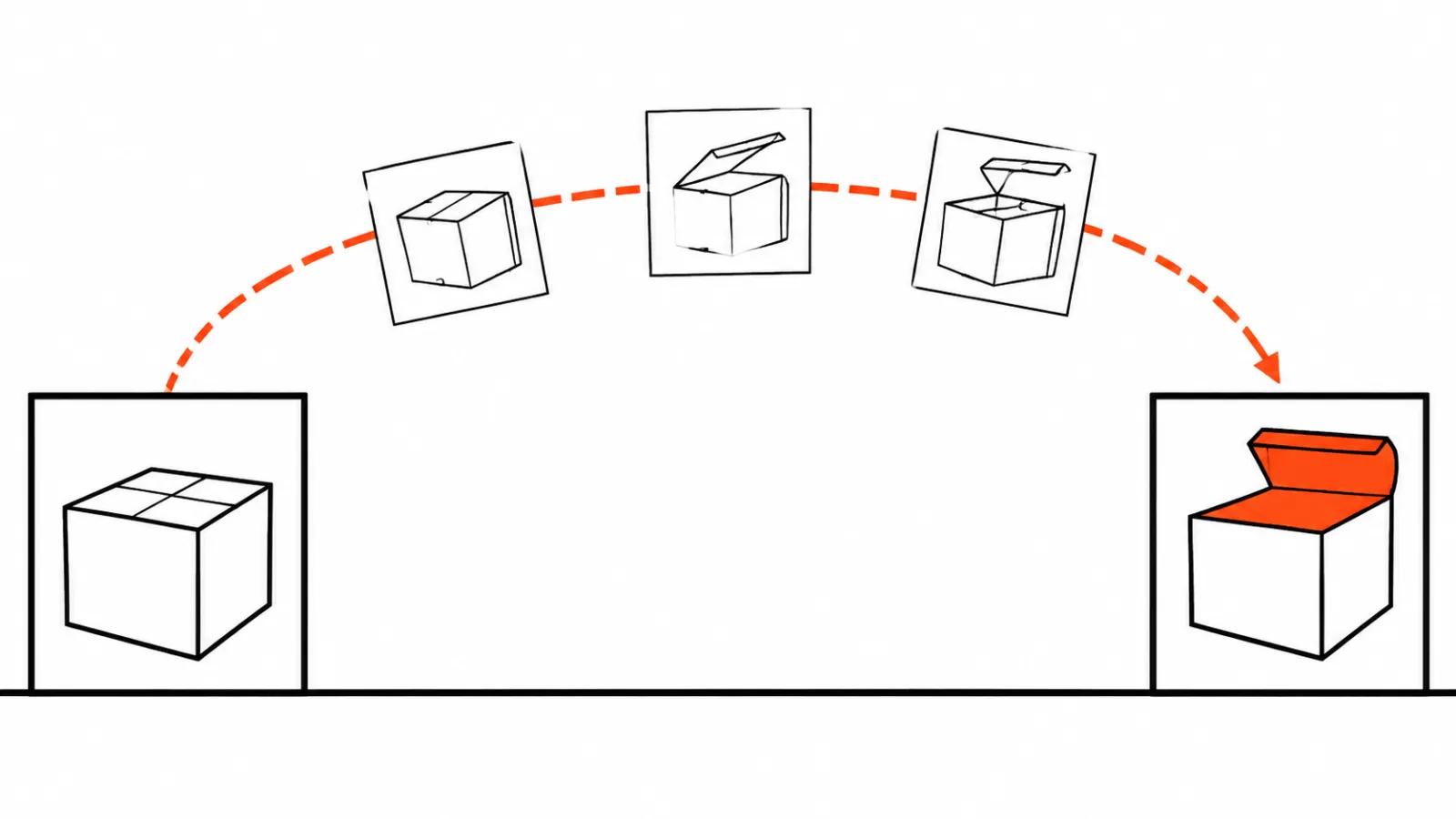
Interpolation adds intermediate frames between frames that already exist. It works on the finished picture: it takes two frames and rebuilds a third between them from pixel movement. Motion smooths out, especially on a slow camera turn or a move along a shop window.
Detail does not come back. If a button is there on the first frame and gone on the second, the in-between frame gets a smeared patch where the button was.
On textures the effect reads like this: shiver becomes soft blur. It pleases the eye, and it carries no original sharpness. For a close-up of fabric and a gradient that is a bad trade, because the viewer sees mush where they expected pile.
A low-resolution draft: where it saves and where it lies
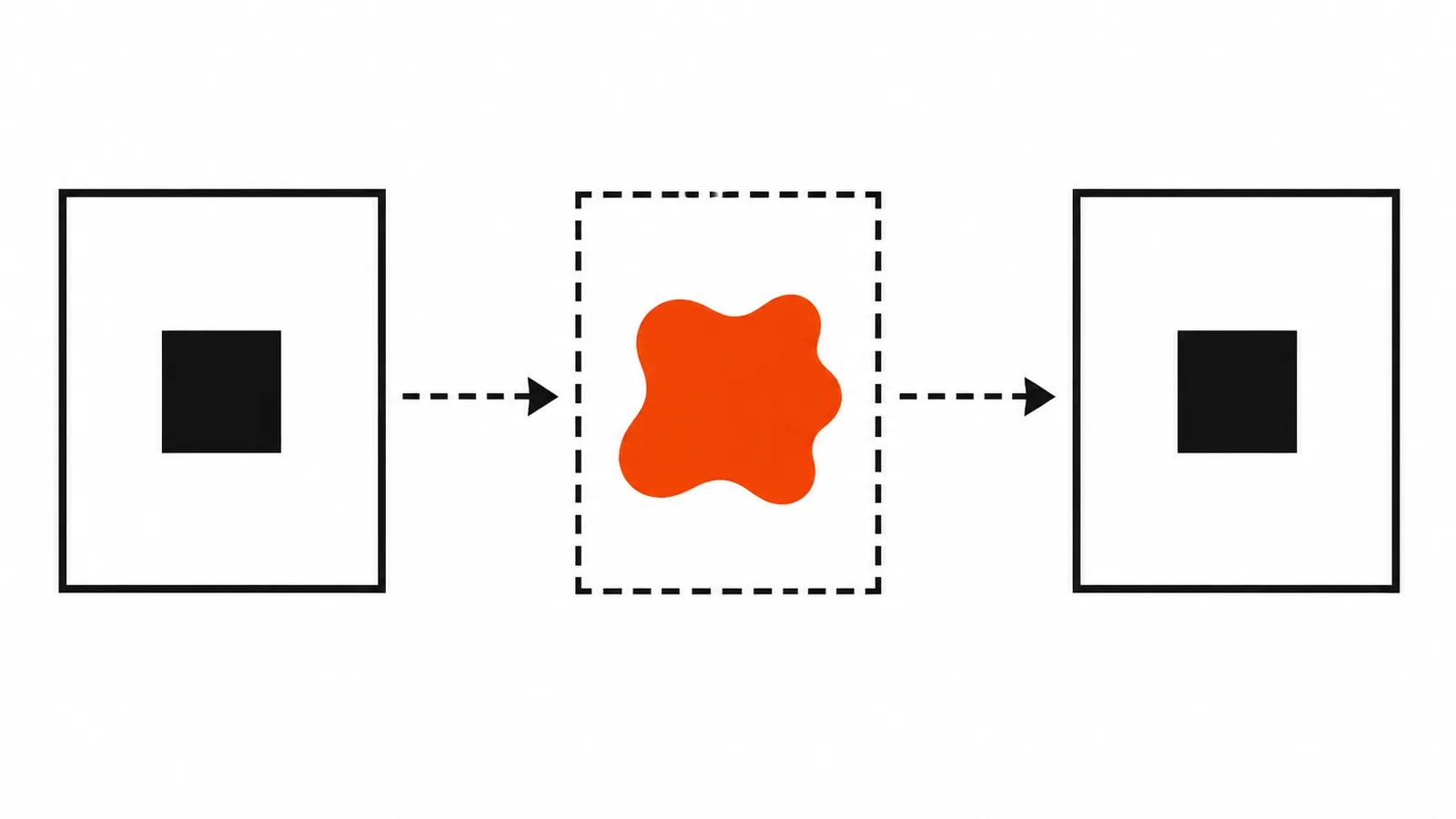
Seedance 2.5 in Krea has a draft mode: the clip is rendered at 480p and billed at that 480p tier, then completed at 1080p or 4K using the draft id, and the draft file itself lives for 7 days (Krea changelog, 15.11.2026, https://www.krea.ai/docs/changelog). The saving is direct, because motion, composition and length get checked on a cheap pass before the final render is paid for.
The catch is just as direct. At 480p there is no fine texture, no gradient and no small detail, which is exactly what shivers between frames. A clip that runs clean as a draft can show a shiver on the wall and in the carpet pile at 1080p. A draft answers the question about motion and composition, and it does not replace the final check. The draft-then-final route is covered in more detail in draft and final AI video without burning the budget.
What to look at on delivery
First, smoothness of motion. Watch slowly or frame by frame, and separately over the fastest part of the shot. On a normal pass a two-frame jolt slips by unnoticed.
Second, texture shiver. Walls, fabric, grass, hair, a sky gradient. A slight tremor on a gradient is the first sign that detail is being lost between frames, and it will show up on the close-up.
Third, readability of text in motion. A caption that sits still in frame and a caption that travels with an object behave differently, and the second one smears first.
Fourth, compression on the platform. Social networks recompress a clip to their own settings, and a fine tremor on gradients and textures gets more visible after that. So the live version on the platform gets checked as well as the master file.
Fifth, repeatability. Generation is probabilistic, so several runs with identical input show whether the shot shivers reliably or that was one bad attempt. The order for that run is in the piece on testing an AI video model on a single shot.
Why turning smoothness up does not help
The short version. Stutter nearly always means one of two things: motion too fast for the frame count, or detail lost between frames.
In the first case the shot is at fault. Fast action gets split into two shorter shots, the camera is calmed down, the length is cut. In the second case the scene is at fault: small textured surfaces leave the frame, the shot size changes, attention moves away from the problem area.
Smoothing settings and interpolation over a finished clip do not solve either. The source contains no frames with the missing detail, and there is nowhere to get them. Changing the shot works, sometimes together with a different angle.
Then the job changes shape, because a batch is not a single clip. In a run of hundreds of shots, steadiness of motion gets checked on a sample: a handful of clips are pulled out of the finished set, their fastest passages are reviewed, and the result is held against the first clip that was built. If the sample holds, the rest of the run follows.
Two ways of pricing sit behind that. One finished clip of up to 90 seconds, every frame reviewed, costs from $190 and takes about a week to assemble. A run of vertical clips is billed by views instead, up to $2.40 per 1000 views, and one template serves the whole set.
A single commercial built around a launch is commissioned when the clip is tied to a product premiere, and time on it is planned with headroom. Runs of short clips for a feed are described on the AI video batch production page.