Replace a person in a video with AI: what Lockstep takes in
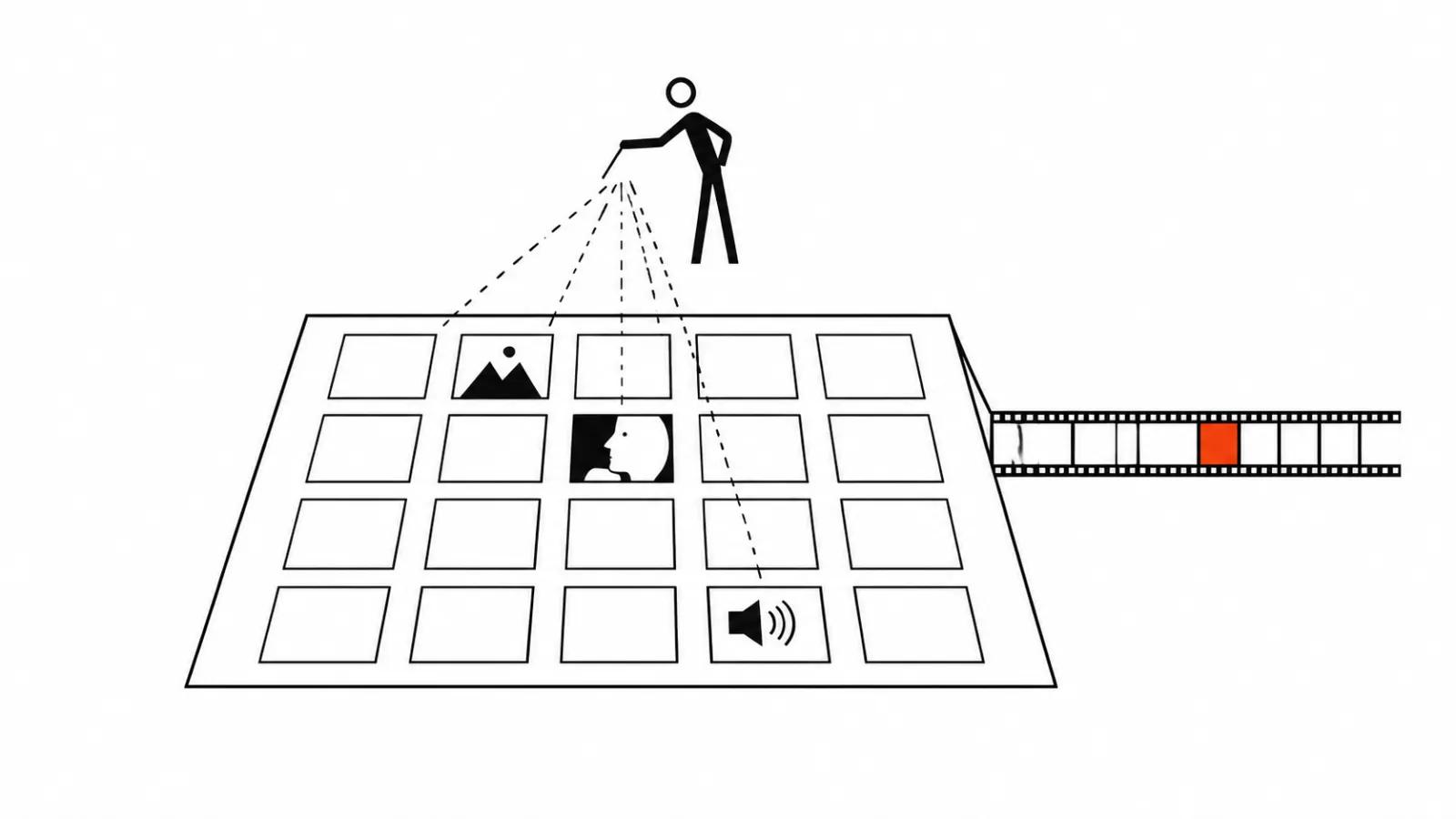
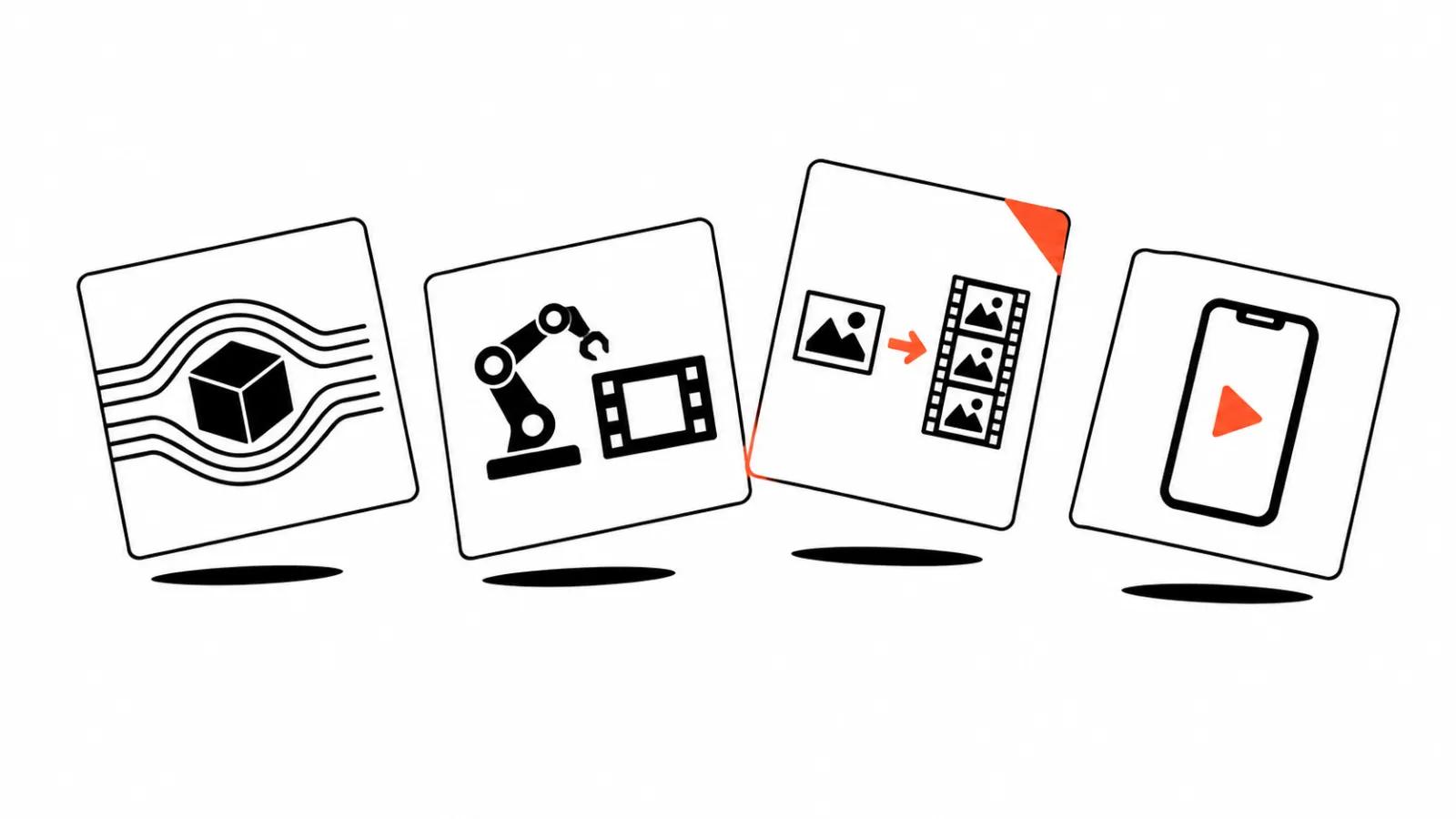
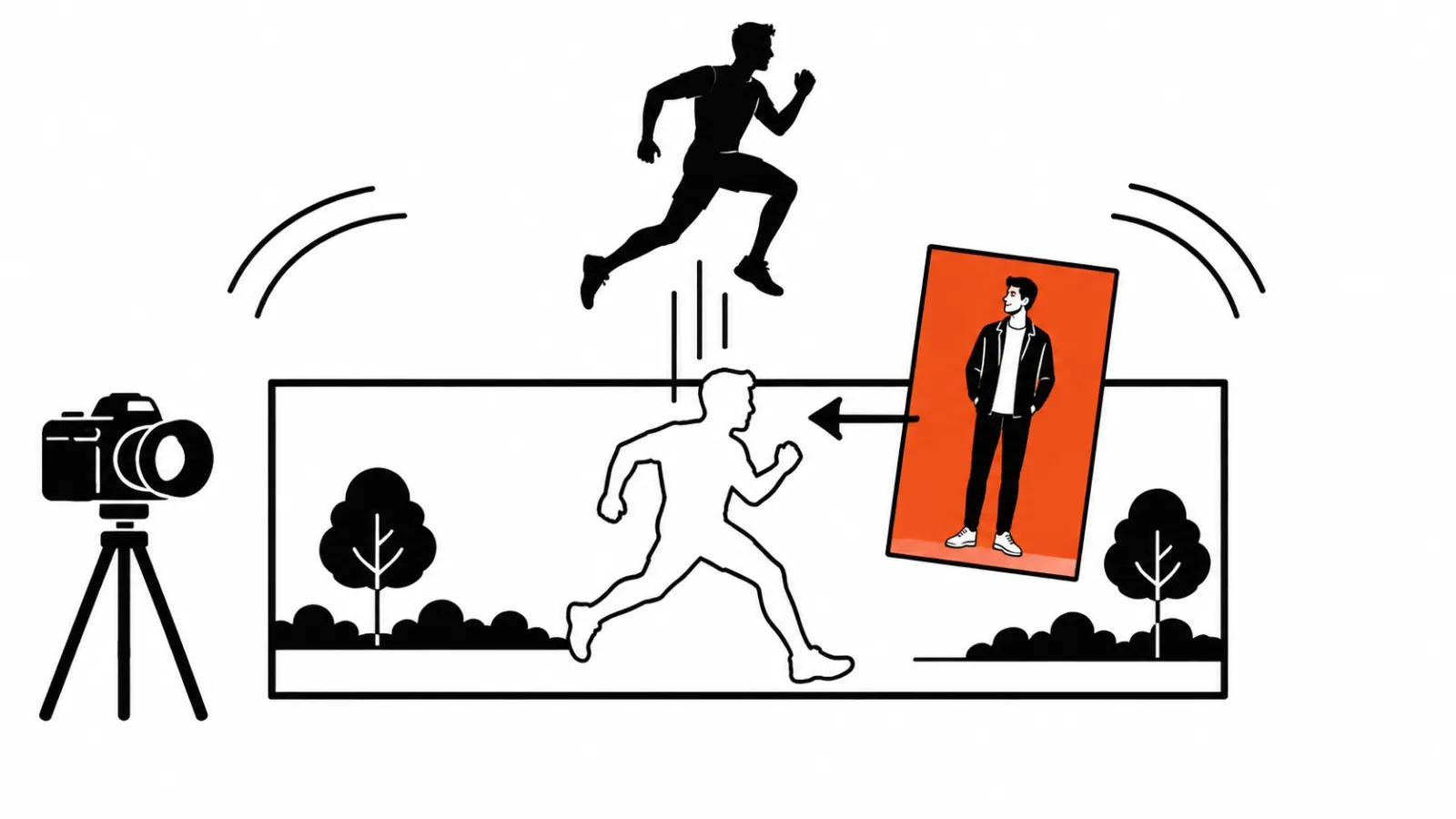
On November 2 the each::labs blog published a breakdown of its own recast model, Lockstep, written by Eftal Yurtseven. Recast means swapping the people in a finished video for your own characters, one photo per person. It runs as video-to-video: the source clip and one to eight reference photos go in, a prompt is optional, resolution is 480p, 720p or 1080p.
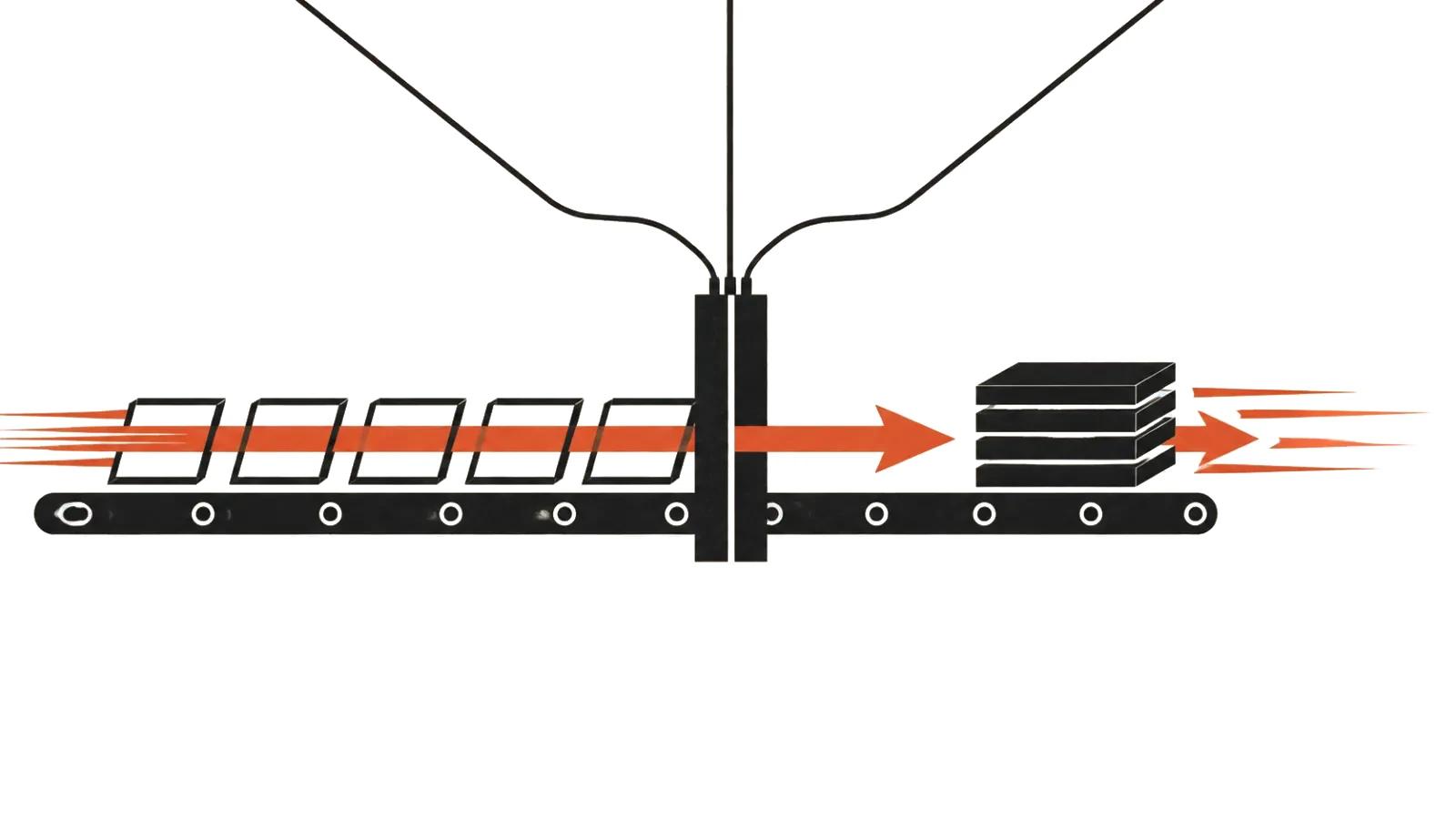
Output keeps the length, the timing and the camera of the source. The model does not build a new scene, it places new people inside footage that already exists. The closest comparison is an editor swapping actors on a locked cut: set, light and edit points stay, the faces change.
Three things Lockstep says it keeps
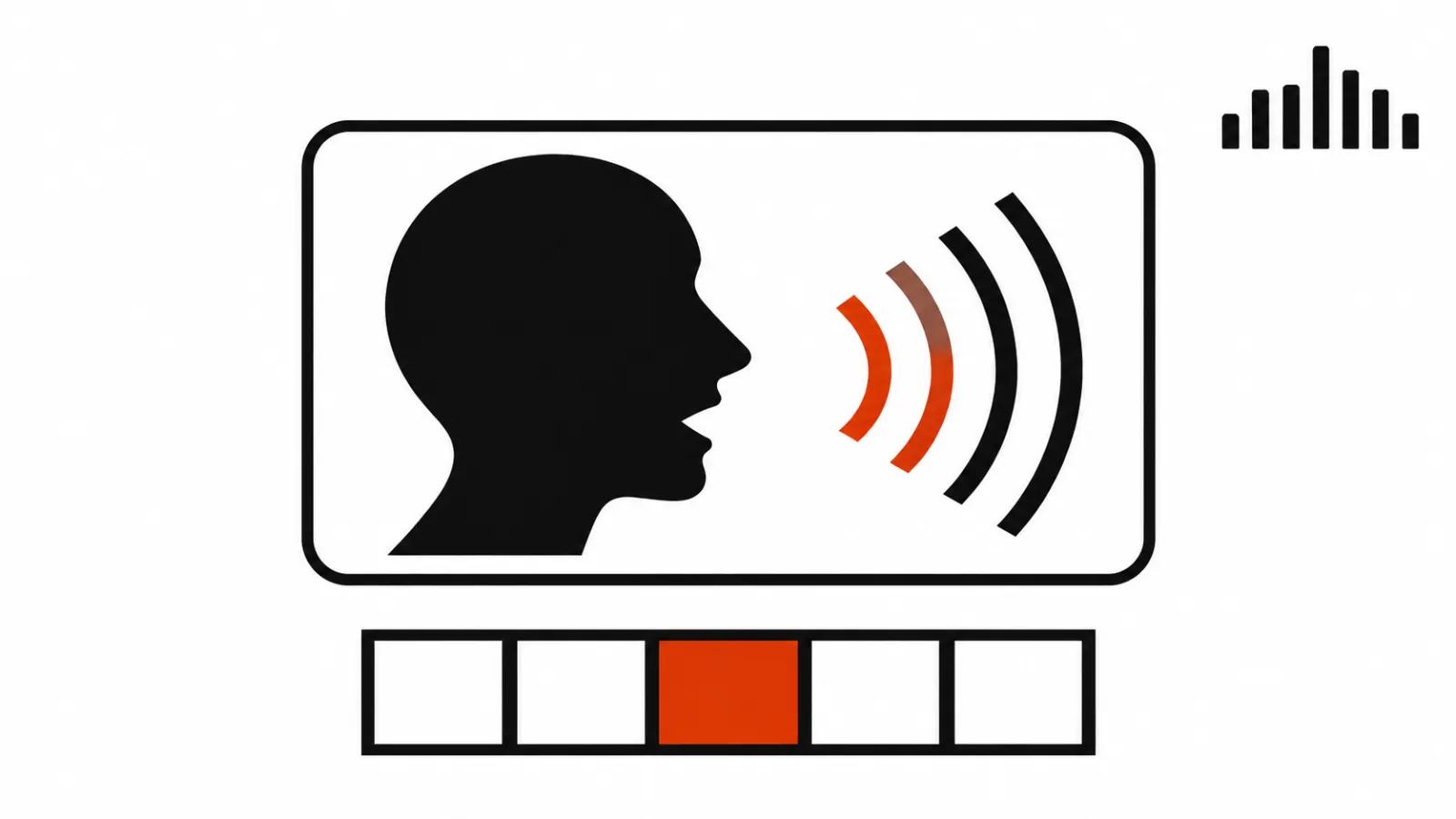
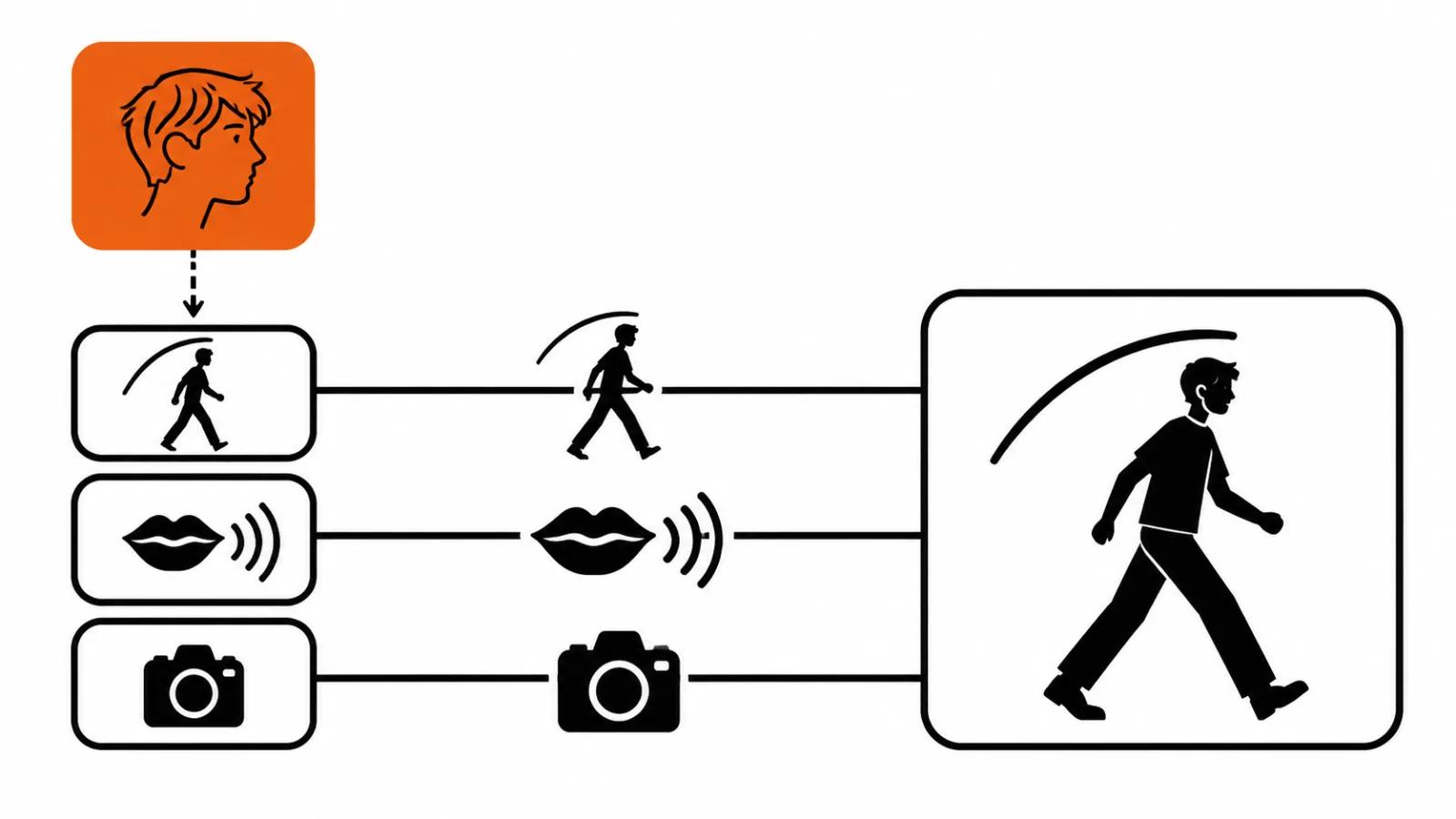
Motion comes first: steps and gestures land on the same beats as the source. Lip sync second: the mouth follows the original performance, so a recorded line can stay. Camera third: handheld shake, pans and fast moves survive.
Background, light and framing stay as shot by default. According to the company the model also handles pets, mascots and stylized characters, so a human is not the only thing it can replace.
I have not tested those three claims myself, so I treat them as a pitch to check on my own footage.
Replace a character in a video with AI: @Image1 tags and a whole group
Characters are tagged in the prompt as @Image1, @Image2 and so on, in the order the photos were uploaded. The company's example prompt reads: "Replace the runner with @Image1. Set the scene in a school hallway." That lets a whole group swap in a single run, which is handy for group scenes.
The advice from each::labs is short: describe only what changes. The motion already lives in the source clip, so spelling it out in words adds nothing. The school hallway line follows the same logic, since the scene changes while the character arrives from a photo.
480p for drafts, 1080p for finals
The company's guidance on resolution: run drafts at 480p, render finals at 720p or 1080p. Motion does not change with resolution, so the first pass is cheaper at the low setting. The point of that pass is choosing a take: at 480p you can see whether the person lands in the pose and the beat, while face detail gets judged at the final setting.
One habit of my own: make the first run on the shortest fragment that has both a step and a head turn. If the face holds there, the long clip will come together.
Price: almost 75% cheaper and up to 3.8 times
each::labs is specific about money: recast costs almost 75% less than other recast models, and on the same four trending clips competitors charged up to 3.8 times more. The post does not say which competitors were measured, no names sit next to the numbers, and a separate write-up compares Lockstep with Genjutsu.
There is no independent check of those figures. No per-second rate appears in the post either, so I am not converting anything into local currency: without a price per second or per run, a conversion is guesswork.
Shoot once, recast for every market
The most useful application here sits in advertising. One shoot and five versions with different presenters for different markets: no reshoot, no second bill for the location, the light or the edit. We build that setup as a regular commercial, and the versions come from recast afterwards.
The company lists other scenarios too: trends, stunt scenes, AI influencers. Vertical video ads follow the same mechanics, one good shot of a person and a dozen versions for platforms and languages.
Where the frame needs a live voice and a precise line, filming a person costs less: handcrafted videos start from $190. Recast on top of that shoot is where the saving on the second and third version appears. It also handles the older brief of replacing a person in a video with AI, except here the motion still belongs to a real actor.
Access: API fields and ready-made templates
The model sits in three places: the playground, the API and each::labs workflows. In the API it is called lockstep, version 1.0.0, with fields video_url, image_urls, prompt, resolution and webhook_url. That set is enough to queue a recast and collect the result through a webhook.
Two-step templates cover the trends, among them Concert Main Character and Dancing Pet Trend. A template removes prompt assembly, and on a stream of similar clips that saves more time than the render itself.
Risks and my verdict
Recast runs into face rights. Consent from the person, rights to their likeness and the labeling of such a video stay with the client: the model only inserts a picture. We covered that in more detail in the piece on AI face swap in video, together with the legal side.
The second risk is the source of the numbers. Quality and price in the post are assessed by the company itself, independent tests are missing, and I would base a buying decision on half an hour of my own footage.
The third point is the alternatives. Runway Character Swap does something similar inside its own ecosystem, and reading the two write-ups side by side beats trusting one.
My verdict is short: I would take Lockstep for one job, a set of versions of a single commercial for different markets. A short 480p pass shows whether the model holds the step and the mouth. A shoot-free pipeline does not exist here: background, light and framing stay as filmed by default, so a source clip is still required.