AI video online: what already sits in a browser
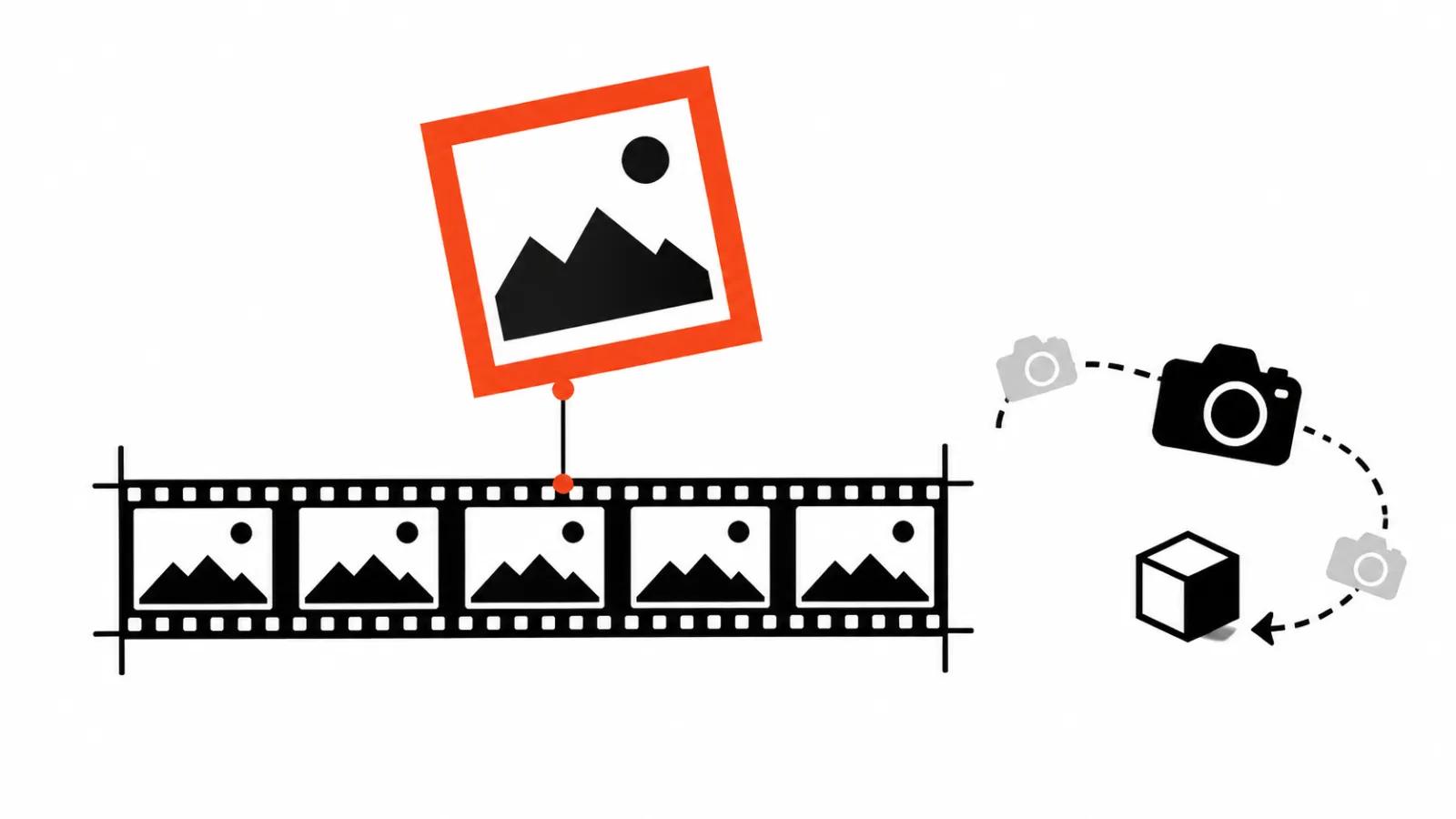
A single tab now holds several models at once. Higgsfield keeps Kling 4.0, Wan 3.0, Seedance 2.5 and others under one account. Since October 21, 2026, Kling 4.0 returns clips from 3 to 30 seconds at 720p or 1080p, in aspect ratios from 21:9 to 9:16, with stereo sound, dubbing in nine languages and up to 10 keyframes. Wan 3.0 caps at 30 seconds and goes up to 1080p.
Nothing gets installed: a browser, an account and credits. That is the main difference from running a model locally, where the first purchase is a graphics card. For testing an idea, for a one-off clip and for checking whether a script reads on screen, the browser entry point costs less than any hardware.
Online video generator: cheap 480p draft, 1080p final
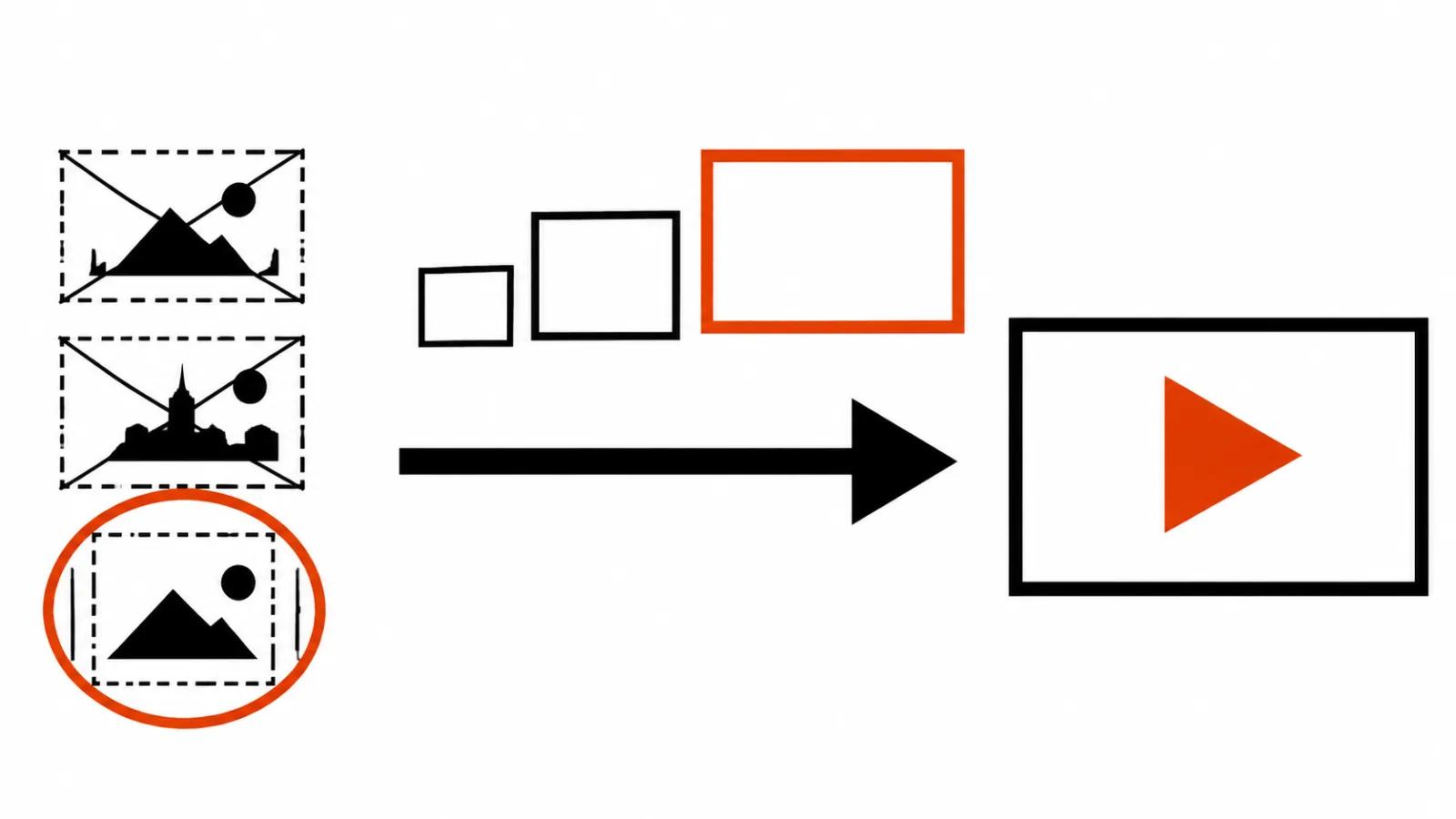
The most useful mode here arrived with Seedance 2.5, its Draft Mode from September 22, 2026. The service builds a cheap 480p draft first, you pick a variant, and only that variant renders at 1080p. You pay twice, but the expensive render covers only the one take you picked.
each::labs recommends the same loop in its Lockstep write-up of November 2, 2026: 480p for drafts, 720p or 1080p for finals, with the cost of every run visible before launch. Gemini Omni 1.1 Flash on Higgsfield follows the same logic, since August 28, 2026 drafts run at 360p and the good takes get upscaled. It handles up to 10 seconds at 360p, 720p, 1080p or 4K, and it holds a first and a last frame.
Video generation online: what the HeyGen plan teaches
HeyGen Video added text_to_video and image_to_video in October 2026: from 5 to 30 seconds at 480p, 768p, 1080p or 2K. One detail decides the invoice: 768p is the default, and a 2K run costs three times more than 768p. Across thirty clips that gap is visible on a statement.
For social, 768p makes a sensible working standard, with 2K saved for screens where the frame gets watched large. Every run costs money, whether the take works or not, so a cheap resolution saves on the number of attempts.
What a second costs and what to check in a plan
A per-second rate rarely sits on one line in a browser service. Five things deserve a look: the length limit in seconds, the resolution ladder and the surcharge on the top rung, whether sound is part of the plan, whether commercial use is allowed under the plan terms, and the price of a draft against the price of a final. A sixth one is personal: whether the bill shows up before the run starts.
We already went through cost per second across generators in a separate piece. The order matters more here: length and resolution first, sound second, rights third. A plan that hides all of it behind credits gets tested with one run in the cheapest mode.
Browser, local model or API
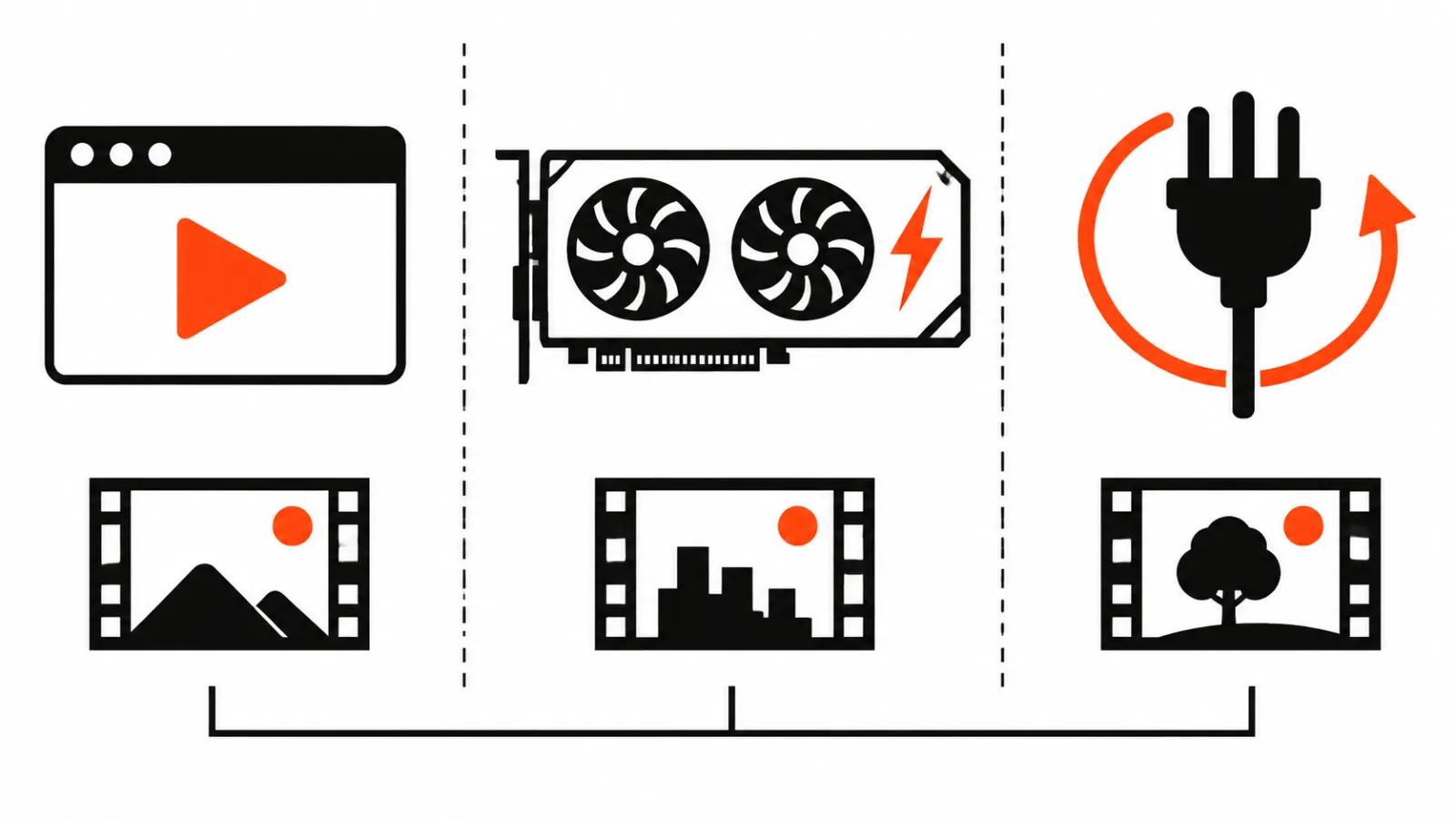
A local model needs its own graphics card. A recent example: Tencent WeVisCut asks for a GPU with roughly 24 GB of memory, and it is an editing agent, so the comparison with a generator limps. The real point is different: local runs pay off at high volume and under strict privacy requirements.
The browser needs nothing beyond credits, and that is its main argument. We covered the local route with sound separately. At a dozen clips a month, the price difference does not cover an evening of installation.
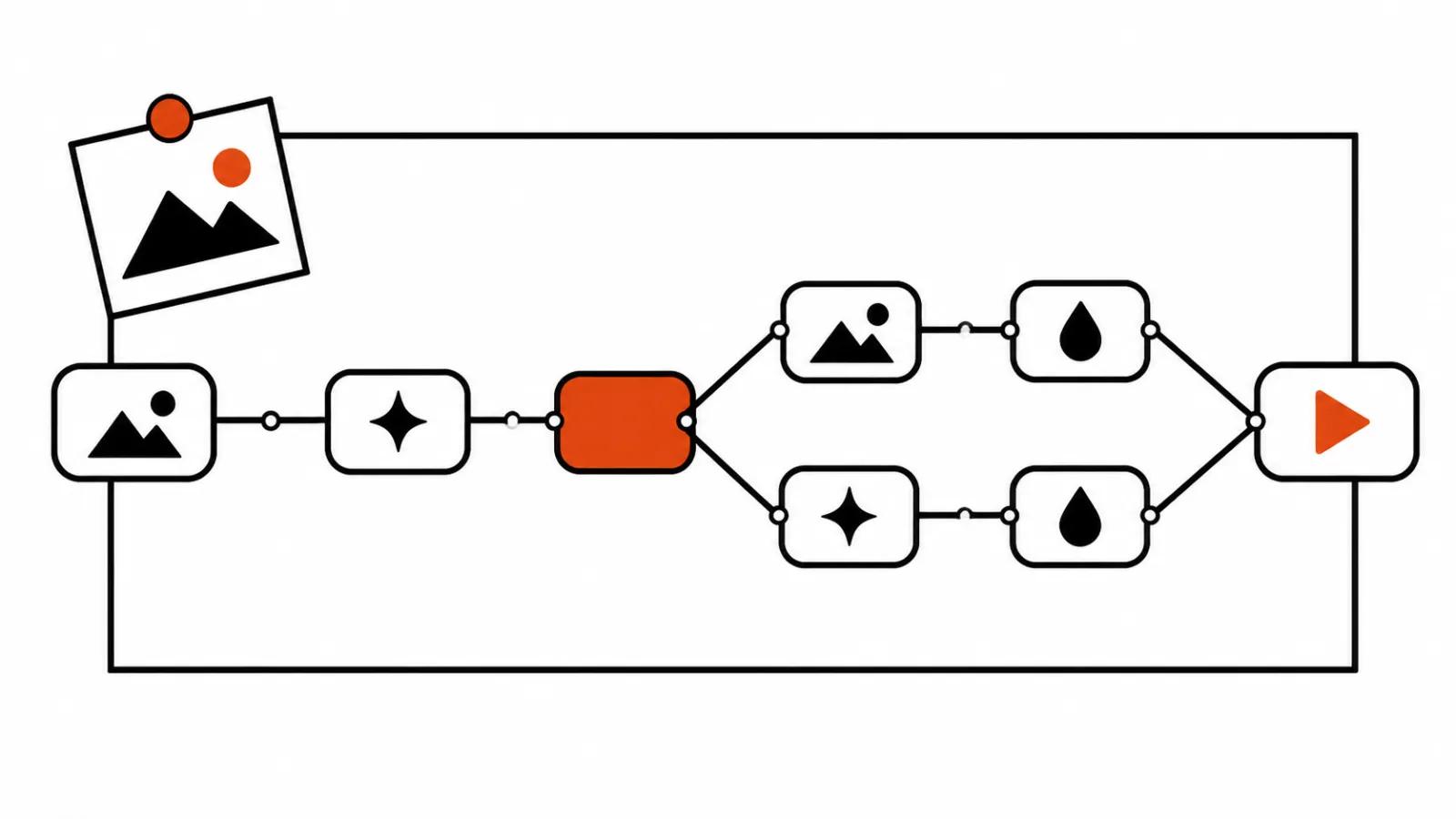
The API is the third route. each::labs ships Lockstep in three places: a playground, the API and workflows. In the API it is called lockstep, version 1.0.0, with fields video_url, image_urls, prompt, resolution and webhook_url, and the cost of each run is visible before launch. For a series of clips that beats a browser tab: a queue, a webhook, a review screen of your own. The tab stays the place for tests, the API takes the repeats.
When the button turns into a production line
A browser generator works for tests and one-off clips. At hundreds of clips the tab becomes the bottleneck: queues, limits, manual take selection, and every run needs someone to pay for it and check it.
At that volume the job changes shape. Our AI video production is priced by views, up to $2.40 per 1000 views, and generation seconds do not enter that budget. Where a frame needs a live voice and a precise line, the bet goes on handcrafted videos, which start from $190.
My verdict
A browser generator saves money through discipline: a cheap draft at 480p or 360p, finals only for selected takes, a bill before the run, commercial rights checked in the plan in advance. We collected the best AI video models by name in a separate piece.
The working order is this: test in a tab for 5 to 10 seconds, then one final run at the top resolution, then a decision about volume. For a series of a hundred clips the browser stays a selection tool.