What video generation inside Shedevrum is
Shedevrum bundles image, text and short-video generation in one consumer app. The video side stays inside a hard frame: 4 seconds at 24 frames per second. Age is spelled out separately in the help centre, the service is for people over 18, and younger users only get the kids mode.
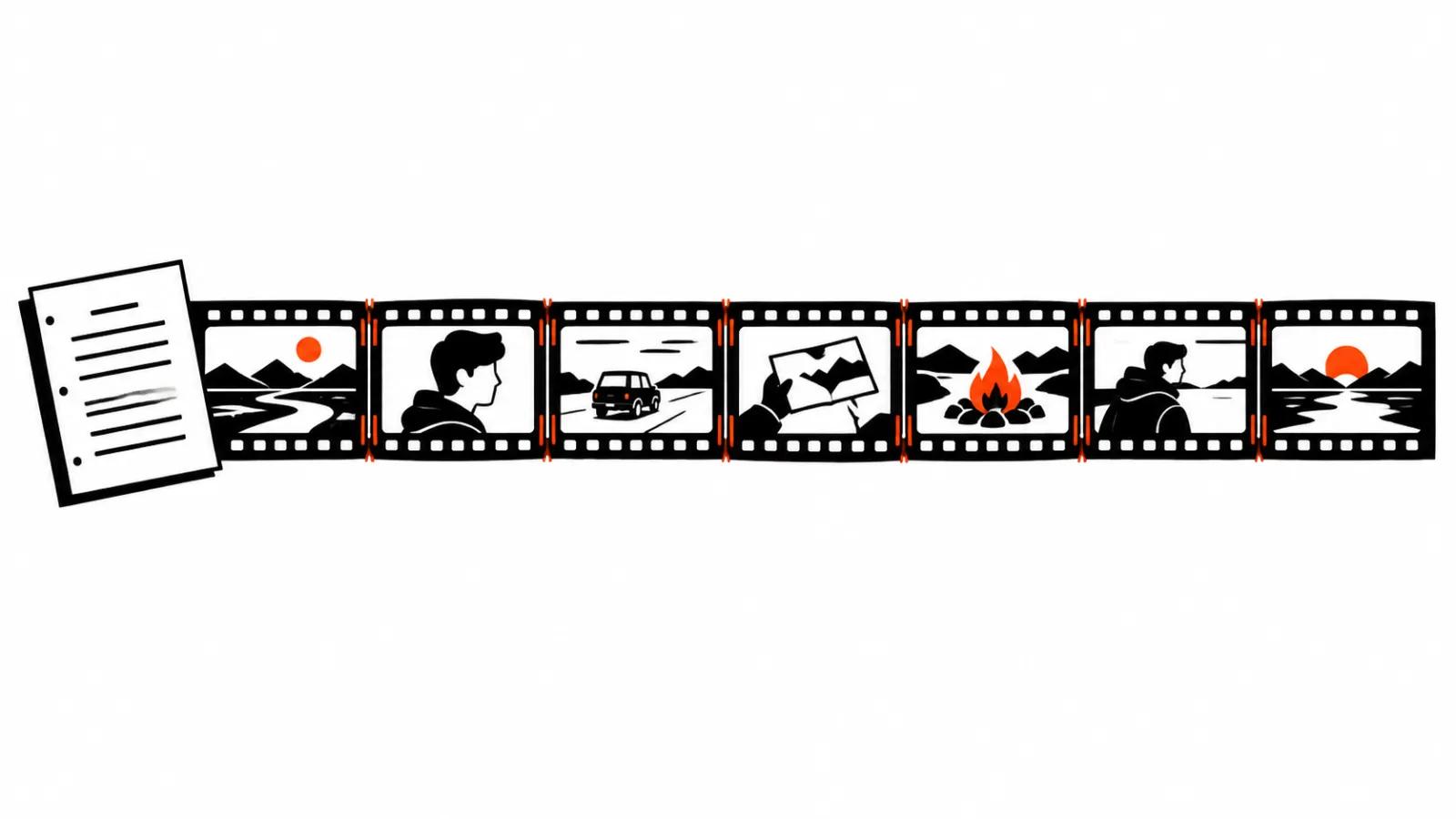
Everything else follows from that frame. Four seconds is one gesture, one camera move, one expression. A scene with dialogue and a cut between two shots does not fit, so it gets designed as a sequence of pieces that are stitched later.
My position is plain: 4 seconds is the ceiling, and the honest way to work with it is to plan inside it. A clip of that size earns its place as a live avatar, an intro, or one shot inside a music video. Anything longer comes out of several generations and an editing timeline, which is a normal way to work.
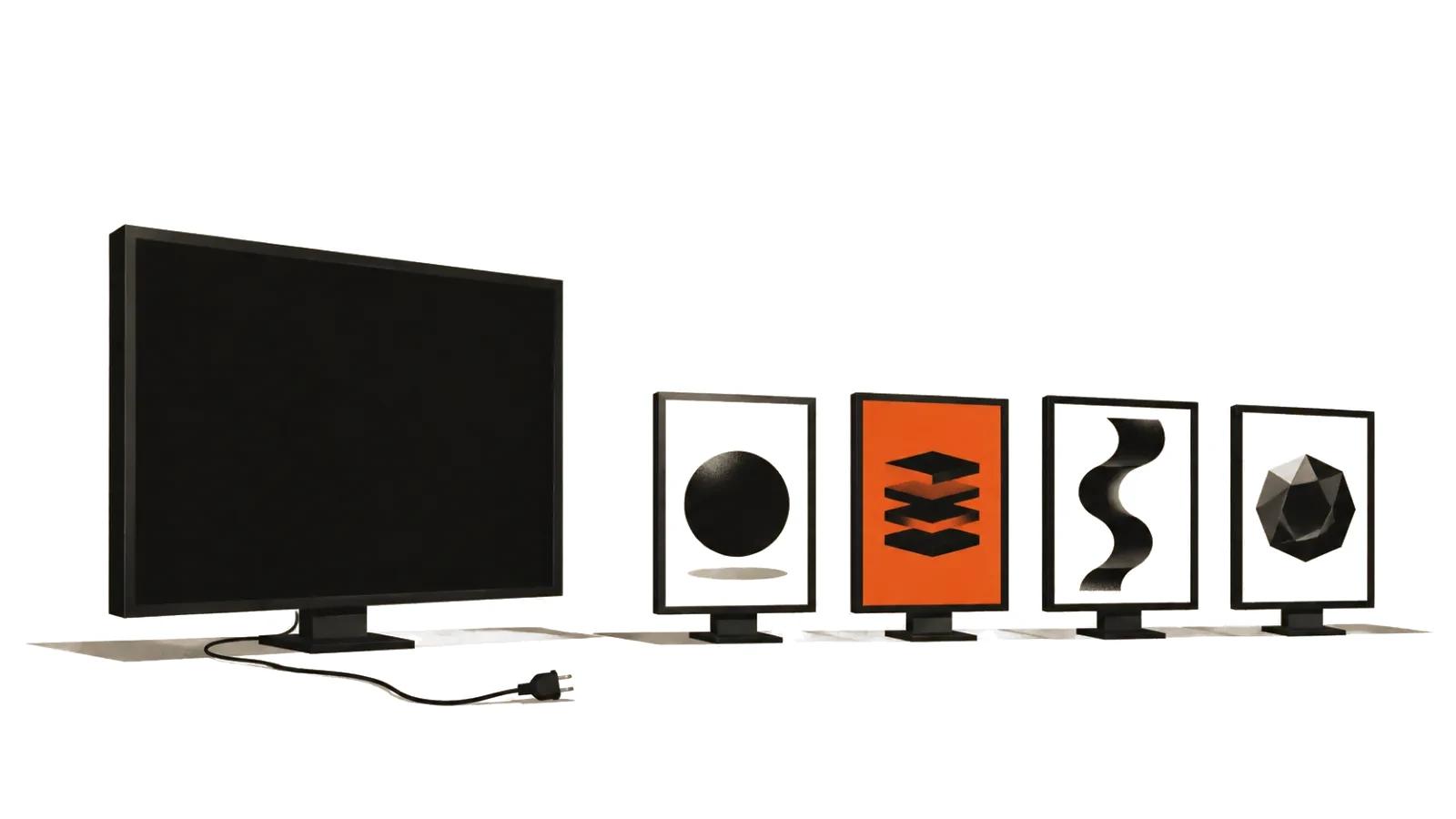
Shedevrum's four video models
There are four models, and the difference between them is practical.
v.1 handles camera movement. The settings offer zoom, timelapse, pull-out, panorama, rise, morphing, rotation, and a manual mode where movement and rotation are set per axis. When the shot needs a push-in or a fly-around, start here.
v.2 Beta carries the motion of objects inside the frame. Quality depends entirely on the description: the more precisely you say how the object moves, the fewer surprises you get back.
v.3 returns a more detailed and more dynamic picture, and the help centre says it shows fewer defects than the earlier builds. It is the default pick when no specific effect is required.
Wan2.2 is the open model from Alibaba, and Shedevrum unlocks it on the Pro plan. The first 7 days are free, then it costs about USD 1.20 a month on top of the Plus subscription.
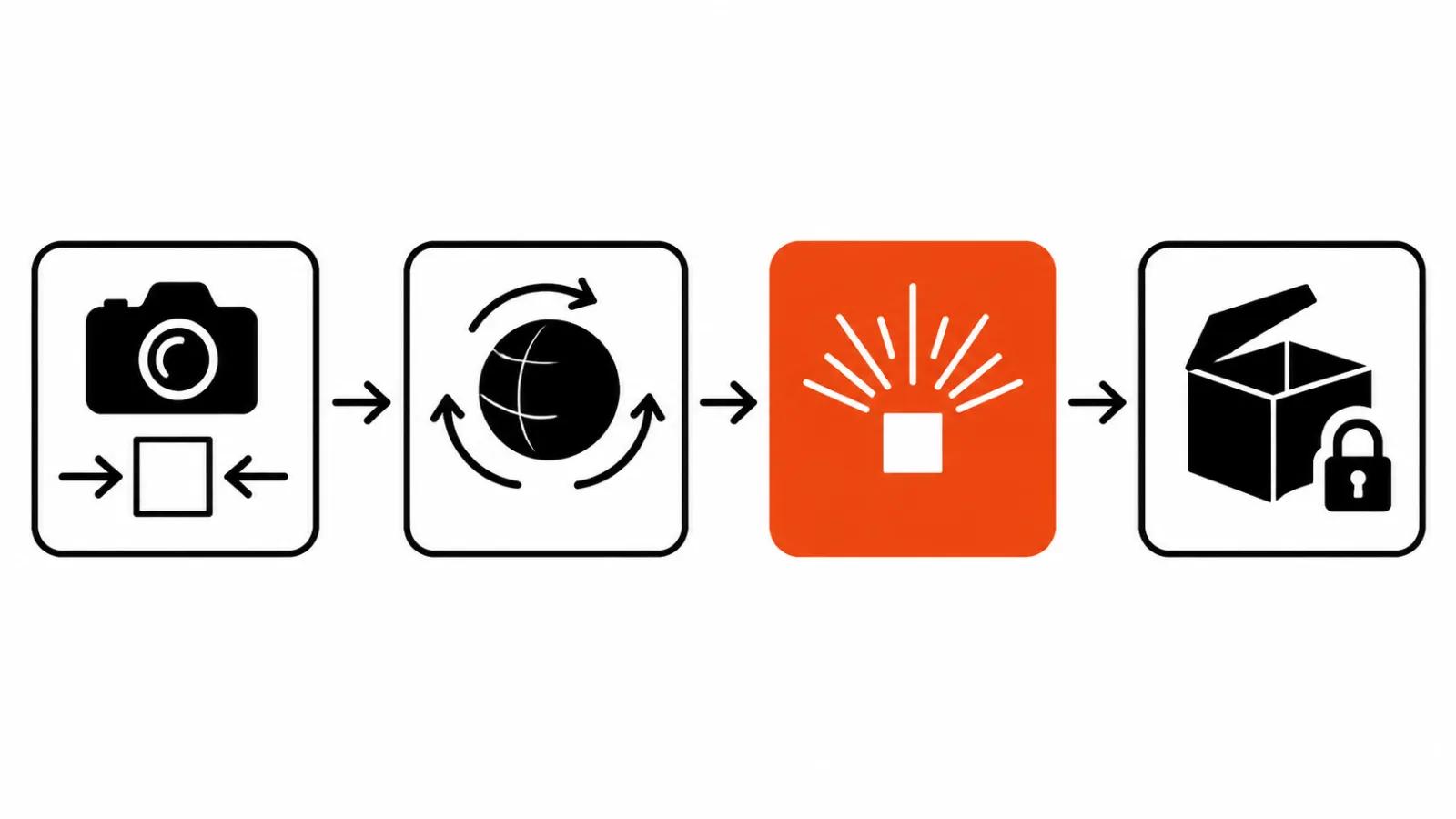
Making a clip: six steps
The order in the help centre runs like this:
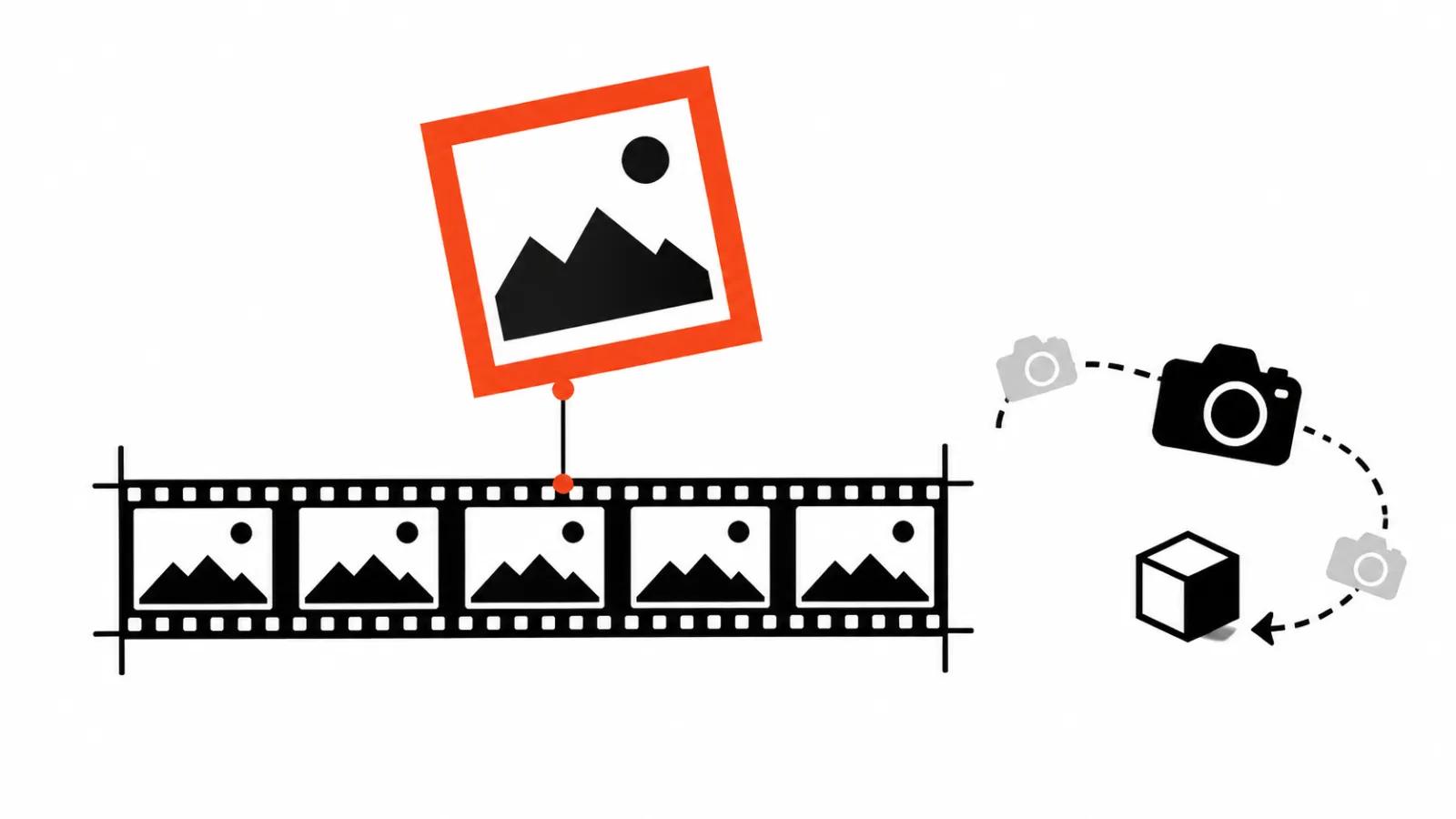
The steps are simple, but the fifth one decides the most. The first frame sets the composition, and the motion either lands where the scene needs it or misses. When the frame is wrong, going back and rewriting the description is cheaper than burning a new run on a random frame.
v.1 swaps the aspect ratio for a set of camera effects, and the other models expose aspect ratio instead.
- hit the create button at the bottom and choose video;
- pick a model;
- describe the clip in any language, in as much detail as you can;
- tap create;
- choose the first frame, v.1 offers four options while v.2, v.3 and Frame Pack offer two;
- tap create video.
The prompt: more detail, better result
The help centre gives an example that shows the scale of detail. "A lamb in the sky" turns into a greeting card, while "a fluffy lamb slowly flying in the sky as a cloud, cute, kindness, a multicoloured sky with stars" returns a frame with a mood.
Concrete categories do the work: colour and shade, shape and size, texture and material, emotion, pose, background, style. The language is free, English included.
v.2 Beta has one extra rule: describe the motion in words. What moves, where to, at what speed, and what happens to the background. The model will not guess, and that is where most ideas get lost.
One app for images, text and video
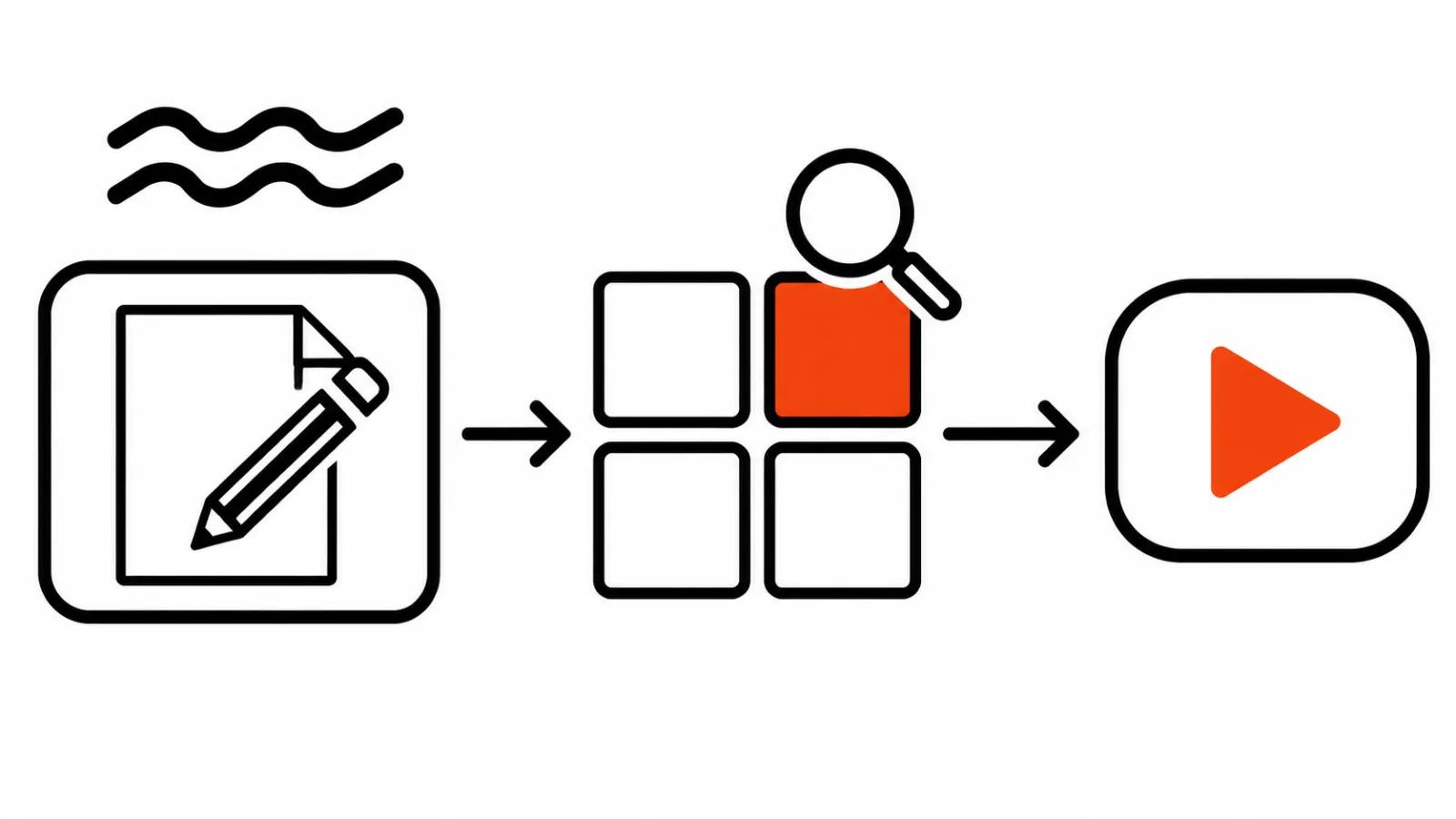
One app covers several jobs here. An image, a text and a clip live side by side, and moving between them needs no second subscription.
A finished clip can be treated in several ways: lay music from the library over it, add hashtags, set who sees the post and the prompt, publish it to the feed, or delete it. The help centre suggests one more use, keeping the clip as the base for a longer edit, an animation or a live avatar.
The practical reading is short. For an avatar or an intro, four seconds is enough, and the app already holds the assembly tools. For a music video, the clip becomes one brick and the edit starts after it.
Where the four-second limit bites
Four seconds is a genre, and its limits are honest. The second one is detail control: small type on packaging, a logo, hands in frame all stay risky, and on a close-up a defect is visible at once.
The third is repeatability. The same prompt returns different results, so a series in one look gets built from identical wording and one shared first frame.
The fourth is rights. A face that resembles a real person and a voice that resembles a recognisable one need care, and the responsibility sits with whoever publishes the clip.
How I pick a model
I take v.1 when the camera matters: a push-in, a panorama, a fly-around, a timelapse. I take v.3 when object motion matters and detail has to hold. I take v.2 Beta when the motion is complex enough to describe in words.
Wan2.2 at about USD 1.20 a month is the cheapest way to try an open Chinese model without your own GPU, and for a first look at the Wan family that is enough.
When four seconds is too short, the logic changes. A clip of 30 seconds and up gets designed as a set of pieces, and that is where handcrafted AI videos earn their budget, with the scene, the light and the lines built from a script. We make those from $190, and an AI music video when the job needs a cut to a track.
I covered similar services in the guide to AI video generation in assistants, and the basics of wording sit in the piece on AI video prompts.