What the source clip decides before the first render
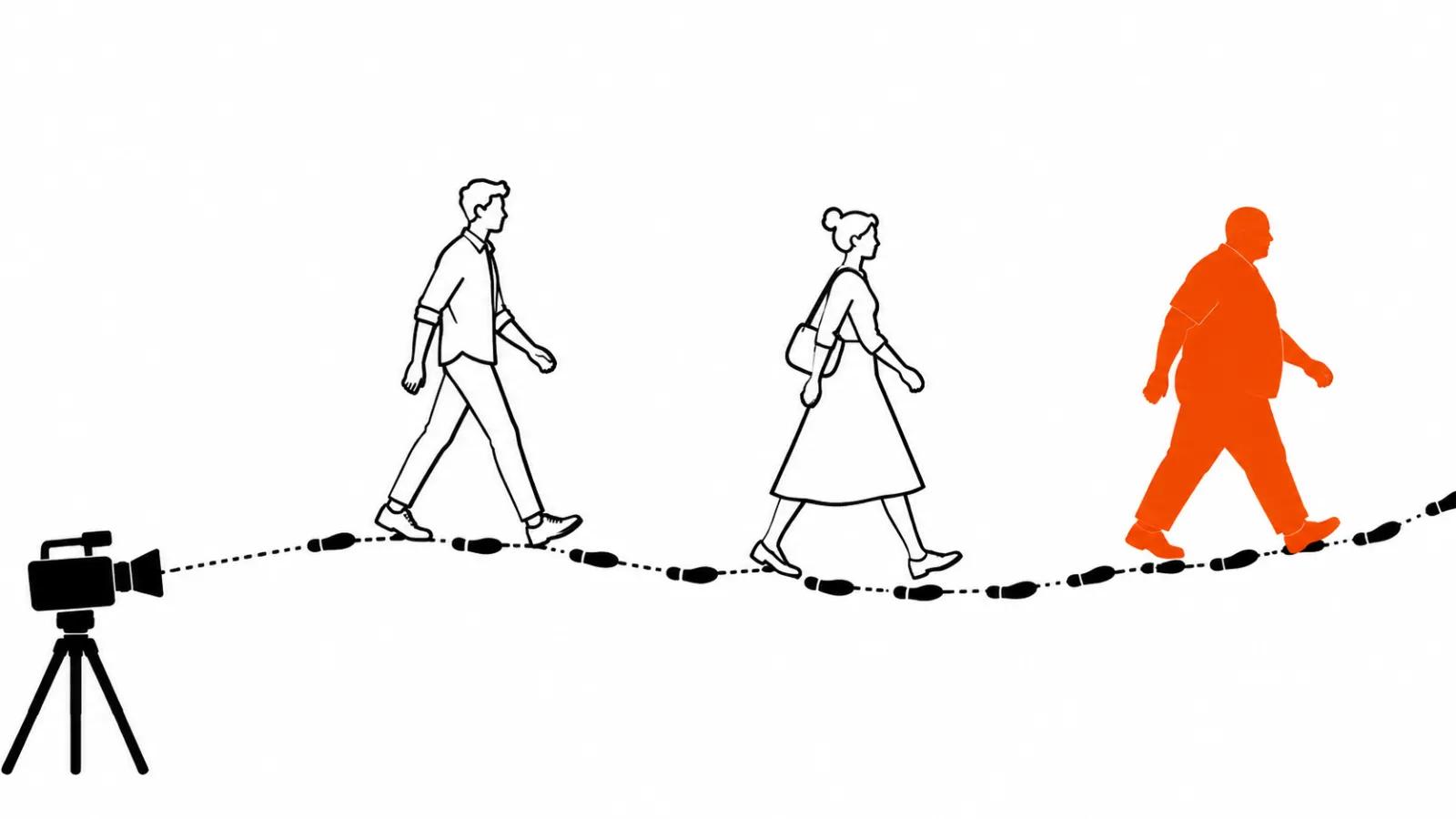
The Higgsfield Genjutsu page (https://higgsfield.ai/genjutsu) describes the tool in two ways: motion from an existing video gets moved onto a new cast, location or look, or selected elements get swapped while the rest of the shot stays. Motion Transfer carries over only the path, the camera work and the timing; the look of the performer, location and light comes from the images attached. Object Swap touches one named element of the frame, whether that is a person, an outfit, a product, an interior or a single prop, and the rest stays untouched. The page was checked on November 26, 2026.
That gives the first rule of prep. Trajectory, speed and camera come from the source clip; the look comes from the images. A camera jerk, a shadow of the operator or a stranger in the background will travel into the result along with the motion, and no reference set will fix it.
So the job starts with picking the fragment. A good source clip is chosen for clean movement: a beautiful take with a shaky camera handles worse in transfer than a plain shot with a locked-off frame.
Why four to thirty seconds is a cutting window
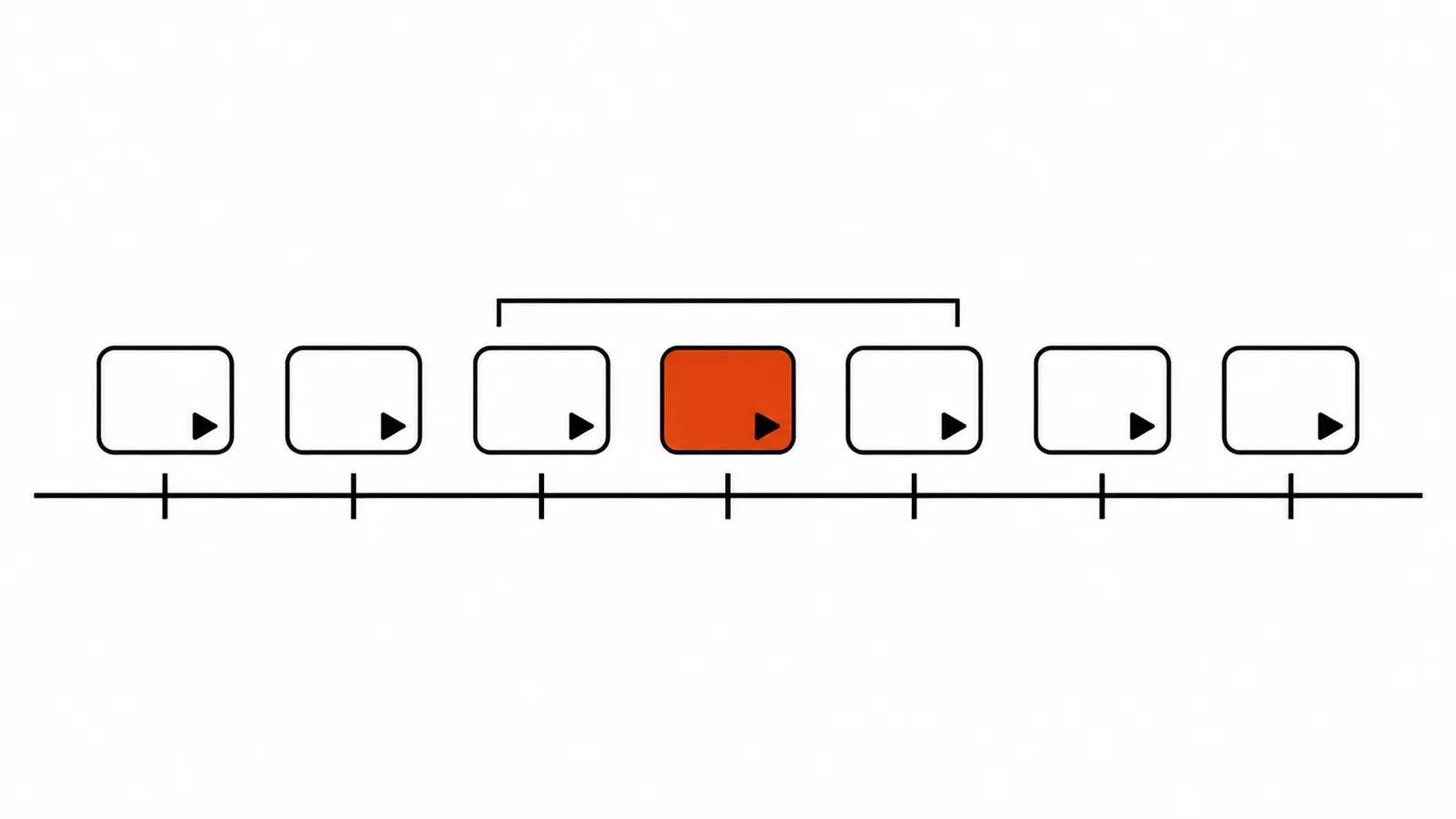
The only length limit sits in the FAQ section: reference videos run from 4 to 30 seconds, as shown in the generator. That is a window for cutting. A minute of footage does not go in whole; it gets split up front, and splitting a video into shots follows normal edit logic, with cut points pulled to fit that window.
The floor matters too. A two second insert will not pass as its own file, so it gets cut out of a four second piece and trimmed later in the edit. The ceiling means a long dolly move has to be split across several runs: timing is preserved per clip, and joining two results can drift apart in movement.
The page says nothing about file requirements. Frame rate, maximum source resolution and file format are not listed there, so a test render on a short segment is the only way to learn how the tool handles a given recording. It also shows how long a render takes: no speed figure appears on the page.
One moving subject per frame
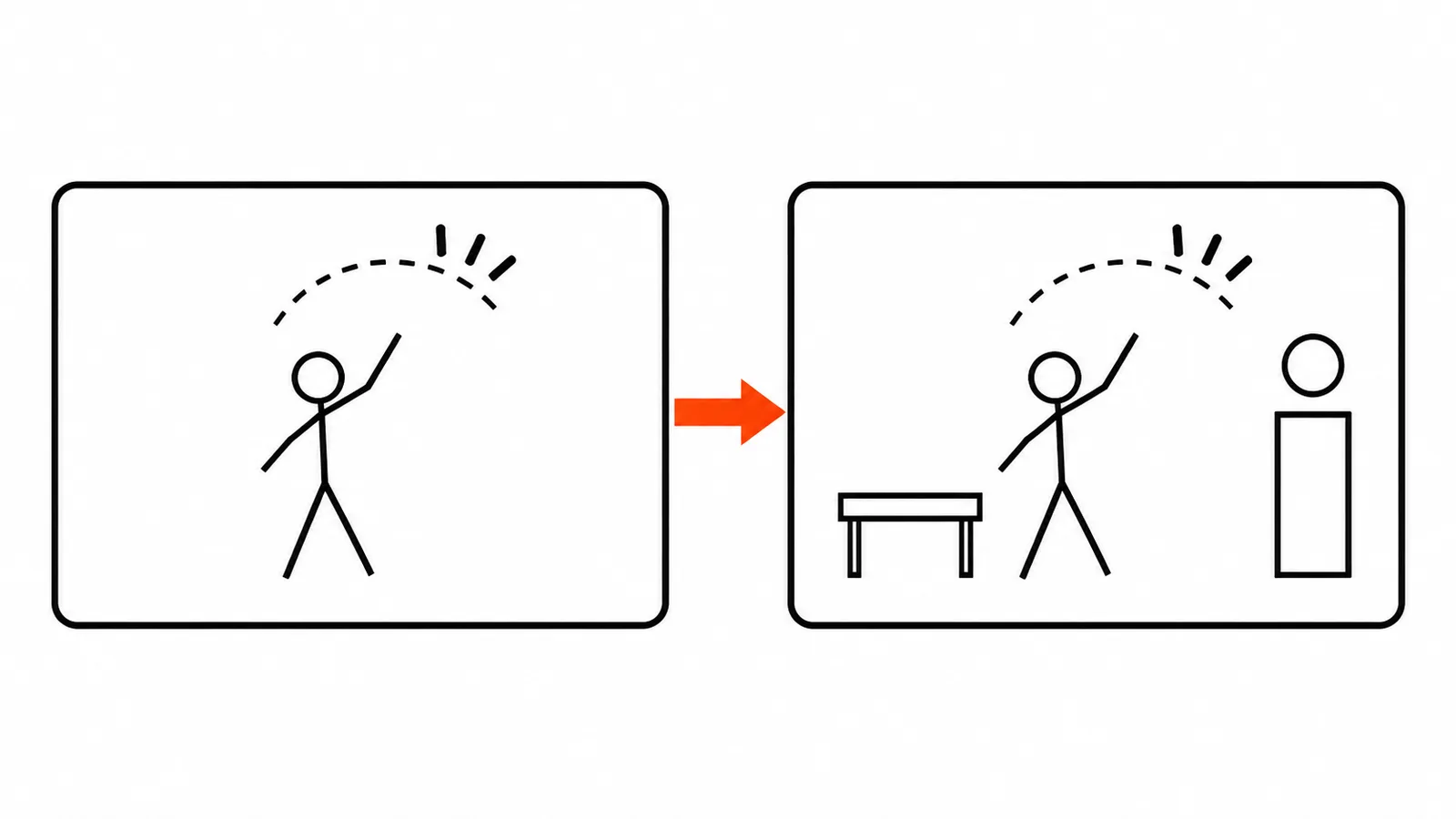
The page lists up to 30 reference images for characters, products, wardrobe and other visual elements, and Object Swap speaks of a selected character. What happens when two people are in frame and both are moving is not described. The practical reading: pick a fragment where the movement reads as one body doing one thing.
Three signs of a good fragment. The action is single and legible: lifting a bottle, turning, straightening a collar. The camera is locked off or does one smooth move. The silhouette is unobstructed and hands do not cross the face. If the script puts two people in frame, the test costs one render: four seconds with both figures, then a look at which of them received the change.
Motion Transfer or Object Swap
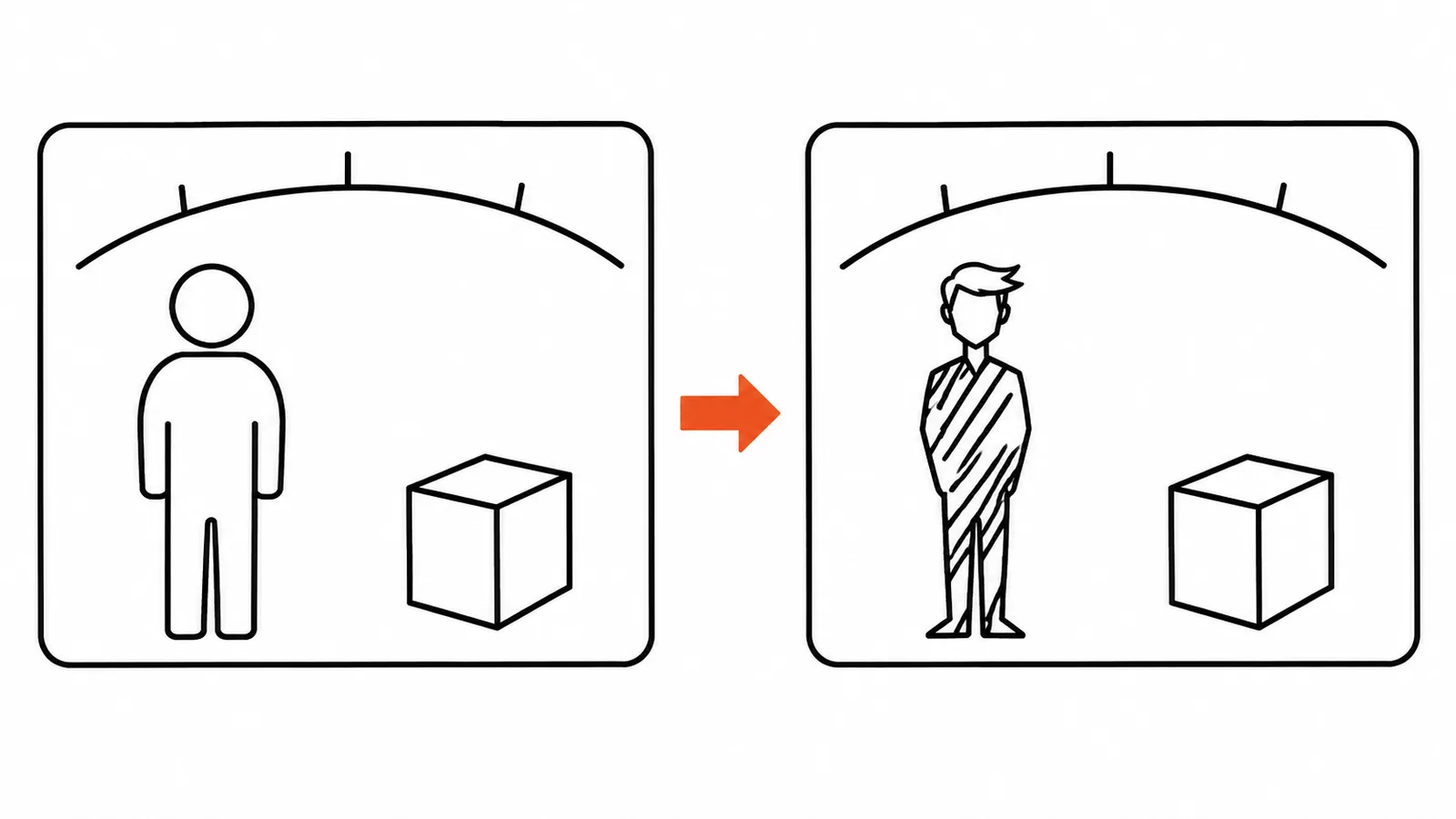
The difference shows in how much of the source clip survives. With Motion Transfer the path of the movement is all that carries over, while the performer, location, light and overall look arrive from your reference images. Object Swap keeps the frame and changes one element.
Choice follows the task. A different world around the same movement calls for Motion Transfer. The same frame and the same light with a different bottle in hand calls for Object Swap. Mixing the two in a single run rarely pays: in the first mode references rewrite the scene, in the second the scene stays.
Narrower tools handle part of this ground: replacing a person in Krea and swapping a character in Runway work on a single element of the frame. The wave of reskinned creator videos is covered separately in AI reskinning of creator videos.
Spending 30 references on one shot
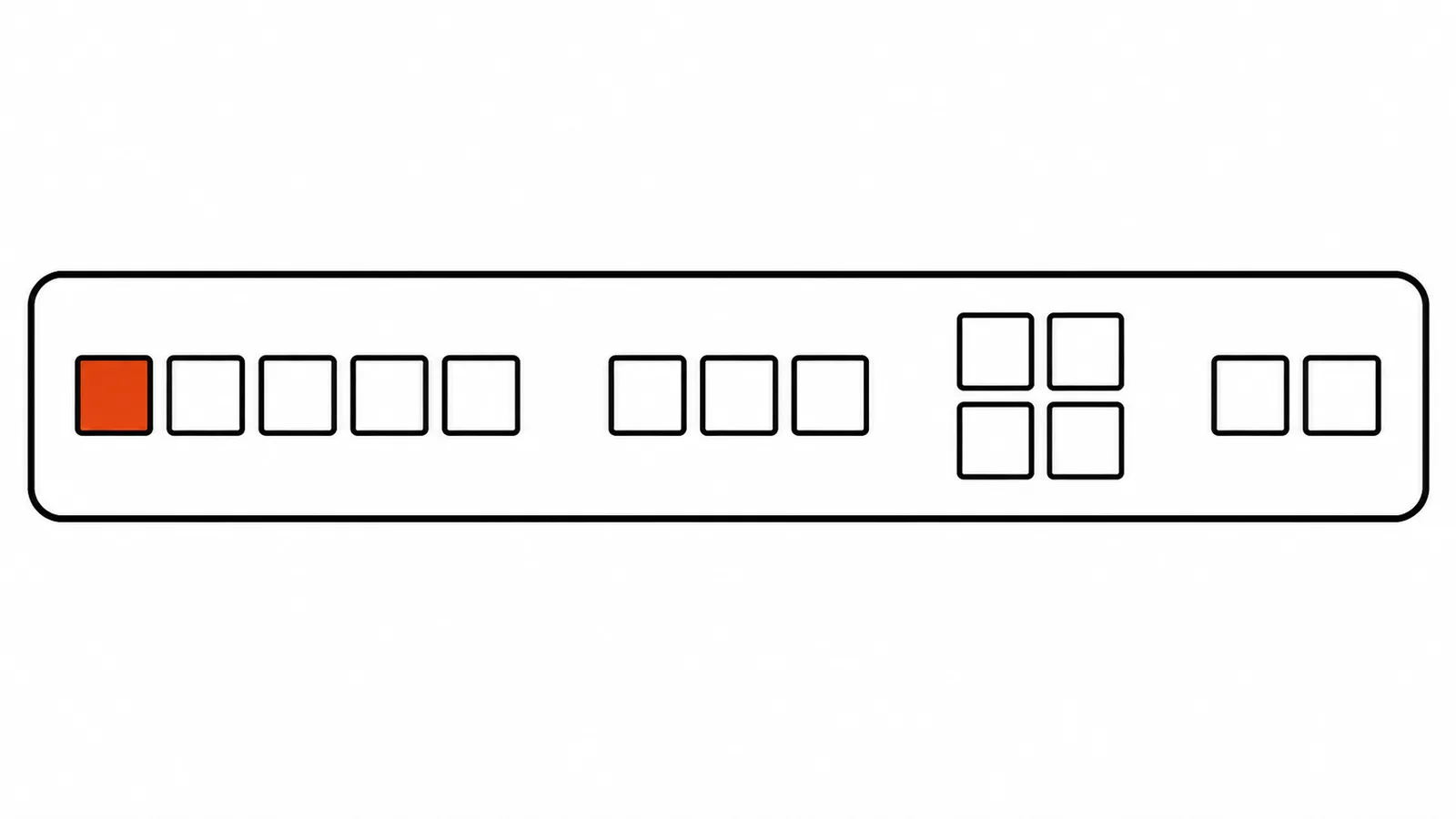
Thirty images looks like headroom until the count starts per element. A breakdown for an ad shot with one hero, one product and one interior runs like this. Eight on the hero: face on, profile, three quarters, hands, full length. Four on wardrobe: overall, fabric close up, shoes. Six on the product: front, label, side, base, scale in hand. Four on the location: wide, wall, window, surface texture. That is twenty two images and eight left for a second pass.
This is a layout for one job. The vendor sets only the ceiling, so duplicates go first: a second head shot at the same tilt, a third bottle photo from the same angle. A second version of the location is better kept for a separate run, since two interiors in one set answer the same question twice.
Describing the change when motion is already given
Motion is locked by the source clip, so words carry only the changes. A description splits into three parts: what carries over, what changes, what stays. The first names the path, the camera work and the timing, the second lists elements from the references, the third fixes light and angle. The page does not spell out prompt syntax and lists no length limit, so phrasing gets tested on your own shot.
Checking the result by the second
Timing is preserved in Motion Transfer, so the check runs against the source clip. Put both side by side and watch the same marks: mid action, the turn, the last frame. If the hand rises on the second second in the source and on the third in the result, the motion slipped.
What to watch at each mark. Silhouette: shoulders shifted, jawline smeared. Small details: fingers, the label on the bottle. Frame edges: a piece of the old background showing in a corner. The seam at the fragment boundary: movement cutting off on the last second. When one segment misses, re-shooting that fragment of the source and running it alone costs less than a full redo.
A description for an ad shot
The job: six seconds, a person lifts a bottle from a shelf and sets it on a table. References: hero, wardrobe, bottle, interior. Motion Transfer, since the whole environment changes.
The description for that shot:
> Path, camera and timing come from the source clip. The person from the hero references, face and hair as in the images. White tee and jeans from the wardrobe references. A matte bottle with the label from the product references in hand. A bright kitchen interior from the location reference. Light and angle as in the source clip.
The page does not describe prompt syntax, so test these phrases on your own shot before reusing them.
Cost, rights and the budget line
Generations run on the standard Higgsfield credit system, and each run shows its credit cost before generating. The page gives no other price figure there, so a budget comes from the actual runs.
Results can be published across organic and paid channels under Higgsfield's terms of use; the page's wording is that what you generate is yours. The article does not settle how synthetic video gets labelled, so the marking procedure is checked against the placement platform's rules before publishing.
On AI video production a clip made by hand is quoted from $190. Working out what an AI video ad costs starts with the script and the edit. A render price covers one line of that budget: the shot itself, without selection, review or editing.