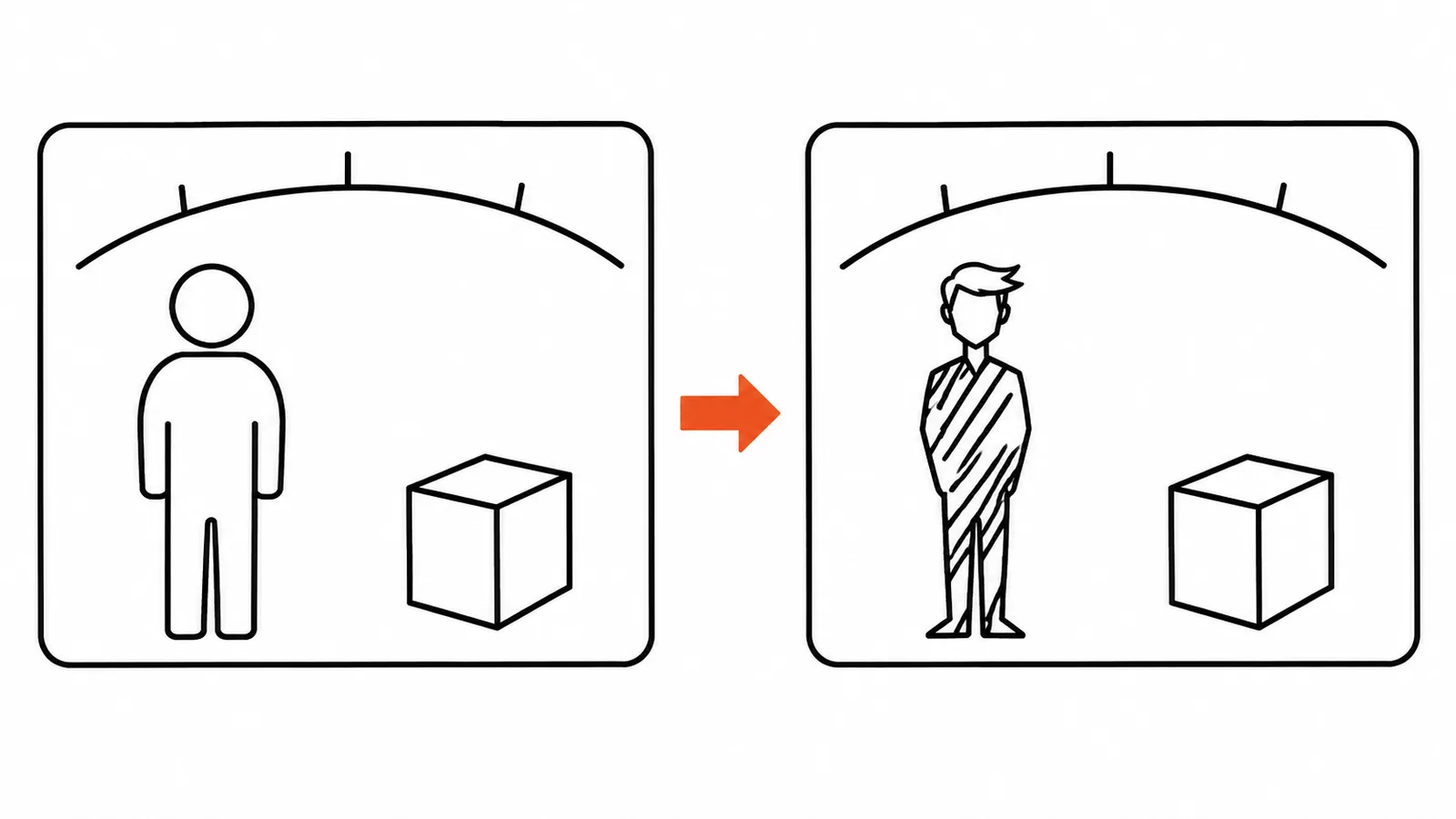
What happened and why it got easy
PetaPixel reported on November 25, 2026, in a piece by Matt Growcoot: creators keep finding AI versions of their videos where everything matches except the performer. The pattern is called reskinning. The tools got cheap, a finished clip is taken as it is, and one person inside it is replaced with an artificial character, often funny, realistic or openly sexualized.
An Instagram page run by More Perfect Union points at Higgsfield and its Genjutsu tool: a video file goes in, and the clip comes back with your character, locations or product, the rest left untouched. Higgsfield is no garage project: NVIDIA invested in a Series B that raised $400 million at a $5.4 billion valuation, weeks before November 25.
Then the voices. Sophie Lloyd, a British guitarist touring with Machine Gun Kelly, told the BBC she spent years building an audience while AI accounts pull thousands of views doing, quote, "literally nothing". Dr. Tina Kendall of Anglia Ruskin University told the BBC the tools let anyone take a storyline that already went viral and reuse it, which she places inside "hustle culture". Alwyn Cruz, who runs an account about AI musicians, calls the fight whack-a-mole.
How Motion Transfer works
The Genjutsu page, checked on November 26, 2026, describes two modes, and the split changes the output more than the names suggest.
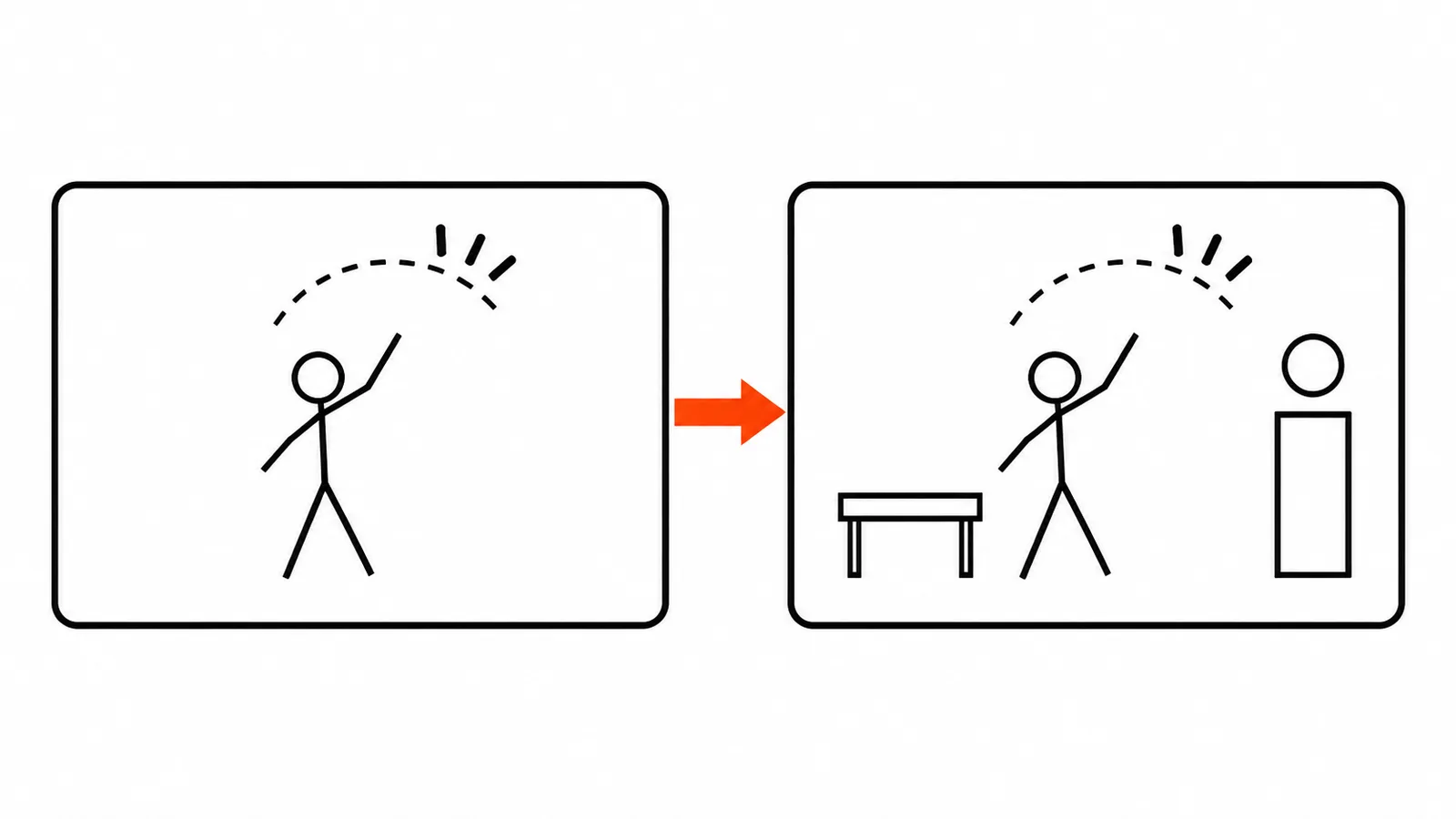
Motion Transfer keeps motion, camera and timing, and assembles everything else from your references. The source gives up the skeleton of the action: which second the hand went up, where the camera travelled, when the subject turned. Appearance, clothes, room and product come from the images you attached. Motion is transferred, the picture is redrawn, and the mode carries two sources of truth: if the reference wears a jacket while the source has a rolled-up sleeve, the model decides which matters, and the seam shows.
Limits sit on the same page: reference video of 4 to 30 seconds, up to 30 reference images, no editing experience required, price shown before launch, commercial use allowed under the Higgsfield terms.
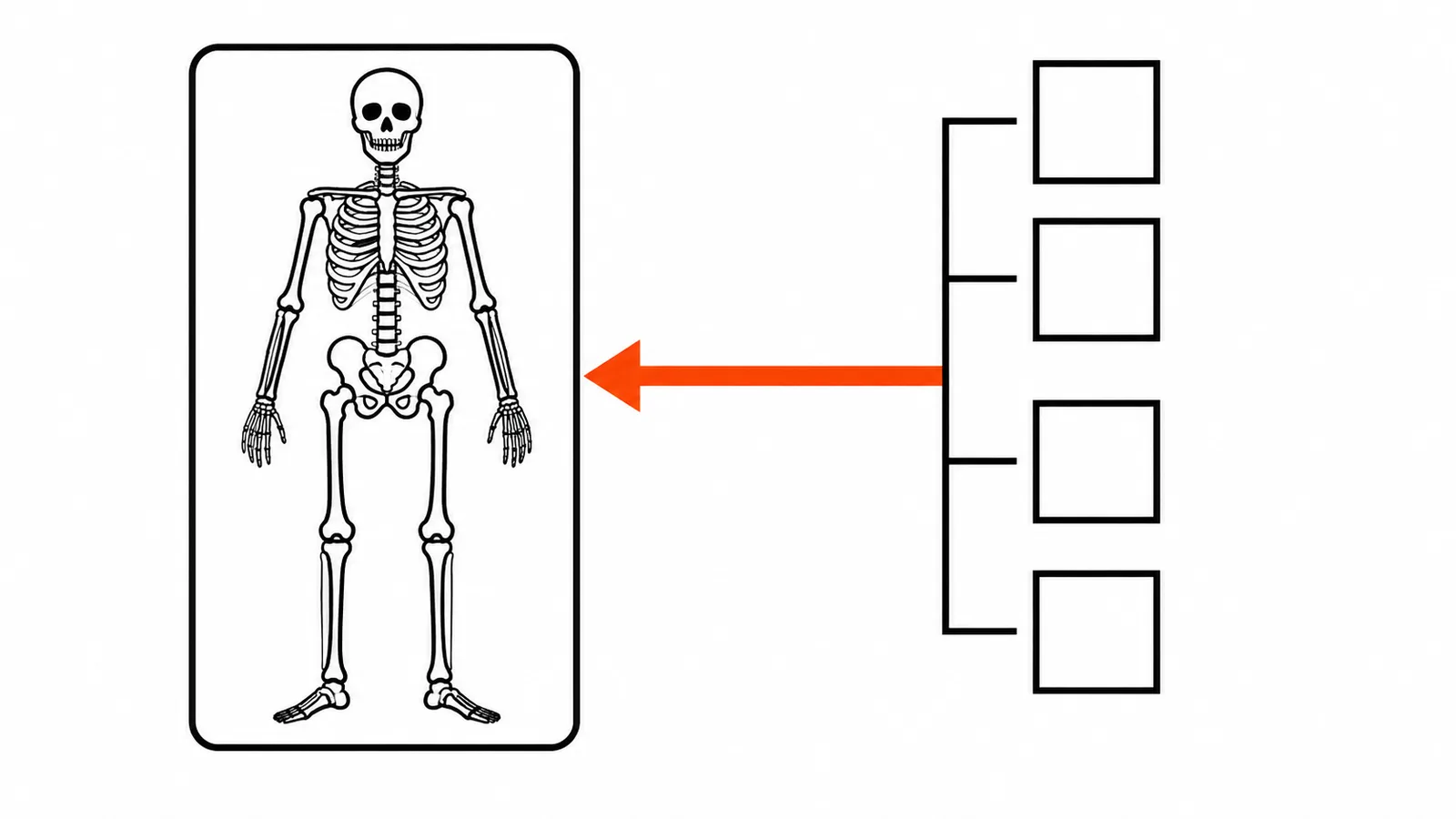
Object Swap: a targeted swap inside the frame
Object Swap runs the other way. It replaces the chosen character, clothing, product, location or object, and the rest of the frame stays: motion, light, background, the print on the packaging and the camera pass all come from the file. In plain terms, the object swap is the person swap.
The modes differ in how much frame goes under the knife. Motion Transfer takes motion and timing only, so swapping the hero is a side effect and the scene gets rebuilt. Object Swap takes everything except the named object, so the scene stays borrowed whole, interior and light included. A full frame of somebody's room is easier to recognise than a walk cycle.
Point tools sit nearby with the same question. In Krea the video person swap is a local operation on one object, the Runway character swap stays around a single hero, and a guide to AI face swap lists the ways a face gets replaced. Motion Transfer starts from the motion of the whole frame, closer to a reshoot than to an edit.
Four steps of a typical reskin
The client side is where somebody else's work enters the chain.
Step three needs no editing experience, per the tool page, and the loop from file to result runs on credits, which suits anyone producing clips in batches.
- Find the clip. You take whatever already worked: timing, cuts, pose, angle. That is why the complaints sound personal. The rhythm was taken, and the picture comes second.
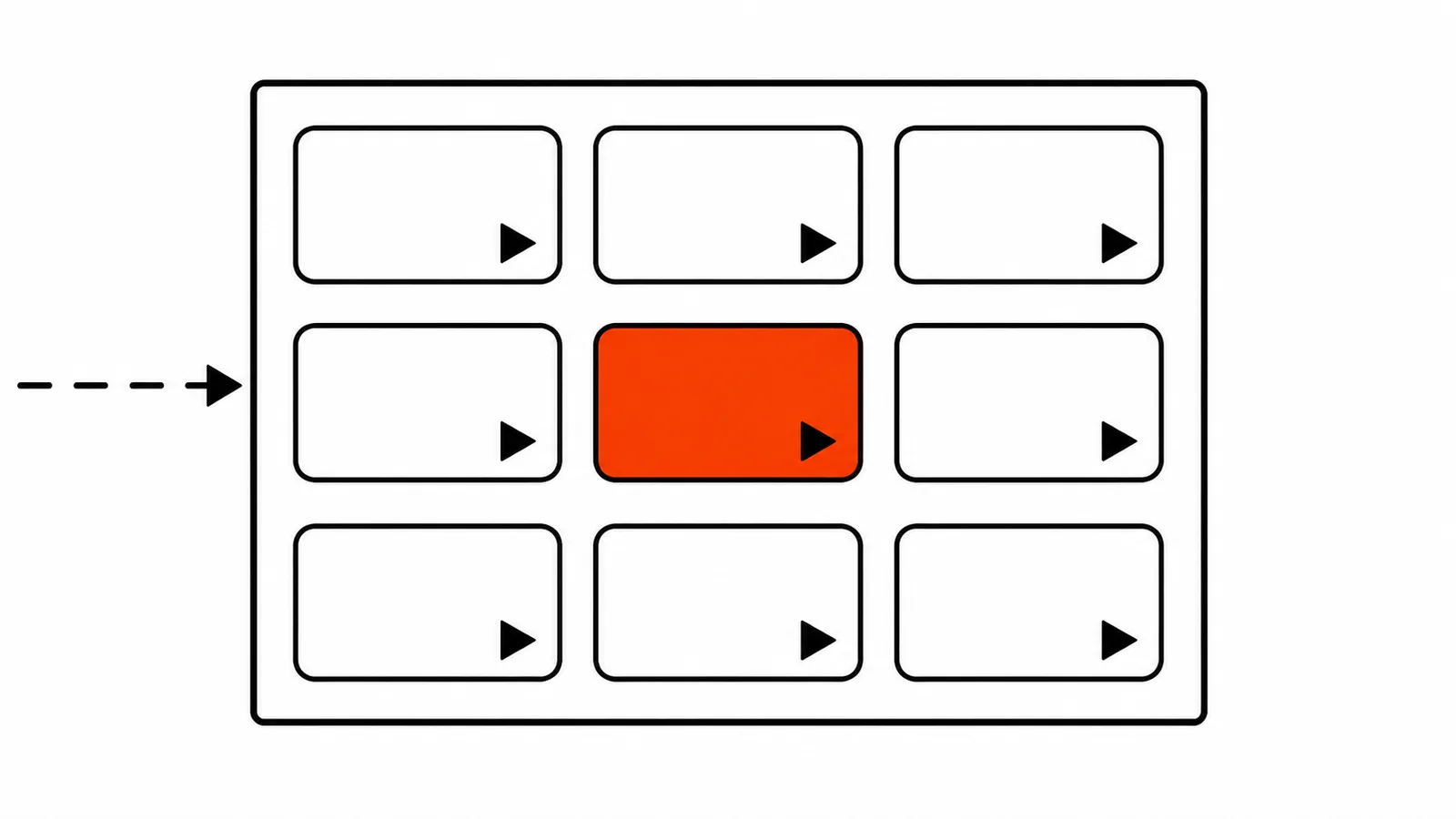
- Take the motion. The clip goes into Genjutsu as a reference video between 4 and 30 seconds long.
- Insert your character. Up to 30 reference images go in: hero, clothing, product, location. The tighter the set, the less the model invents.
- Check the seams. The result gets watched second by second: where motion lagged, where light changed, where the print drifted.
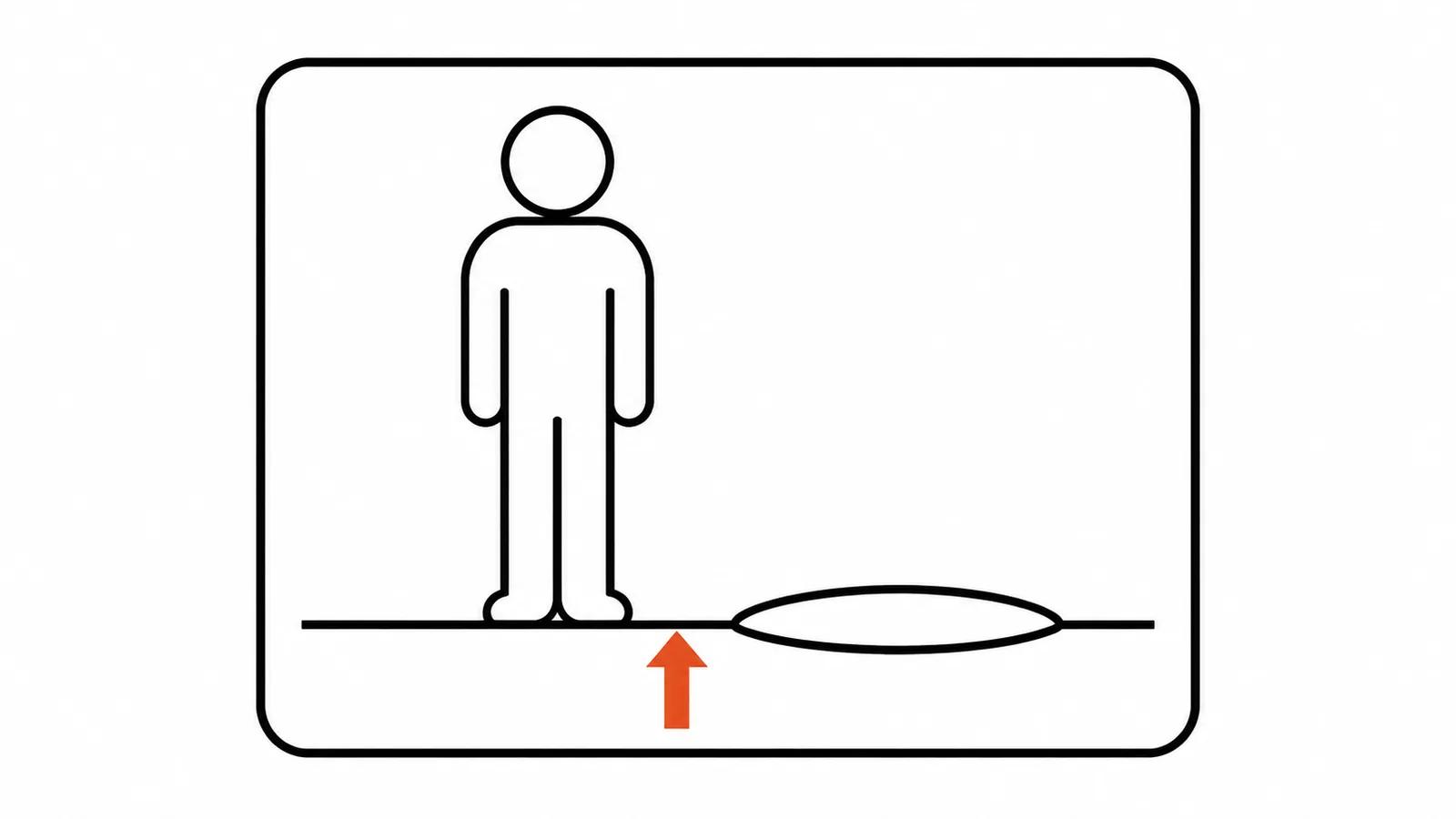
What breaks in the output
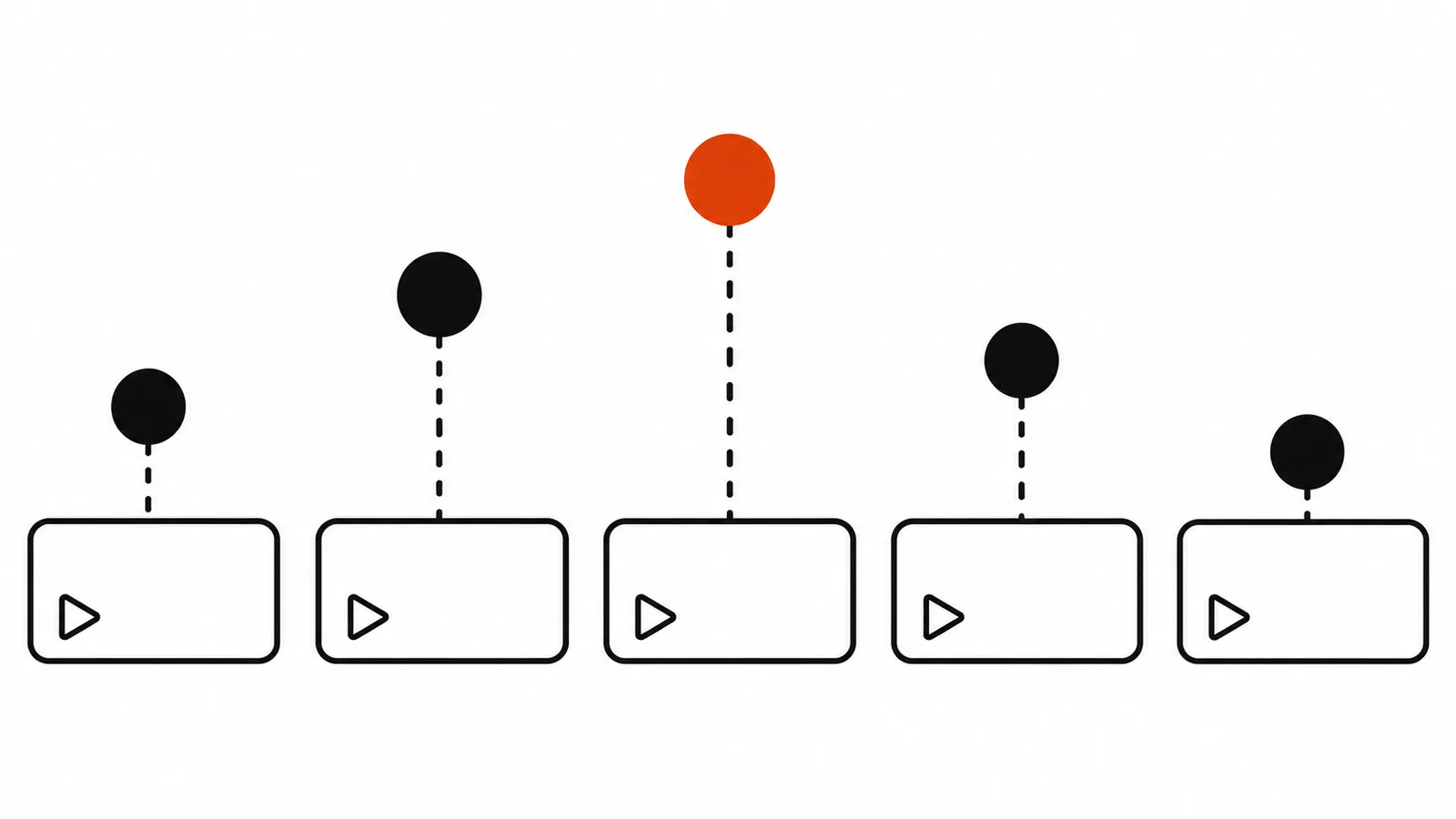
A reskin always shows seams, and they are predictable. Four places to look at review.
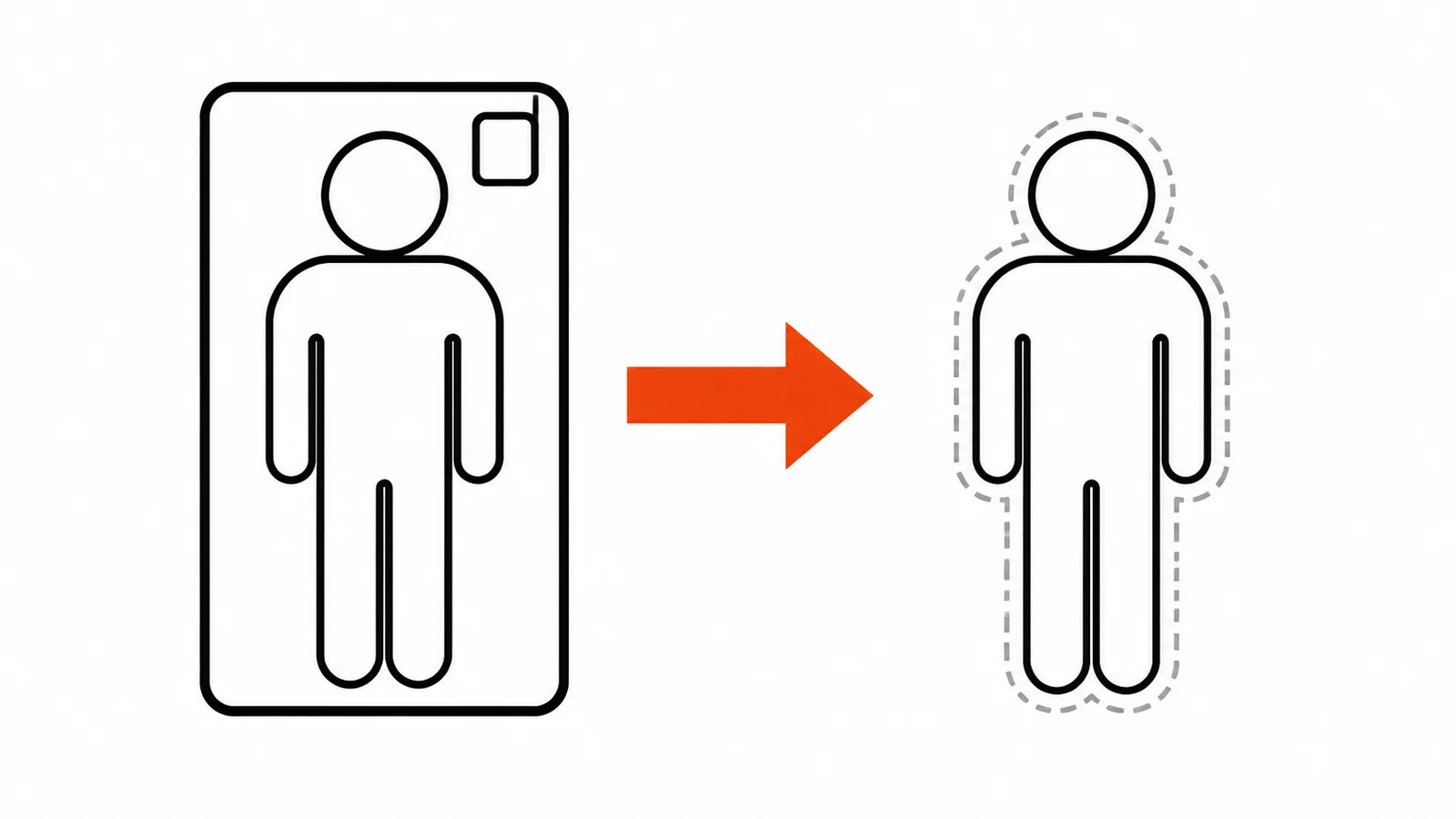
The first runs along the outline of the performer: where the drawn character ends and the borrowed background begins, sharpness and grain stop matching. The second is on the floor. The shadow under the feet belongs to the source, the body is new, and the foot floats or sinks.
The third comes from the motion. When movement is transferred from someone else's body, the rhythm stays foreign: the walk, the head tilt, the gesture. Viewers cannot name the problem, but they feel the mismatch between face and body language. The fourth appears in the light: the source was shot under one light, the references were drawn under another, and halfway through the clip the skin tone or the wall colour drifts.
Hence a rule: a reskin forgives a short clip and punishes a long one. At four seconds the seams have no time to show. At thirty they merge into one defect.
Where your own source clip ends
The line is drawn by the file, and the tool comes second. Three practical questions.
Whose file is it: who shot it, who holds the master, who published first. Who is in frame: the person lent their motion or their face for a specific job, or knows nothing about the reskin, and the second case is more common than anyone likes to think. Is the scene recognisable: interior, window, signage, a staff uniform give away whose clip became the donor even when the performer is fully replaced.
No legal judgement here and no conclusion about what is allowed. But those questions get asked before generation, while the brief is still open, and they cost less than any redo.
How to vet a contractor who brings a "new" clip
Review starts with separating materials. Ask for the reference video and the reference images of character, product and location as separate items. A contractor who hands over only a finished file leaves the conversation blind.
Then compare. Timing and camera path get checked against what you have already seen online: the moment of the turn, the camera pass, the cut on second three. A match by the second with a different performer means the motion was transferred. A borrowed interior, a borrowed logo, a storefront in a reflection all say the scene was taken whole.
One more: ask how the contractor stores source files. With no answer, the next iteration arrives as the same borrowed file in a new wrapper.
For a campaign, AI commercial production needs no donor clip. A social feed runs on vertical ad sets produced in batches from your own references. And where a real person belongs on camera, AI UGC video with an actual performer works better.
What a studio can do to keep its material
Keep masters and references, so there is something to show in the conversation and something to rebuild from. Publish early, since a copy is made from an already published clip and speed of release is now part of the defence. Sign the work: a mark in the corner survives a reskin less well than anyone would like, but it ties the clip to its author. Log the references behind every shot, so the question of whose frame it is takes a minute.
Treat a copy as a signal, because Genjutsu runs on credits and is open to everyone. A studio cannot shut it down, and it can ship its own version first.