Transparent background video: what a matte actually is
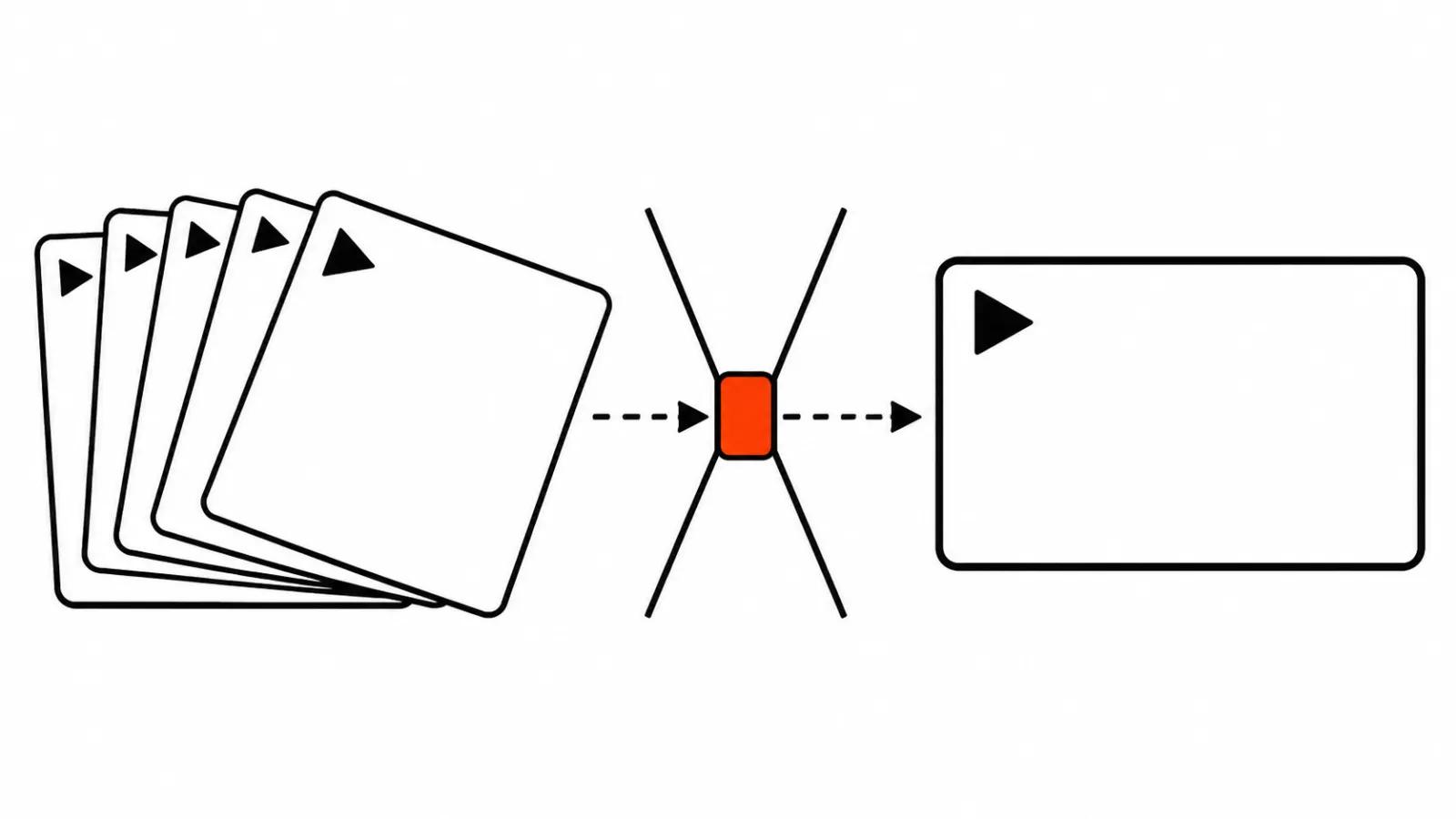
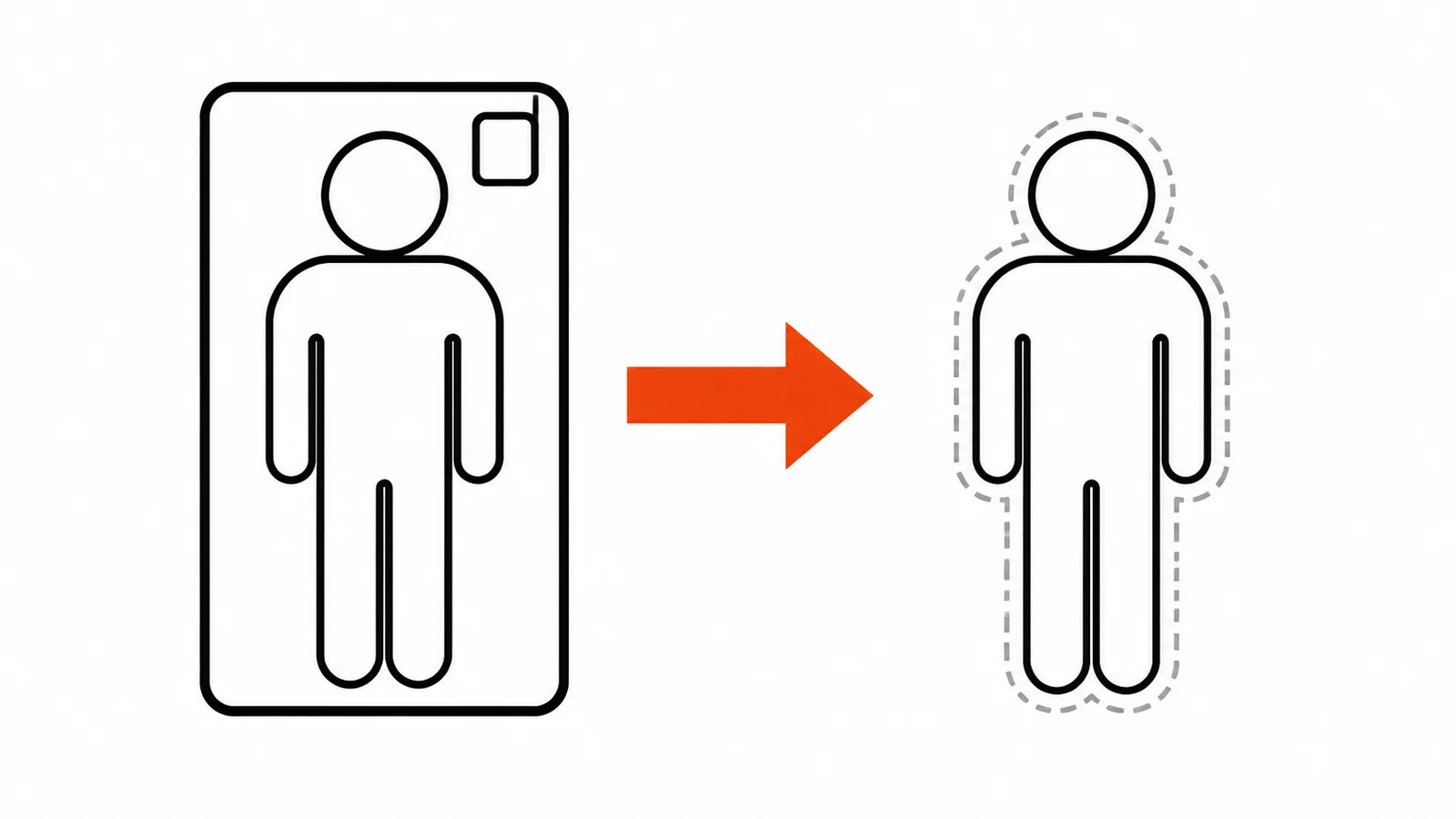
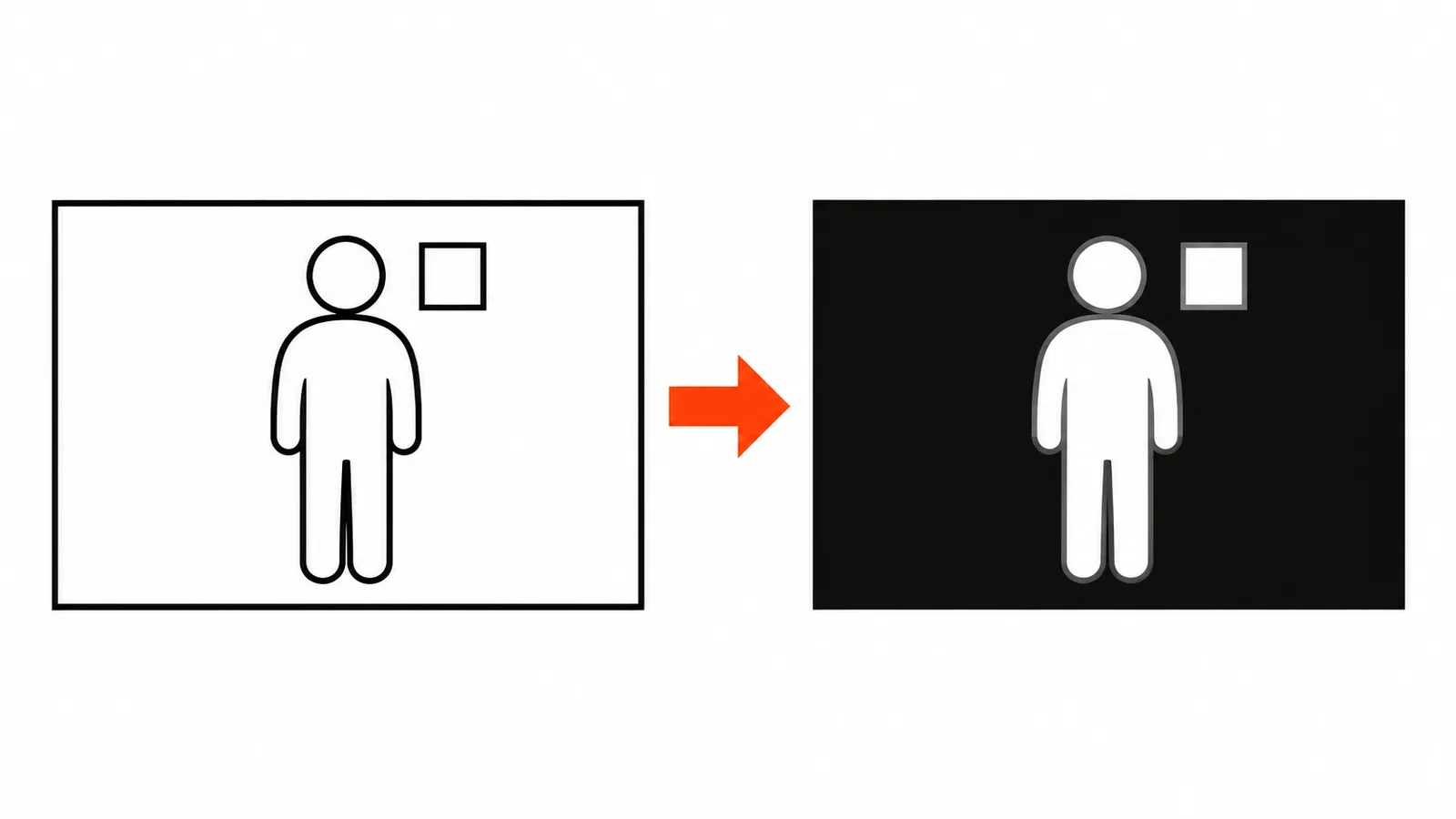
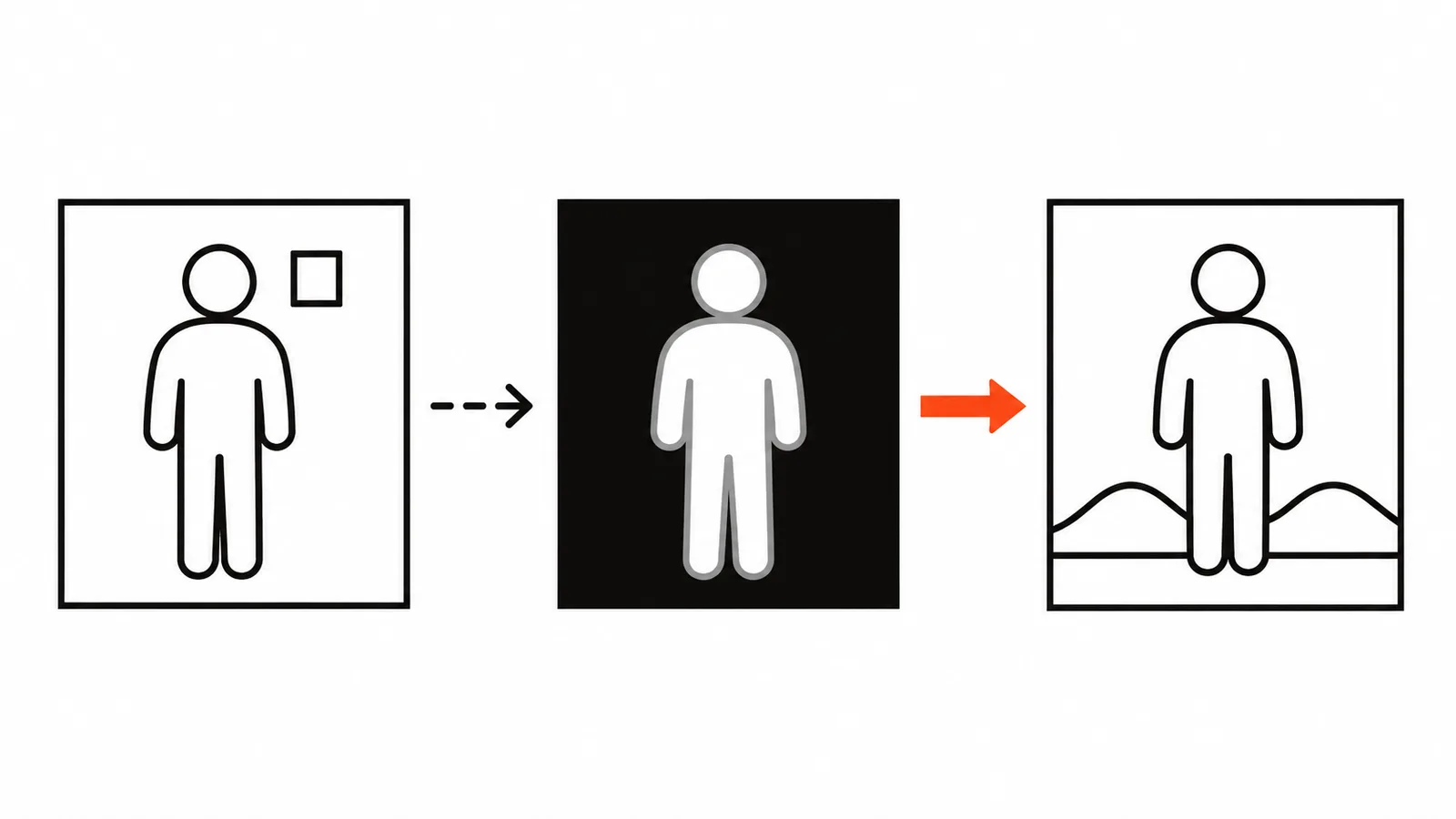
A matte is a separate greyscale image. The brightness of a pixel says how opaque the object is at that point: white stays in frame, black drops out, grey blends partly with a new background. An alpha channel is the same information stored as a fourth channel inside the video file, next to red, green and blue.
The practical difference matters. A matte ships as its own image and gets laid over any background in an edit. A file with an alpha channel opens in an editor already transparent, because the software reads the transparency and nobody has to mark it by hand.
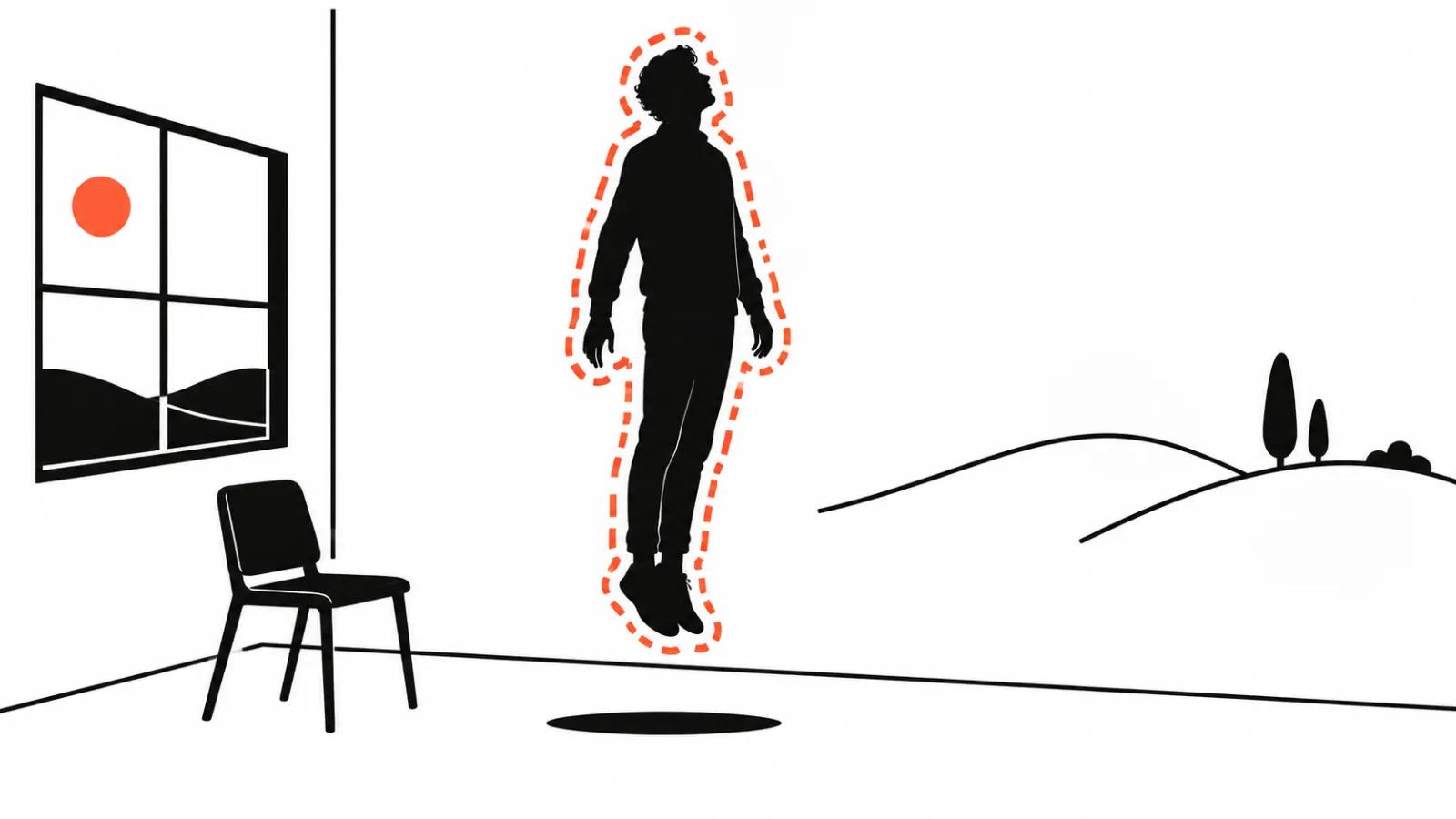
Pictured in words: a person in a coat, a window with a street behind them. In the matte the person is white, the window is black, and along the edge of the coat and the hair there is a band of grey. That band is the expensive part of the job, because it decides whether the object looks placed in a new scene or pasted on top of it.
The tool has a boundary too. A matte is about the background as a whole. Removing one object or one line of text is a different task, covered in the piece on removing text from video with AI.
Why a client wants a transparent background
Three jobs. Put a person into a scene that was never shot. Show a product against a background that changes by season or by placement. Lay a generated object over live footage when a frame holds both the real and the drawn at once.
All three get solved at the edit. Generation supplies the material, and AI video production assembles the layers into a finished cut. For an AI commercial this is one way to get a frame without booking a second shoot day.
The economics matter as much as the picture. An object shot on green needs even light and a wardrobe that does not bounce green onto the edge. A matte pulled from existing footage drops both requirements: the background can be anything at all, as long as the object reads clearly against it.
How it was done before, and why it cost so much
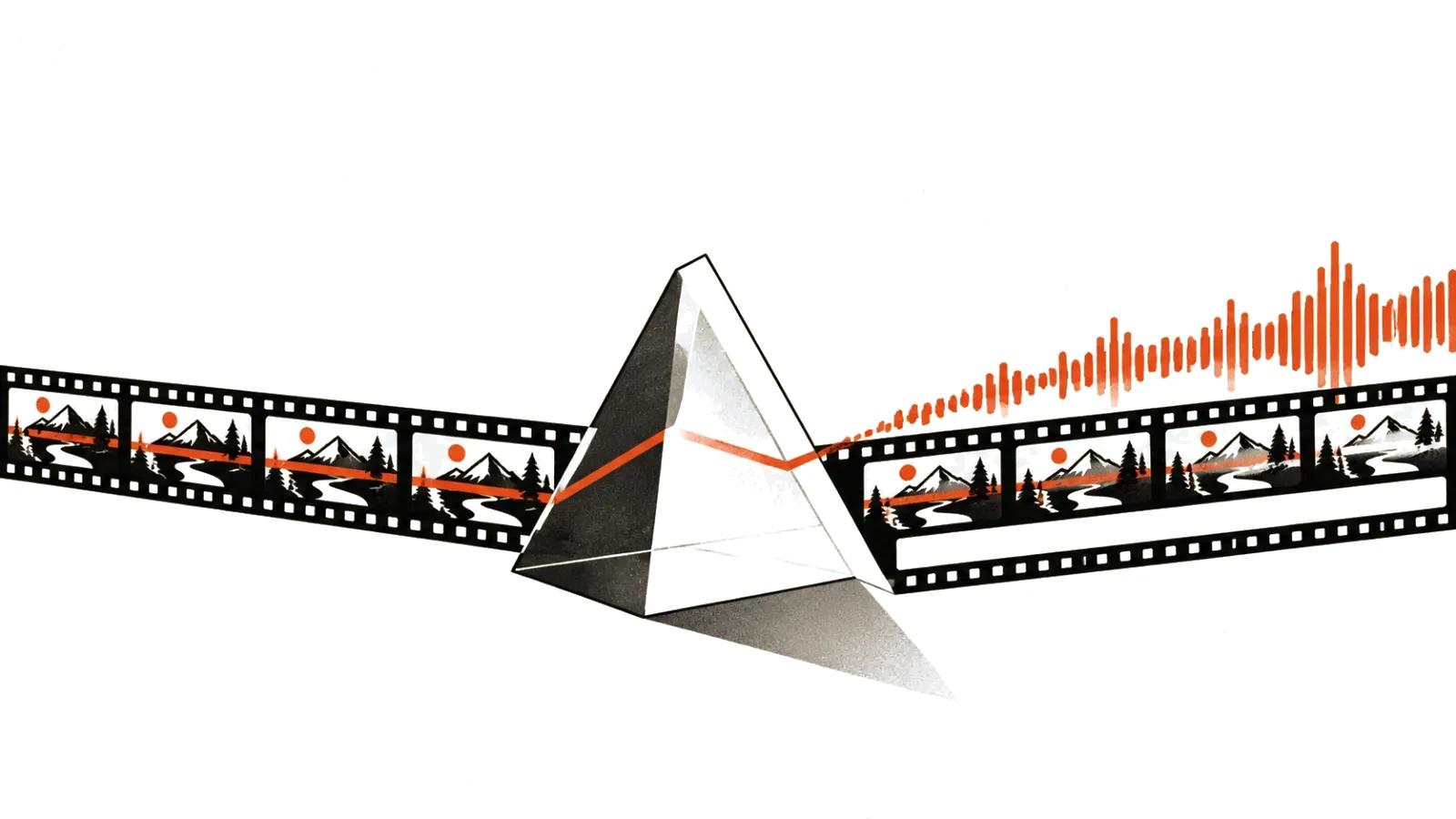
Two methods have been around a long time. Rotoscoping, where the outline gets drawn by hand frame by frame and the mask is animated. Chroma key, where the object is shot against a flat colour and the colour is subtracted from the image.
Both need hand work along the edge. Hair is the worst case: single strands are thinner than a pixel, so the mask either tears them into clumps or leaves a comb. Glass and smoke need partial transparency, and a colour-based mask only knows two states. Fast movement multiplies the work, because the outline is traced on every frame and an error on one frame reads as a shimmering edge.
That is where the price comes from. The work is counted in frames with motion and a complex edge, and running time barely enters it, which is why a short dynamic shot can cost more than a long static one. Shooting on green is cheaper than roto, and it buys the cost back with a stage, a lighting setup and a wardrobe rule.
How tools that swap a background inside existing video behave is covered in the piece on swapping people, props and backgrounds. It also shows how that approach differs from the automatic green-screen replacement used in hybrid workflows, where part of the frame is shot for real.
The matte as its own model output
On November 13, 2026, the Runway changelog gained an entry for LTX Alphagen (https://runway.com/changelog, section Nov 13, 2026). The vendor's wording: the model turns any video into a matte with a separate alpha channel. Runway calls it the first third-party model that returns two outputs and supports ProRes as an output type.
The word "third-party" is the interesting one: the model arrived on the platform from another team, and Runway plugged it in. The practical consequence sits elsewhere. The matte stops being a by-product of an edit and becomes a generation result in the same right as the clip itself. It can be requested, signed off and handed down the chain.
What the entry does not say: the matte's resolution, frame rate, price, or what exactly the two outputs are. The vendor names none of it, so that operation cannot be quoted yet. Those numbers need answering before anyone promises a deadline.
Where the matte breaks
A model can produce a matte without solving compositing. Four places where the error shows up right away.
Semi-transparent edges: hair, smoke, glass, fur. The matte has to return intermediate values there, and that is the hardest part of any mask.
Fast motion. On motion blur the edge loses its shape, and the object starts dragging a halo of the old background with it.
An object the same colour as the background. The matte loses track of where the subject ends: a white shirt on a white wall, a dark jacket in a dark doorway.
Shadow. It belongs to the object, and it usually is not in the matte, so the object ends up floating over the new background. Keep the shadow in the mask and it lands on a scene lit differently from the one it was cast on.
None of this disappears because a model made the matte. At delivery the edge gets checked on pause at 100%, motion gets watched in sequence, and the two-layer composite gets judged on the new background only, because on the original the seam is invisible. The order of those checks is set out in the piece on accepting an AI video.
What to ask a vendor
Ask before generation, because the answer changes the scope of work.
Does the matte come as a separate file, or only as video with alpha. The first is easier to archive, the second opens straight in an editor.
What format does the edge arrive in: ProRes with alpha, an image sequence, or a separate greyscale image. The format decides where the file opens without a conversion.
Who cleans the edge, and is that cleaning inside the quote. The model returns a matte, and hair in motion still usually goes through a human.
What happens to the shadow: kept in the mask, removed, or painted onto the new background.
And the most common one: how much room does the frame leave. If the object is cropped at the frame edge, there is nothing to fix in compositing, and the shot has to be generated again.
What it costs
Price depends on whether a frame is built by hand or produced at volume. A hand-built video up to 90 seconds with every frame reviewed comes from $190 and takes about a week. Vertical video at scale is priced differently, up to $2.40 per 1000 views.
A matte moves the budget in different directions. In hand-built work every shot gains a layer and an edge check, so the work is counted shot by shot. At volume one template gets replicated across a batch and the check runs on a sample. Which one fits depends on whether a single frame is needed by a date or a volume is needed to fill a publishing plan, and handcrafted AI videos get quoted separately from the batch flow.