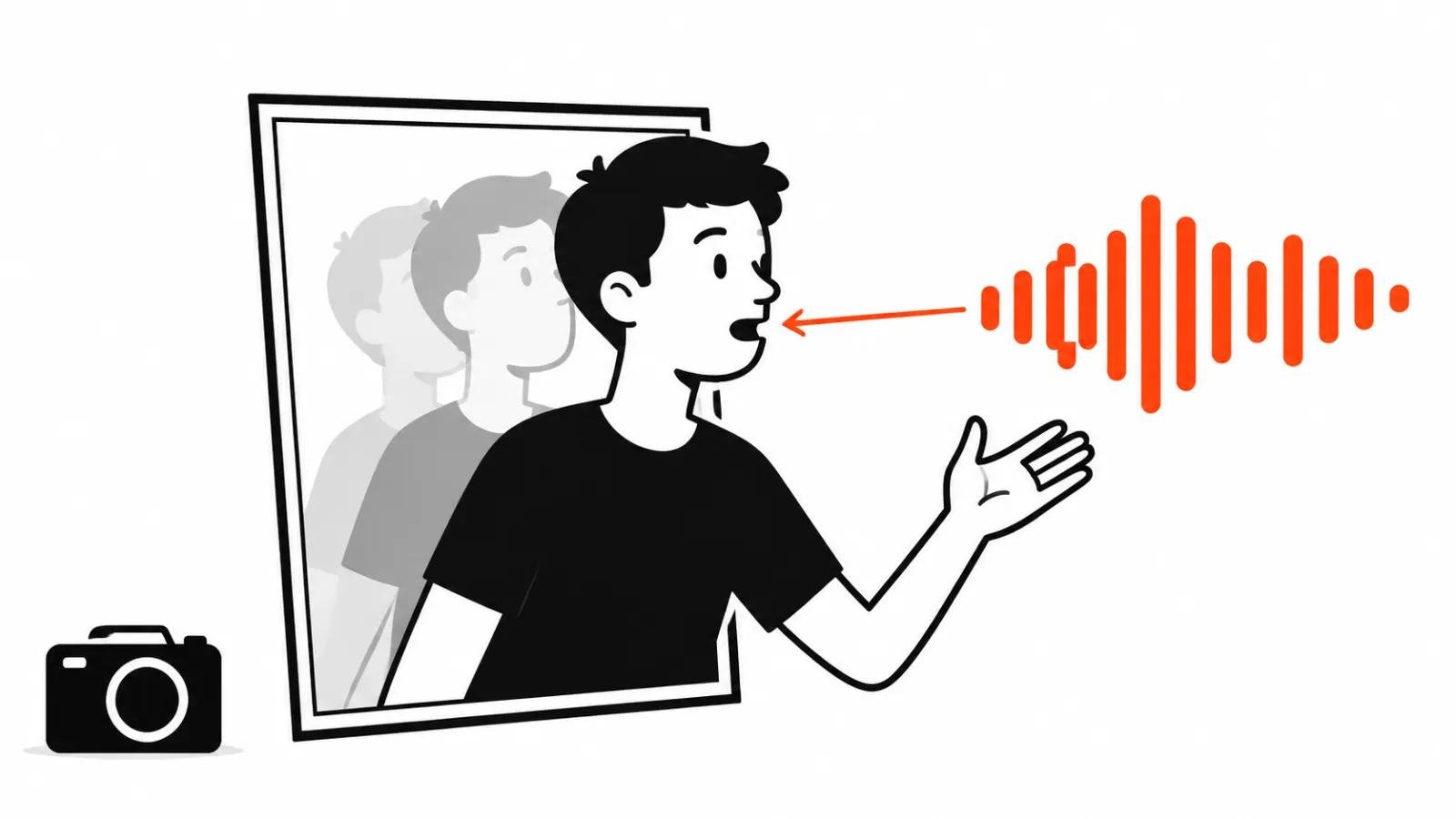
What shipped on November 3
Kandinsky Lab, the generative-models team at Sber, opened Kandinsky S2V 1.0. The name means speech-to-video: a single reference frame, a finished voice track and a text prompt go in, and the person in that frame talks and moves in time with the audio.
The code sits on GitHub under the MIT license, and the weights download from Hugging Face automatically on first run. The Pro file is 39.8 GiB in bf16, so fetching it is an event of its own on anything short of a fat pipe.
Two builds ship. Lite runs around 2 billion parameters, Pro carries 21.4 billion and 60 visual DiT blocks. Distilled versions come alongside: the distilled Pro samples in 16 steps, and the team measures roughly a 5.4x speedup from that.
There is no API and no price list. Keep that in mind while reading the enthusiasm under the announcement.
How the talking avatar model is put together
The stack is a mix of borrowed and homegrown blocks, which is a good sign. Qwen2.5-Omni-7B reads both the prompt and the speech, so one model understands what is asked and what is said. CLIP ViT-L/14 handles the reference frame. The 3D VAE comes from HunyuanVideo and turns pixels into the latent space the diffusion runs in.
Speech reaches the generator through cross-attention adapters in 18 DiT blocks. Every frame looks at its own slice of audio, so articulation is tied to a moment in the track. FramePack memory carries context between chunks, which keeps the five-second pieces from snapping apart at the seams.
The practical takeaway: the model does not learn to speak, it reshapes a picture around audio that already exists. Voice quality is the narrator's job. The model repeats it.
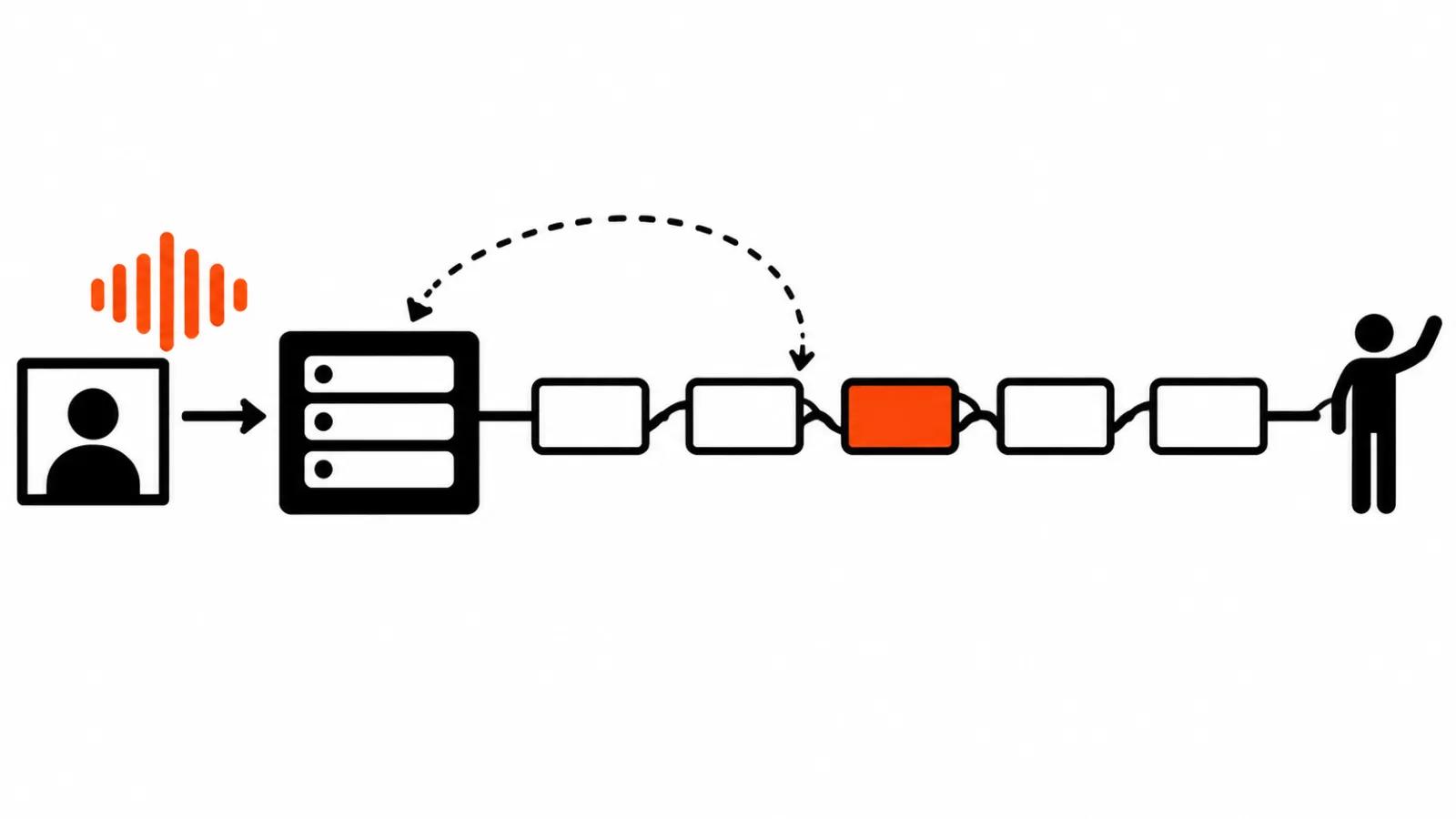
Bringing a photo to life with a voice: inputs and outputs
The input is simple. One photograph, waist up or full body, shot in even light. Then the voice track: the model does not create it, audio arrives finished, and speech synthesis is somebody else's tool.
The whole body moves. Head, shoulders and hands work with the face, and in the demos the person shifts weight, gestures and turns their torso. Against ordinary lip sync that is a visible difference, since there only the face mask animates and the body stays a still image.
The prompt sets the scene and the manner: ask for a calm delivery, hands on the desk, eyes on the lens. Control is coarse, which is fine for a twenty-second ad.
Output runs at 25 frames per second, SD or HD, with the aspect ratio of the reference frame. Long speech is generated in 5-second chunks, so a two-minute monologue means twenty-odd passes and as many joins.
The project page shows examples in other languages, cartoon characters, animals and longer clips. The languages are not a secret: the paper describes training on captions in English and in the team's own language.
Speed: about three hours per minute of video on one H100
The table reads slowly, and that is a normal order of magnitude for video diffusion. A minute of SD footage on one card takes around three hours. The same minute in HD stretches to roughly thirteen hours on the team's own numbers.
Eight cards change the picture: a minute of SD drops to a bit over half an hour. Renting eight H100s is not free either, and the bill covers the full loop with retries.
Retries will happen. Every video diffusion model ships rejects, and the rejection rate climbs with long speech: a face drifts here, a hand passes through a table there. Real cost per usable minute runs one and a half to two times the table figure. That is my read from neighbouring models, since the team publishes no such numbers.
| Setup | Seconds per second of video |
|---|---|
| SD, one H100, 46 GiB peak | 189 |
| HD, one H100, 55 GiB peak | 773 |
| SD, eight H100s | 32 |
Quality, rights, and the language question
Quality is so far backed only by the team's own tests. There are no independent runs and no blind comparisons, and the 5.4x figure is their own measurement. The demos look decent, and demos are always cherry-picked.
Training used a large set of clips captioned in English and in the team's home language, with about 1.17 million clips cited in the paper. For anyone working outside English that matters: most open avatars arrive from English datasets and fall apart on other sound inventories.
The authors ask people to use footage only with the consent of the person shown, and not to pass the output off as a real recording. The request is on point, because the tool already produces convincing video from any face with a single photo.
We looked at the real-time avatar built on local hardware earlier: that one runs with sub-second latency and serves a different job, a live conversation instead of a recorded monologue. Our rundown of avatar services covers the subscription side, with minute caps and house rules on faces.
My take: a studio tool for rented GPUs
The good news is freedom. Your own avatar with no subscription, no minute caps and no faces sent to somebody else's cloud: weights on your disk, generation on your card. For people who record training videos and will not hand over biometrics, that changes the rules. The language coverage matters too, since local markets have been stitching avatars together from English-only datasets.
The bad news is the hardware. 39.8 GiB of weights, 55 GiB of peak memory in HD and three hours per minute of SD output add up to a studio desk with rented GPUs. This will not become a phone button, and that separates it from the subscription tools.
The business maths is simple. While you need one video a month, shooting it or buying a service costs less than keeping a card busy. When the frame needs a person reading the company's own script, the talking avatar from a single frame covers it: we build those videos end to end, from frame selection to voice and edit. The other route, AI video production on a script, fits when the avatar is one element of a scene.
Third point: we have a separate piece on Kandinsky 6 for video, and S2V complements it wherever a talking person has to be on screen. One frame, one voice, one prompt: that set shows what the model can do, and the work on audio and editing starts right after.