What is inside the subscription
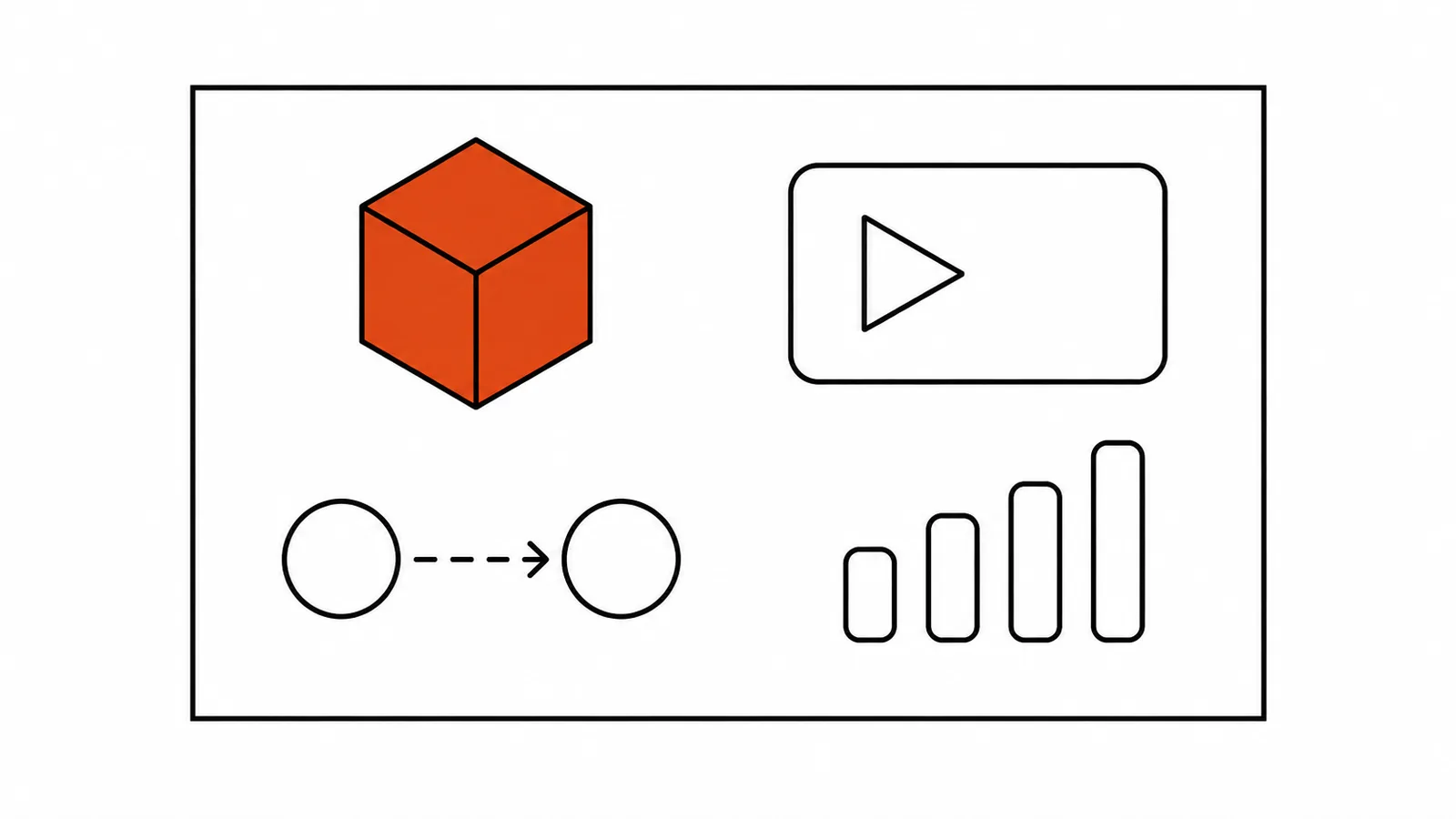
Maxon Plus is a separate cloud subscription. It is not part of Maxon One, and no other Maxon subscription is required to buy it. Four services ship at launch: Model Generator, Clay Builder, Texture Generator and Maxon Review. The first three handle geometry and materials, the fourth handles sign-off.
Maxon does not publish the subscription price. You pay in credits, with Starter, Creator and Pro packs that each carry a monthly allocation. The allowance and the fact that it does not roll over matter more than the sticker price at the moment of choosing, so credits get their own section below.
Three tools and where each one ends
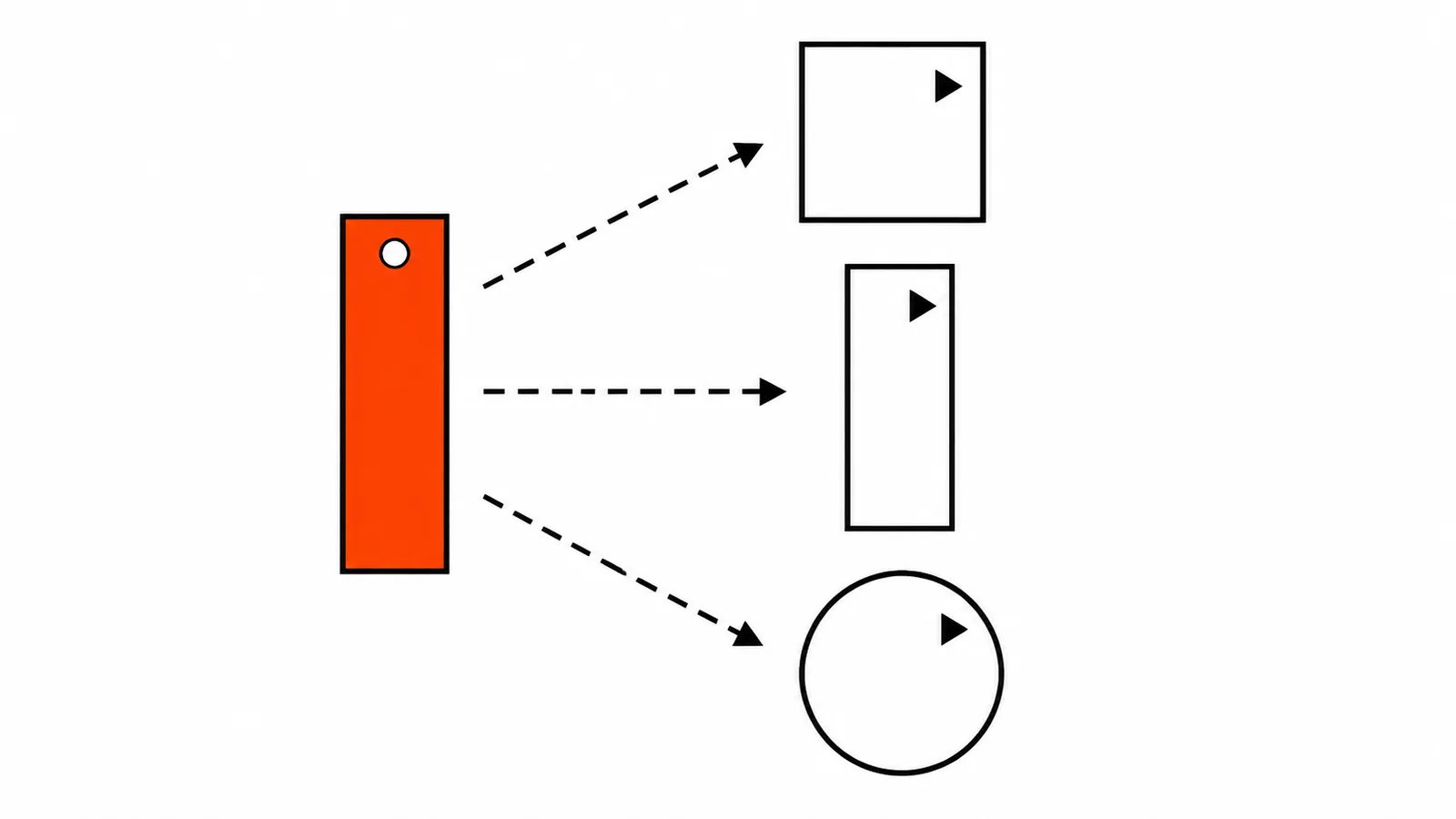
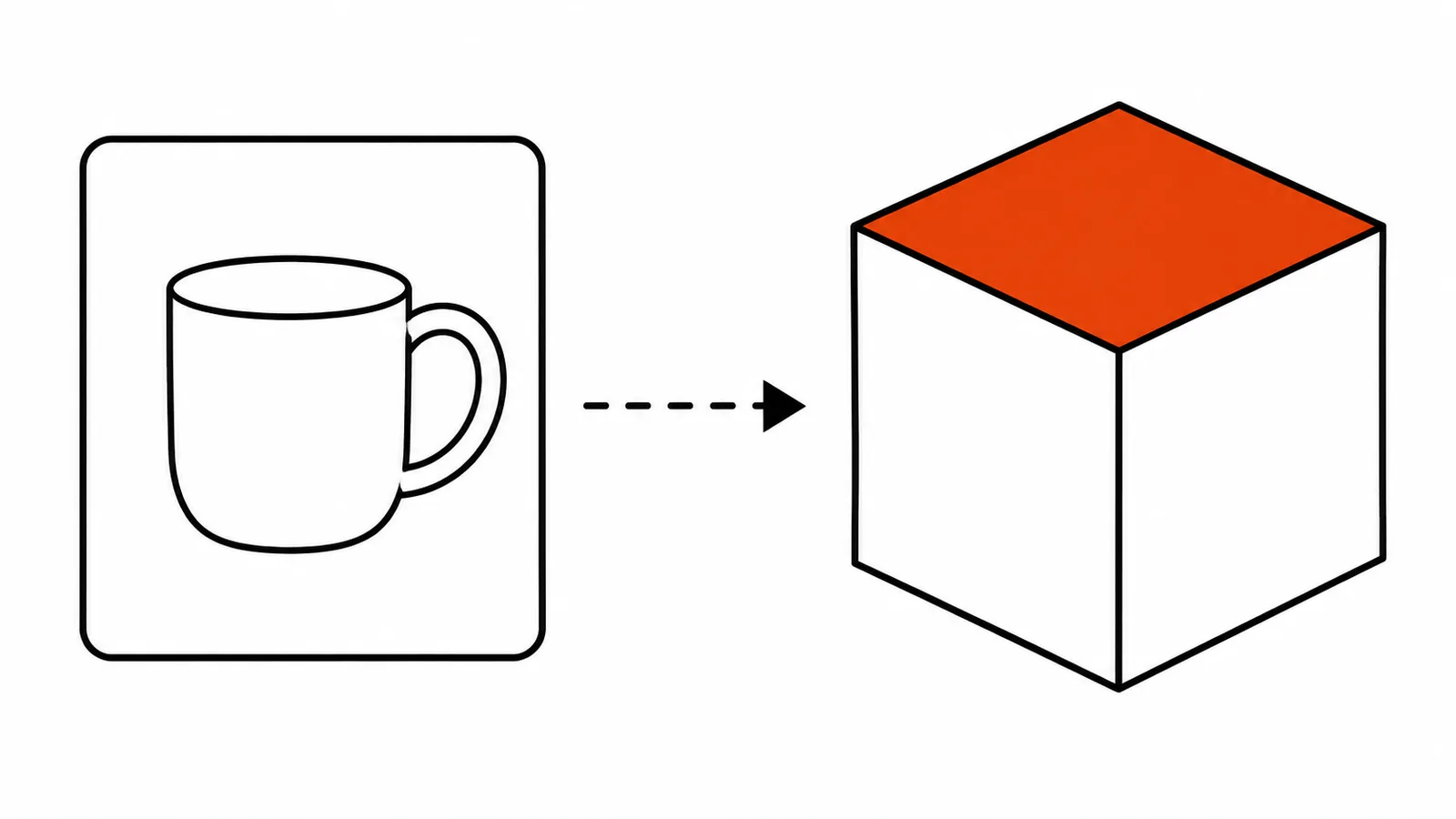
Model Generator takes a text prompt, a reference image or a browser sketch, returns several concept previews and builds a 3D model from the one you pick. It runs inside Cinema 4D 2027.1 or later and on the web.
The settings on that step: optional PBR materials with textures up to 8K, extra front, side and three-quarter views to keep results consistent, triangles or quads, a target polygon count, and Remesh for clean topology. The credit cost appears on the button before a step runs, so an expensive attempt is visible up front. The finished model arrives in Cinema 4D as a native object, which means it is refined like any other object in the scene.
Texture Generator builds new surfaces for a finished model from a description or a reference, with adjustable camera angles. It generates UVs that are valid in Cinema 4D by default or keeps the existing layout. The caveat comes from Maxon itself: the tool does not replace manual cleanup of UVs and textures for final production. What you get is a material good enough for preview and for further work, while the final unwrap still gets checked by hand.
Clay Builder produces a simple, untextured base mesh for sculpting, in the browser or in ZBrush for iPad. Maxon separates the two cases on its own page: Clay Builder as a starting point for sculpting, Model Generator as a finished model. When a shot needs a sculpted form, starting from a blank mesh and sculpting it is cheaper than asking the generator for final geometry.
All three tools run on third-party AI providers managed by Maxon, so no separate account with a provider is needed.
Commission a 3d model or generate one
For commissioned video the benefit is narrow and clear: you need an object in frame. A product, packaging, a simple set piece. In those scenes geometry has to be accurate and deadlines are short, and a blockout from a prompt saves hours on the first pass.
Then the limits show up. A model from a prompt is almost never ready to shoot: topology drifts, scale needs checking, and UVs need cleanup after generation. Maxon says as much in the Texture Generator description. Expecting a final asset from Model Generator is the wrong expectation.
The honest read on the tool is simple. It removes the dullest part: hours of blockout geometry and the first concepts that were going to be thrown away anyway. Everything about clean geometry and materials for a close-up stays human work. When a project is a full build of its own, the logic differs, and there is a separate guide to 3D animation production for that case.
Maxon's CEO Dave McGavran drew the same line in a conversation with Creative Bloq: he wants to hand AI "some of the busy work or repetitive, technical aspects" and leave the artist in their "artistic zone". Translated to a video job: the generator makes the draft, the artist owns the frame.
Review in a browser instead of screenshots in a chat
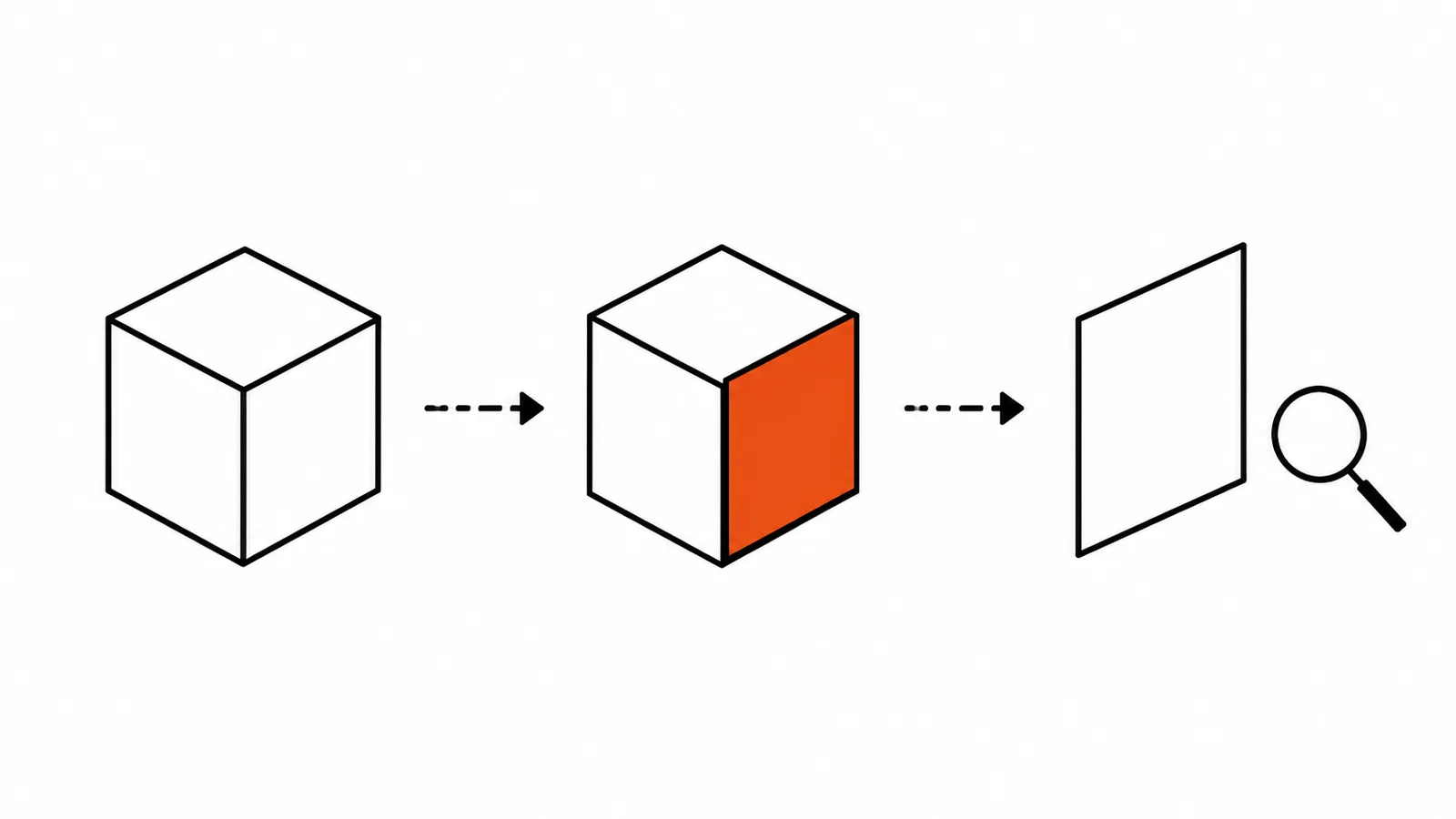
Maxon Review opens as a public preview inside the Maxon Plus web app. A reviewer clicks any part of the model and leaves a comment, draws on top of it, records a voice note, mentions a colleague and marks a note resolved. Beyond comments, the reviewer opens the object tree, isolates parts, inspects materials, textures and UVs, switches lighting and measures the model. Review also accepts stills and video.
Versions stack automatically: every upload is saved as a new version, comments stay in place, and two versions can sit side by side, compared with a slider or an overlay. For a video job that matters more than it sounds. A note like "move the logo on the packaging" stops being a screenshot thread and becomes a marker on the model itself.
Publishing happens from the apps: Cinema 4D and ZBrush send work through the built-in Review panel, because .c4d and .zbr files cannot be uploaded directly. GLB, FBX, OBJ and USD files upload to Review straight away, so handoffs between scenes happen in the same place.
Access is configurable: a password on the link, an expiry date, permission to download. Viewing a link is free, and commenting needs only a free Maxon account. You can invite viewers, commenters and editors without a limit, and Review previews do not consume credits.
Credits and data before you buy
Credits are the only way to pay for generation. Starter, Creator and Pro packs differ in their monthly allowance, the balance does not roll over, and packs stack. A job cannot be cancelled once it starts. When Maxon or the provider fails on their side, credits are returned automatically.
Your data is not used to train models. Maxon Plus and the AI features can be turned off on an account, and a Teams administrator can block them for the whole team. Cloud rendering is promised for later, first for Cinema 4D on iPad.
Two practical conclusions for a studio. First, the credit allowance is planned per project, because the leftover expires. Second, the account-level AI switch is worth checking before a client file goes into the generator.
When it pays off on a video job
The scorecard is short. It pays off where a shot needs an object in frame and the client keeps asking for tweaks: packaging, product, simple set dressing, with feedback about material or proportions. It also pays off in previs, when a client needs to see how a scene reads before anything is rendered. That pairs well with a 3D set for shooting built once, where geometry lives in one place while light and camera get checked in the preview.
It fits worse where the frame needs a person with a face and expressions, character animation and acting. In those shots a generated 3D model covers a different slice of the work, and the path to a finished frame gets longer.
Third case: the volume is big and repetitive. Then it is cheaper to commission a 3d model once and cut shots from a reusable asset than to generate every object again for every shot. Handcrafted videos tend to work this way more often than through generation from scratch, because an asset lives in a project for months and travels from one video to the next.
For commercial work the conclusion is brief. Maxon Plus shortens the road to a draft and to client sign-off, while the final asset still gets assembled by hand and checked at delivery. The subscription saves hours, and the artist stays at the finish.